
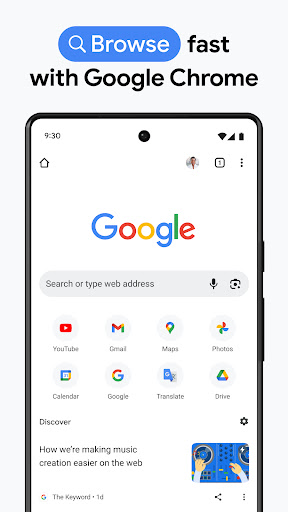



Chrome on mobile is the same browser most people already use on desktop, and that’s really the point. If you’re in the Google ecosystem, signing in syncs your bookmarks, open tabs, saved passwords, and autofill data across your phone, tablet, and computer without any real setup. That kind of cross-device continuity is still Chrome’s biggest selling point, and it works reliably in practice, not just on paper.
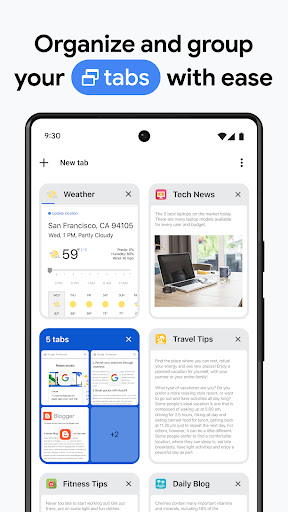
The everyday browsing experience is fast and stable. Pages load quickly, tab groups actually help if you’re the type who keeps 30 tabs open, and Google Lens integration for searching what’s on your screen or in your camera is genuinely useful more often than you’d expect. Password Manager and Safety Check are solid additions too, flagging weak or breached passwords without needing a third-party app.
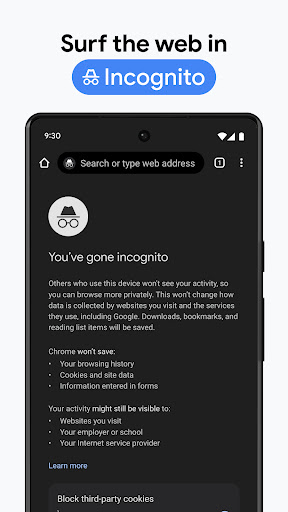
The downsides are the same ones Chrome has had for years. It’s a memory hog on lower-end Android phones, and battery drain is noticeably worse than lighter alternatives like Firefox Focus or Samsung Internet. Google’s data collection is also baked into the experience — if you’re privacy-conscious, Enhanced Protection Mode helps but doesn’t fully offset the fact that this is Google, and your browsing habits feed back into its ecosystem one way or another.
There’s also not much reason to switch to Chrome if you’re not already using Google services heavily. iPhone users in particular may find Safari does the sync-and-autofill job just as well with less overhead. But for Android users or anyone deep in Gmail, Docs, and Google search, Chrome remains the default for a reason — it’s not exciting, but it’s dependable.



