
What Pinterest Actually Does
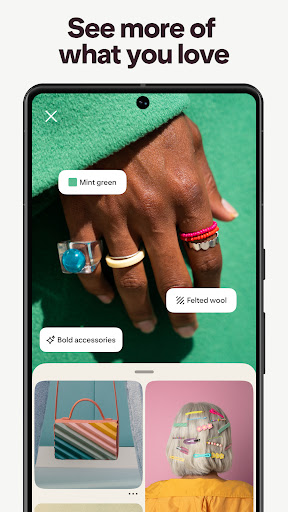
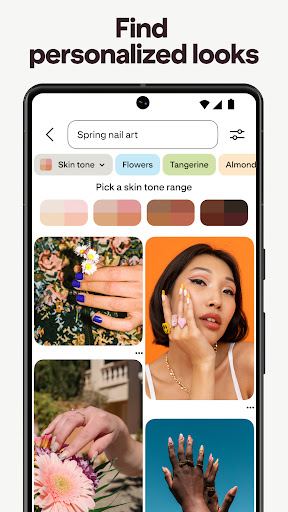
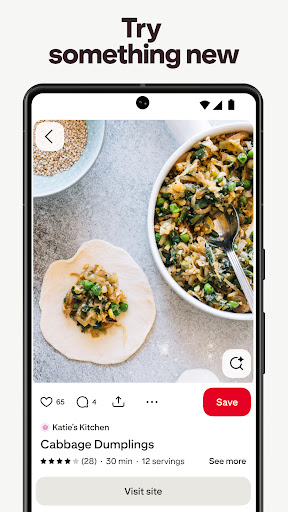
Pinterest is a visual discovery app where you search for ideas—recipes, outfits, home decor, DIY projects—and save them to boards for later. It has been around for over a decade and built its reputation as a digital scrapbook for planning weddings, redecorating apartments, or just collecting inspiration during a lazy scroll. The core idea still works: type in a vague concept and get a wall of images back, many linking to blogs, shops, or tutorials. It’s aimed at anyone who likes to plan visually rather than through lists or bookmarks, and it remains genuinely useful for that specific task.
Where It Still Shines
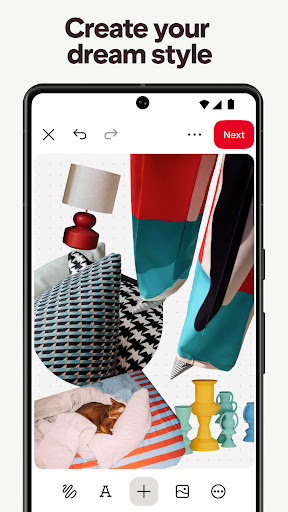
When the app works as intended, it’s still a strong tool for discovery. Long-time users describe how good the algorithm used to be, and for many searches it still surfaces niche artists, unique projects, and ideas you would not find through a regular search engine. Creating boards and saving pins is straightforward, and organizing collages or collections of inspiration is still one of the better implementations of that idea on mobile. For users who stick to specific, narrow searches, the core browsing experience can still deliver.
The Ad Overload Problem
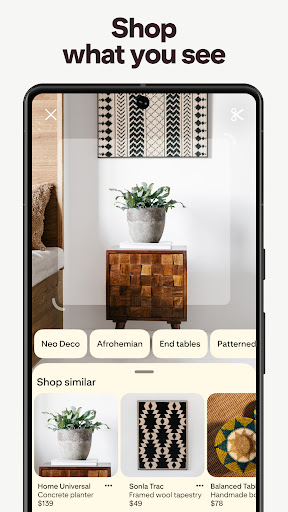
The most consistent and heavily-repeated complaint across reviews is the sheer volume of advertising. Multiple reviewers describe feeds where ads outnumber actual pins, with one user counting at least one ad visible on screen at all times and two to four ads for every three to four real pins. Others say search results have shifted almost entirely toward shopping links rather than inspiration, even when they explicitly say they want ideas, not products to buy. Attempts to hide ads or tell the app not to show certain content reportedly only help for a short period before the feed reverts. For an app that built its identity on discovery, this shift toward a shopping-first feed is the single biggest source of frustration.
Lost Features and New Annoyances
Beyond ads, users point to specific functionality that got worse or disappeared. The removal of the notes feature is called out directly as a loss, since notes were apparently valuable for annotating saved recipes and ideas. Image display has also become a sore point: tall pins now get cropped down so aggressively that details become unreadable, and tapping to zoom reportedly jumps to the top of the image instead of letting you scroll through it naturally. There’s also a reported UI annoyance where downloading a pin triggers a share pop-up, leading to pins being accidentally sent to other people. On top of that, the notification section is described as broken for extended periods, with alerts that don’t match what’s actually happening in the app.
The AI Content Concern
A newer complaint centers on AI-generated art flooding the feed. Long-time users who valued Pinterest specifically for discovering real artists and original work say the growing presence of AI content is making the app harder to use for that purpose, since it dilutes the kind of authentic, human-made inspiration that built the platform’s core audience in the first place.
Who Should Download This
If you want a casual browsing app for quick visual inspiration and don’t mind wading through heavy advertising and shopping-oriented results, Pinterest still functions, and the download numbers show it remains hugely popular. But if you’re a returning user who remembers the app from years ago, expect a real adjustment: the ad load, the loss of notes, the image cropping issues, and the rise of AI content have changed the day-to-day experience significantly for people who used it for deep, ad-free discovery. New users with modest expectations for a shopping-adjacent mood board app will likely get more out of it than nostalgic long-timers hoping for the old experience back.