What This App Does and Who It’s For
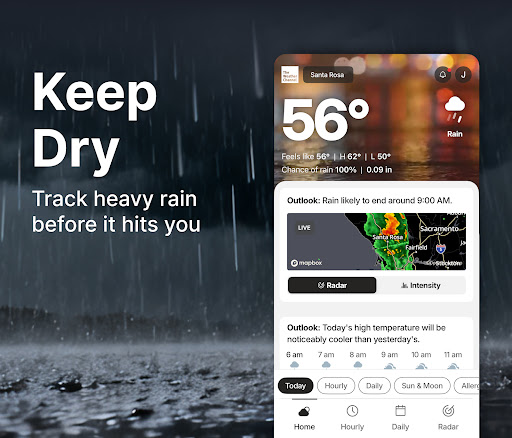
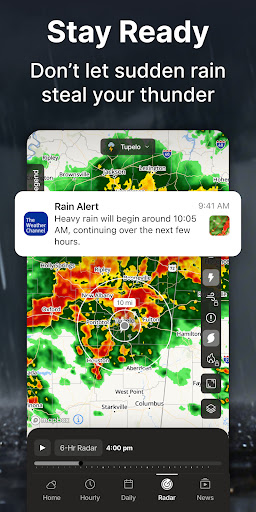
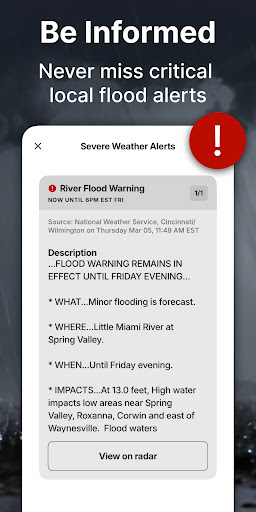
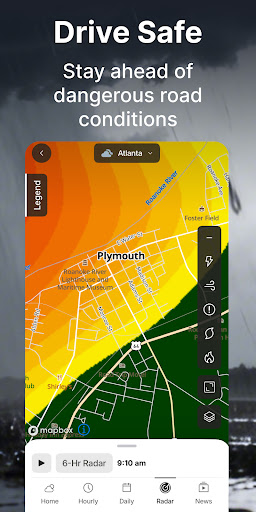
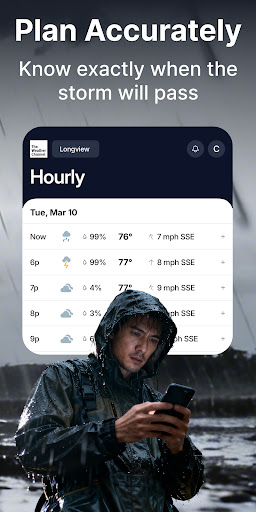
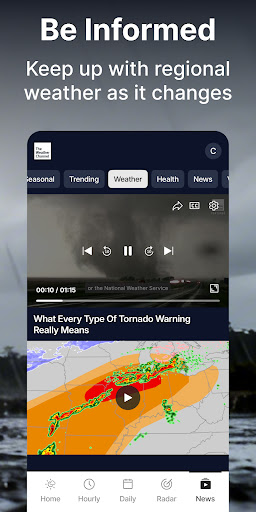
The Weather Channel – Radar is a forecasting app built around live rain radar, severe weather alerts, hourly and 15-day forecasts, an allergy and air quality tracker, and a home screen widget. It’s aimed at anyone who wants a one-stop weather app with storm tracking baked in, from casual users checking if they need an umbrella to people who live in areas prone to severe storms and want advance warning. A Premium tier strips out ads and unlocks 15-minute forecast detail and advanced radar for people who want a more precise, uncluttered experience.
Where It Actually Delivers
When it’s working as intended, the core promise holds up: the radar and severe weather alert system are genuinely useful for tracking incoming storms, and the widget puts hourly conditions right on your home screen. Reviewers who like the app point to the redesigned interface as a nice touch, and features like the ‘Feels Like’ outfit guidance and 24-hour future radar add practical value beyond a basic temperature readout. For users who just want quick daily forecasts and don’t run into the bugs described below, this is a fully-featured app that covers rain, snow, allergies, and air quality in one place.
The Location and Reliability Problems
The most common complaint is that the app no longer respects a user’s actual location. One reviewer described losing the ability to set their neighborhood as the default location after an update, with ‘current location’ failing to update when they’re at home. Others report the radar simply not loading at all – a blank screen even after clearing cache, updating, and restarting the phone, which is especially frustrating during an active storm. Widget and lock screen temperature updates have also stopped working for some users, with the app stuck on a spinning loading circle instead of showing current conditions.
Ads, Notifications, and Privacy Concerns
Multiple reviewers say the free version has become overloaded with ads, including full-screen pop-ups that are hard to dismiss, to the point that one described the app as ‘more ad than weather.’ There’s also a serious complaint about the app selling location data to advertisers, with the user only finding out because their phone flagged it – not because the app disclosed it clearly. On top of that, notification problems are common: alerts for unrelated, unsaved locations keep showing up for some users, and attempts to turn off unwanted notifications through settings reportedly don’t stick.
Widget Design Gripes
Beyond functional bugs, there’s dissatisfaction with the widget’s visual design – one reviewer called it too ‘cartoony’ with no option for a clear background, and said a recent update shrank the font so much that reading the temperature became difficult on their Samsung widget.
Who Should Actually Download This
If you want a feature-rich weather app and are willing to pay for Premium to avoid ads and get more reliable extras, this app can work well. But if you rely on accurate default location detection, glitch-free radar during storms, or want to avoid aggressive ads and notification issues, the recent update problems described by multiple users are worth taking seriously before you install it. Casual users in stable, well-covered areas will likely have a smoother experience than those relying on hyper-local storm tracking.