


What This App Actually Does
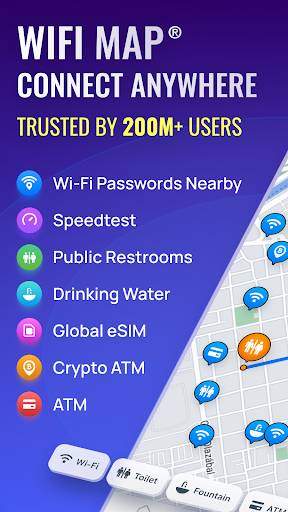
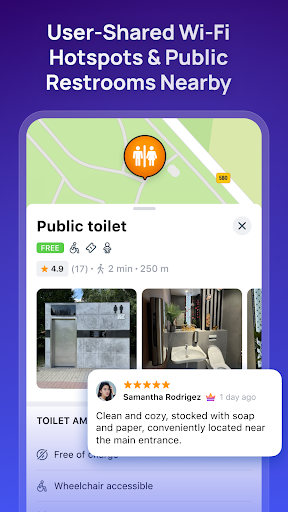
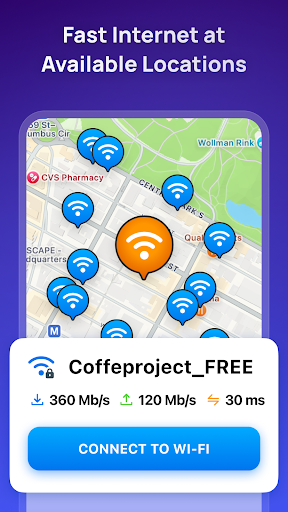
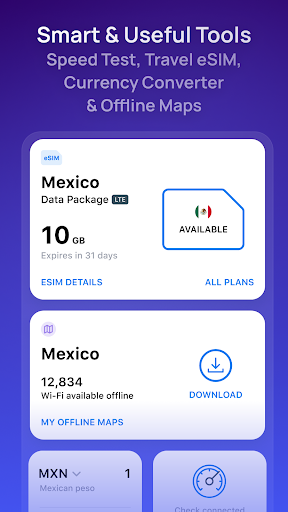
WiFi Map is a crowdsourced database of Wi-Fi hotspots and passwords, layered on top of an offline map, with extras like a wifi analyzer, speed test, currency converter, tip calculator, world clock, and a toilet finder. There’s also a paid eSIM option offering data packages (1GB to 10GB) for use in over 70 countries, aimed at travelers who don’t want to rely on a local SIM. It’s built for tourists, backpackers, and anyone who wants to avoid roaming charges by finding free internet instead of paying for it.
Where the Crowdsourcing Model Shines
When it works, users genuinely appreciate it. Several reviewers mention loving the concept of a user-maintained hotspot map, and one 5-star review calls it helpful even before actually connecting to any hotspot listed. The idea of pooling password data from millions of users is the app’s core appeal, and in areas with active contributors, it can save you from hunting for a login screen at a cafe or hotel lobby.
The Data Reliability Problem
The same crowdsourcing model is also the app’s biggest weakness. As one reviewer with over a thousand helpful votes put it, the database depends on people who move, change routers, or update passwords, so public hotspots tend to stay accurate longer than private ones. Multiple 1-star reviews back this up with harsher specifics: one user in a densely populated metro area found no Wi-Fi listed within a mile, and another said the app ‘cannot detect wifi in my surroundings’ and only shows a location pin that leads nowhere useful once you tap it.
Ads Are a Recurring Complaint
Beyond data accuracy, ad volume is the most repeated frustration in real reviews. One user described being asked to rate the app less than ten seconds after opening it, before they’d used a single feature. Another said the map itself is barely visible between header ads, footer ads, and popups. A separate 1-star review claims every single action triggers an unskippable ad, calling the app ‘unusable’ as a result. This pattern shows up often enough that it’s clearly not an isolated bug but a core part of the free experience.
Offline Access Is Limited
Despite marketing offline maps as a feature, at least one 5-star reviewer pointed out the frustrating catch: the app largely requires an internet connection to function, which defeats the purpose when you’re traveling somewhere without service and need offline access most. If you’re counting on this app to bail you out in a dead zone, that’s a real limitation to know about upfront.
Who Should Actually Download This
WiFi Map is worth trying if you’re traveling to a dense urban area with an active user community and you’re willing to tolerate heavy ads for occasional free Wi-Fi passwords. It’s less useful in rural or less-populated areas, where multiple users report sparse or missing listings. If ad-heavy free apps frustrate you, or you need reliable offline functionality, this may disappoint. The eSIM feature is a separate paid product worth evaluating on its own merits rather than as a reason to download the free app.