
What This App Does and Who It’s For
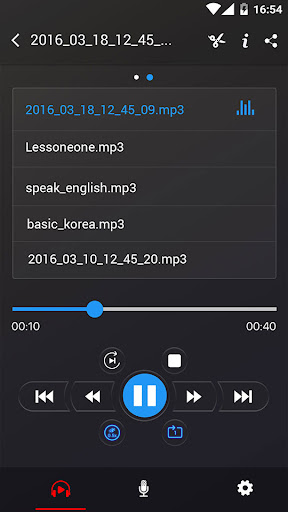
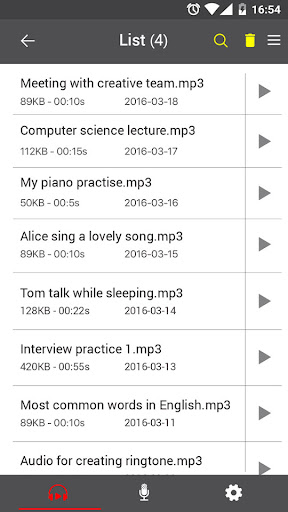
Voice Recorder is a no-frills audio capture tool for Android that does exactly what its name suggests: it records sound and lets you play, share, or delete the files afterward. It targets people who need a quick, dependable way to capture meetings, lectures, interviews, or musical ideas without dealing with subscriptions or complicated settings. There’s no time limit on recordings, and files save as MP3 or OGG, which makes sharing over email, SMS, WhatsApp, or Dropbox simple.
Given the install base and review volume, this is clearly a go-to option for a huge number of Android users who just want a basic recorder without hunting through the Play Store for alternatives.
Recording Quality in Real-World Use
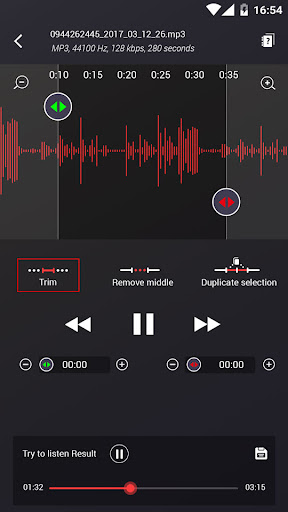
The standout strength users keep mentioning is sound quality. One reviewer described picking up background TV audio from several feet away alongside a singer’s voice three feet from the phone, with both coming through clearly. Another user records interviews and official meetings by simply placing the phone on a table, noting it picks up conversation even from a neighboring table and holds up through two-hour sessions with the screen off. Musicians also praise it for capturing guitar, piano, and vocal demos with better fidelity than expected, and the ability to trim recordings is called out as genuinely useful for editing quick takes.
Interface and Everyday Usability
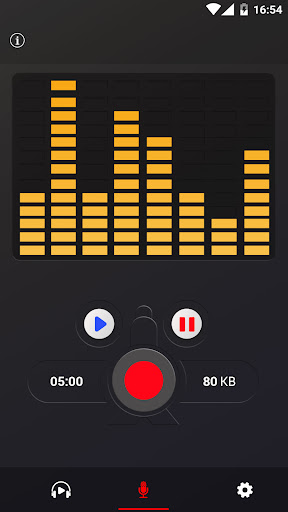
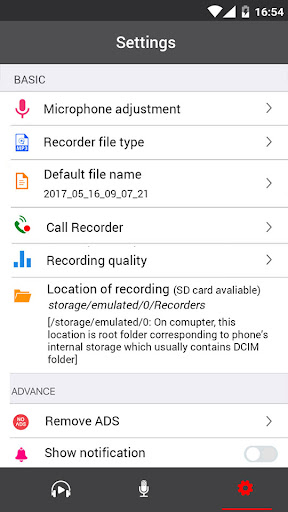
Multiple reviewers highlight how straightforward the app is: open it, hit the button, and you’re recording. There’s no registration or account setup involved, which reviewers explicitly appreciate compared to more complicated apps. Small touches get praise too, like the gentle pop-up notification when recording starts or stops, the notification bar status, and the rename dialog that appears after each recording finishes. The gain calibration tool and adjustable sample rate (8-44 kHz) give a bit of control for users who want it, without cluttering the main interface for those who don’t.
Where It Falls Short
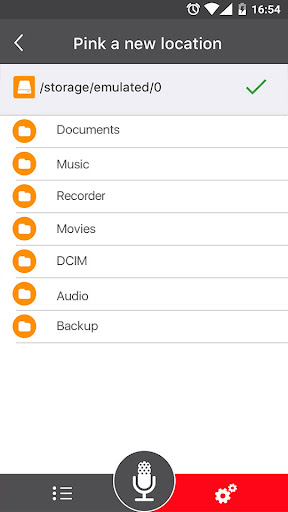
The most serious complaint is reliability during long recordings. One user who had previously left a 5-star rating reported that a recording showing a full 26-minute duration actually only contained one or two minutes of usable audio after playback, meaning the timer and the actual captured sound didn’t match. Others warn that leaving recordings idle too long can cause the app to time out, though it does still save in that case. There’s also a note that the app may keep running in the background after being closed and could serve ads afterward. Storage filling up quickly from saved recordings is another practical annoyance mentioned by a longtime user, who recommends managing files rather than letting them pile up.
Final Verdict
For casual recording needs, quick voice memos, or musicians capturing demo ideas, this app delivers solid audio quality and an interface that genuinely lives up to its ‘simple and easy’ claim. But if you’re recording something irreplaceable, like a long meeting or lecture, the reports of playback cutting short despite an accurate-looking timer are a real risk worth taking seriously. Test it on something low-stakes first before trusting it with anything critical.



