

What This App Actually Does
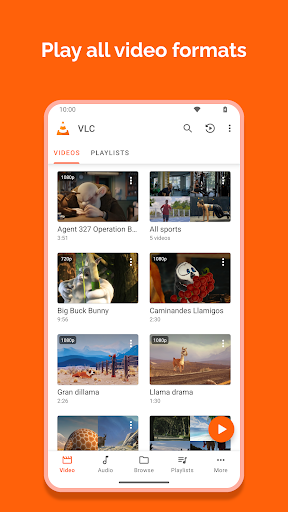
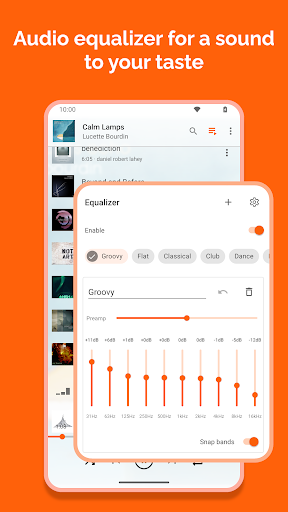
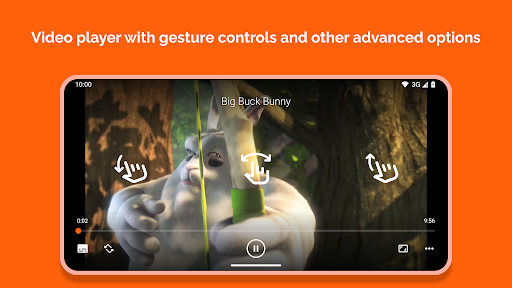
VLC for Android is the mobile version of the desktop media player everyone already knows, and it does exactly what it says: plays nearly any video or audio file you throw at it, with no separate codec packs to hunt down. It handles MKV, MP4, AVI, MOV, FLAC, TS, M2TS and more, plus DVD ISOs, network streams and shared drives. It works as both a video player and a full audio library manager, complete with an equalizer, subtitle support, and gesture controls for volume, brightness and seeking. Anyone who has a messy folder of downloaded videos or music in odd formats is the target user here, not people looking for a slick streaming-service style app.
Where It Genuinely Delivers
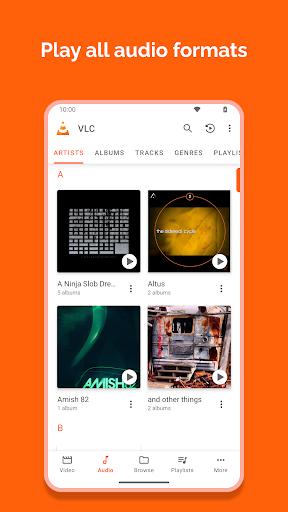
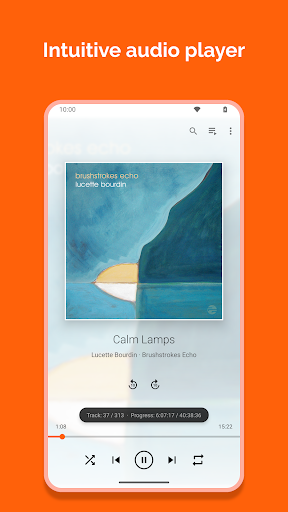
The core promise holds up: format support is excellent, and multiple reviewers confirm it works reliably as a local audio player, organizing tracks by artist, album or year and pulling in cover art automatically, which several users say makes it their only music player on the phone. It’s also praised as one of the best options for watching local video files, with equalizer, subtitle search and sync, and playlist creation all included. The 4x playback speed trick some users mention (nudging the slider to 4.03 then back down) shows people are actively using the fine-grained playback controls, even if it takes a workaround to get certain speeds to stick. Being completely free with no ads or in-app purchases is a real strength that’s rare in this category, and it’s confirmed directly by user experience, not just the store listing.
The Annoyances That Show Up in Daily Use
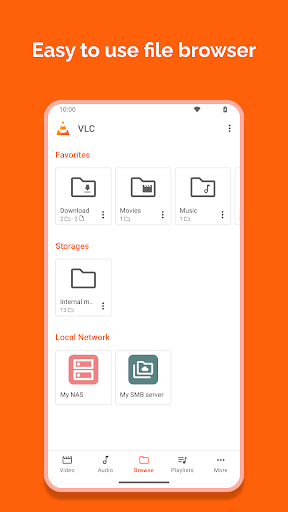
The most common complaint is library-related. One long-time user says the resyncing problem has gotten worse over two years, with the app rescanning files every other time it’s opened and the playlist feature becoming essentially useless while it waits to rediscover files. Another reviewer reports the app crashing outright whenever it tries to scan the media library, whether triggered automatically or manually, though playing files directly by browsing still works. The randomizer for music playback is also called out specifically: one user with over 700 songs says shuffle keeps cycling through the same 20 tracks instead of genuinely randomizing. On top of that, sorting is limited in the browse section, where you can only order by name; getting a date-based sort means switching to the dedicated video or audio sections instead.
Network Streaming Is Useful But Inconsistent
Network shares and drive access get positive mentions as a convenient feature, but performance isn’t always dependable. Users describe it as sometimes slow or behaving unpredictably when pulling media from a network source, which matters if you’re relying on VLC to stream from a NAS or home server rather than just playing files stored locally on the device. This is a secondary use case for most people, but if it’s your primary reason for installing the app, temper expectations.
Who Should Actually Install This
If you have a phone full of oddly-formatted video or audio files, want a proper offline music library manager with an equalizer, or need something that just plays whatever you give it without asking for payment or showing ads, VLC for Android earns its massive install base. It’s less suited to people who want a polished, bug-free library experience or heavy reliance on shuffle and network streaming, since those are the areas where recurring complaints show up. Given it’s free with no catches, there’s little downside to trying it, but go in expecting to occasionally deal with rescanning delays or an imperfect shuffle rather than a flawless experience.



