

What VivaVideo Actually Offers
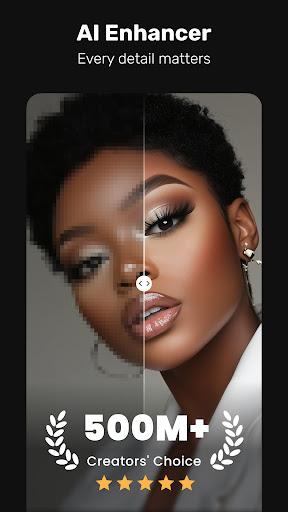
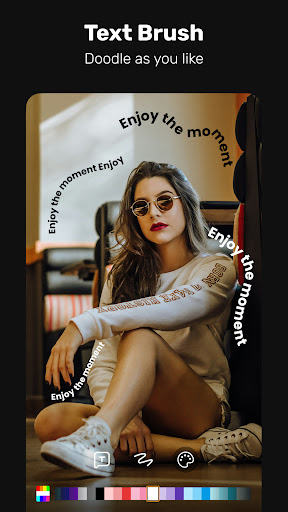
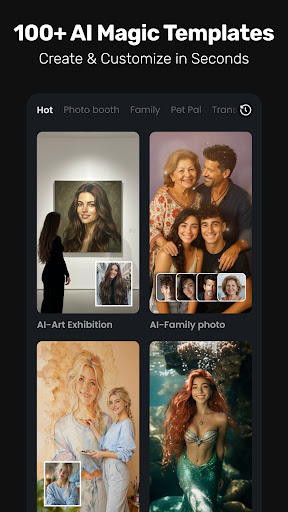
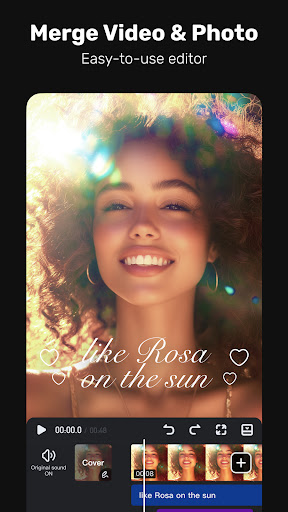
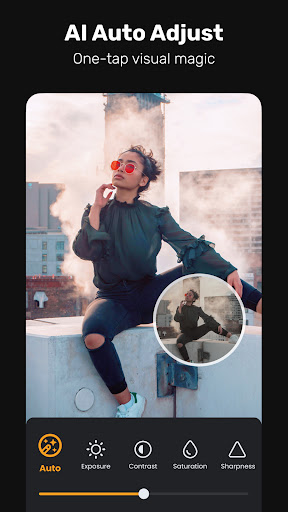
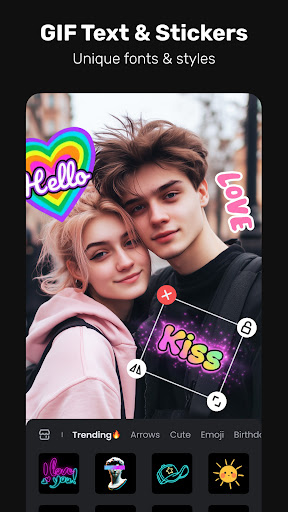
VivaVideo is a video editing app aimed at both casual social media users and more advanced hobbyist editors. The feature list is enormous: AI auto captions and translation, AI avatars powered by Veo 3, AI voice cloning, smart object tracking, keyframe animation, chromakey, masking, mosaic blurring, and a large music and sound effects library. It’s positioned as an all-in-one tool for creating Reels, TikToks, and YouTube content, with the promise of being simple enough for beginners while offering enough depth for pros who want layered edits and cinematic effects.
On paper this is one of the more feature-dense editors in the Play Store and App Store, covering everything from basic trimming and merging to AI-generated music and image-to-video animation. For someone who just wants to slap together a slideshow with transitions and music, or someone who wants to experiment with AI-driven effects, the toolset is genuinely broad.
Where the Editing Tools Impress
When it works, users report that the actual editing experience is smooth. One reviewer with 69 useful votes called the app ‘amazing,’ praising how easy it is to edit each slide individually, reorder photos and videos, and add music without much hassle. Another long-time user noted that for slideshow-style projects specifically, the transition options between photos and the ability to extend duration up to 10 seconds per slide made it a ‘fantastic tool.’ These comments suggest the core slideshow and basic-clip editing functions are intuitive and visually polished, which matches the app’s claim of being beginner-friendly.
The Recurring Problems That Frustrate Longtime Users
The most damaging pattern in user feedback isn’t about missing features — it’s about the app changing under paying customers’ feet. Multiple reviewers describe purchasing watermark removal or video-length upgrades in the past, only to find a later update reintroduced watermarks, added new length restrictions, or switched the entire interface to Chinese with no way to change the language back. One user with 429 useful votes said this happened right after they’d already paid to remove watermarks, and their previous purchase wasn’t restored. Another reviewer says they’ve paid for the same ‘upgrade’ at least three separate times since 2016 because QuVideo kept changing the terms from one-time purchases to recurring subscriptions.
Billing complaints are also common and specific. One user was charged the full subscription price despite canceling within the advertised 3-day free trial window, in an emotionally difficult moment (editing a video of a recently deceased parent). Another paid $50 on top of a previous purchase only to find core functions like adding their own music no longer worked as expected. There are also reports of the app losing finished work entirely — one user described spending significant time cutting a 1.5-hour video down to 22 minutes, saving it as a draft, and then being locked out of editing it further, with reinstalling the app three times failing to fix it.
Who Should Actually Consider Installing This
If you want a simple slideshow maker with good transitions, background music, and basic trimming, and you’re willing to stay entirely within the free tier without expecting long-term consistency, VivaVideo can deliver a decent result quickly. The AI features — auto captions, voice cloning, AI avatars — sound appealing on paper and may work fine for one-off casual projects.
But this is not an app to trust with a paid subscription, a long-term project, or anything you can’t afford to lose. The pattern of reintroduced watermarks after payment, language lockouts, shifting subscription terms, and drafts becoming uneditable is too consistent across multiple reviewers over multiple years to dismiss as isolated bugs. Casual, free, short-session use seems to be where VivaVideo performs best; anyone considering a VIP purchase or planning a lengthy edit should go in with low expectations and save backups constantly.



