

What This App Actually Does
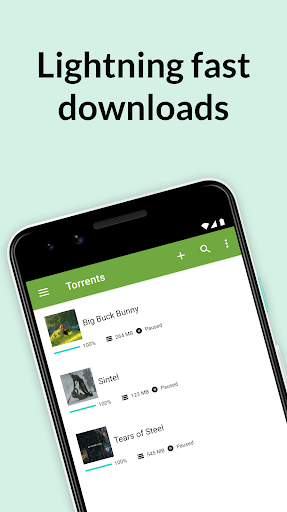
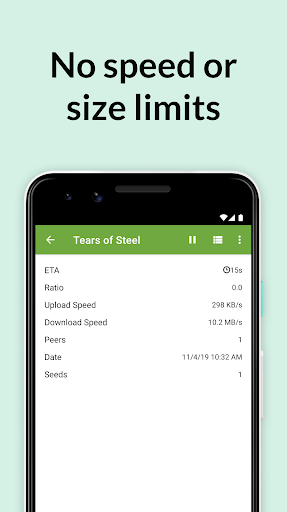
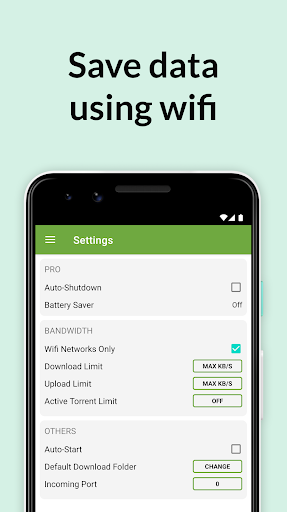
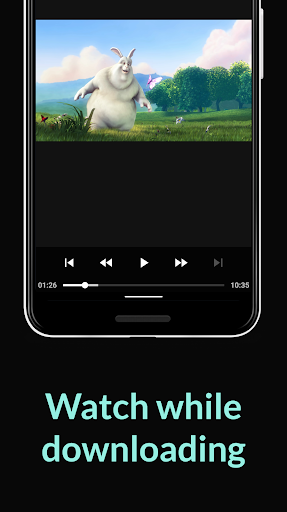
uTorrent for Android is a BitTorrent client that lets you download torrent files and magnet links directly to your phone or tablet, then plays back the downloaded music and video with a built-in media player. It’s aimed at people who already know what torrenting is and want a mobile-friendly way to grab files without a desktop computer. Features like Wi-Fi-only mode, choosing a download location, and picking specific files within a torrent to save storage space are all present, and the app markets itself as having no speed or size caps on downloads.
Where It Still Delivers
When it works as intended, users report genuinely fast results, with one reviewer downloading a 1.3GB film in under five minutes. Long-time users describe the core torrenting engine as historically excellent, comparing it favorably to other trusted file utilities. The ability to select individual files inside a torrent rather than downloading the whole batch is a practical touch for saving phone storage, and playlist support for multi-file music torrents is a nice bonus for anyone downloading albums.
The Ad Problem That Overshadows Everything
The single biggest complaint across reviews is intrusive advertising that actively interferes with downloads. Multiple users describe fullscreen ads popping up mid-download that cannot be dismissed normally, forcing them to hit the home button and relaunch the app just to continue. Worse, several reviewers say the download itself pauses or stalls when these ads appear, with one user watching an estimated time remaining balloon from 18 minutes to an absurd ‘7y 13w’ after an ad interrupted the process. Even people who say they don’t mind ads in principle, since free apps need revenue, argue the placement is too aggressive and shows up on nearly every button tap rather than just at natural start and end points.
Interface Changes and Missing Options
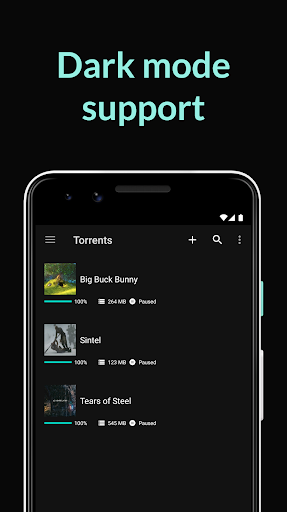
Beyond ads, longtime users are frustrated by UI changes that stripped out features they relied on. One reviewer misses the older ‘details’ view that showed downloading blocks and chunks in progress, along with a per-torrent pause button that was easier to access. Others ask for basic quality-of-life additions like sorting options, dark mode, and more advanced settings, and there’s confusion about why a paid ad-free version and a free version exist as separate apps without clear labeling. Some also report bugs around bandwidth limiting settings that cause cascading torrent failures and crashes.
Who Should Actually Download This
If you’re an experienced torrent user who wants a mobile client and can tolerate occasional ad interruptions, uTorrent still gets files downloaded quickly when it’s not misbehaving. But if reliability and an uninterrupted workflow matter to you, the reports of ads freezing or drastically slowing active downloads are a real risk, not just an annoyance. Casual users hoping for a clean, ad-light experience should think twice, and anyone considering the paid version should clarify upfront whether it actually removes the download-stalling ads, since some paying users report add-behavior even after paying.



