ThemeKit – Themes & Widgets

by ThemeKit

4.6 ★ 684K+ reviews
60M+ Installs
09/09/2022 Released
ThemeKit – Themes & Widgets icon
Personalization

ThemeKit – Themes & Widgets

by ThemeKit

4.6 ★ 684K+ reviews
60M+ Installs
09/09/2022 Released
Advertisements
ThemeKit – Themes & Widgets screenshot 1
ThemeKit – Themes & Widgets screenshot 2
ThemeKit – Themes & Widgets screenshot 3
ThemeKit – Themes & Widgets screenshot 4
ThemeKit – Themes & Widgets screenshot 5
ThemeKit – Themes & Widgets screenshot 6

Ratings Breakdown

4.6 ★★★★★ 684K+ ratings
5 ★ 82%
4 ★ 9%
3 ★ 3%
2 ★ 1%
1 ★ 5%

Data from Google Play at the time of writing.

What ThemeKit Actually Does

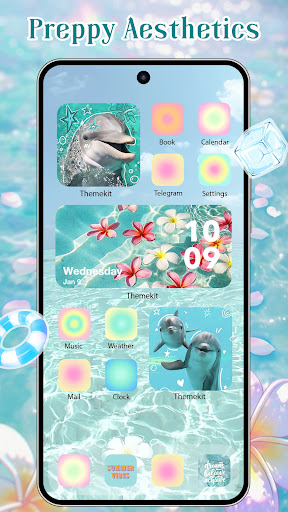
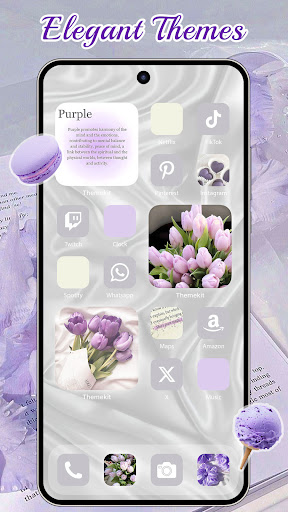
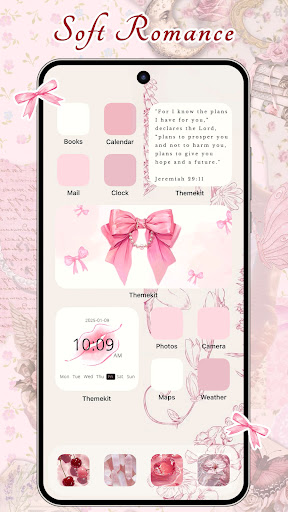
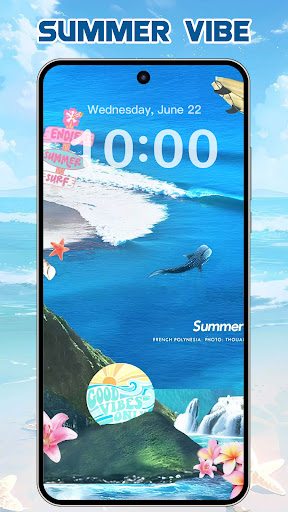
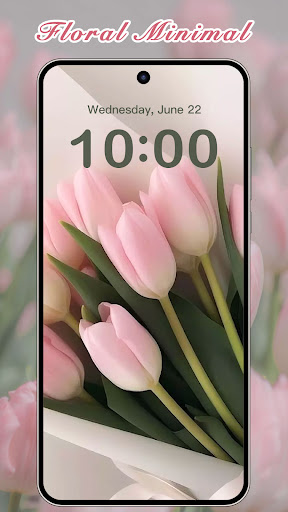
ThemeKit is an Android personalization app that lets you swap app icons, drop widgets onto your home screen, and set 4K wallpapers without needing a separate launcher. It bundles thousands of icons, themes, and widgets into one package, with a DIY option to build icons and widgets from your own photos. It’s aimed at people who like changing up their phone’s look often, especially fans of seasonal or aesthetic themes like Christmas, autumn, K-pop, or anime styles. Since it works as an overlay rather than a full launcher replacement, it plays reasonably well with Samsung, Xiaomi, Vivo, and Oppo phones alike.

Where It Genuinely Delivers

The core promise holds up: you’re not forced to buy coins or unlock full themes just to grab a widget or icon pack you like, and one reviewer specifically praised this flexibility. The library is large and updated frequently, so there’s usually something matching whatever trend or season you’re into. Users also note the interface is easy enough to navigate, and finding a theme you want isn’t a chore, which matters for an app whose entire value proposition is browsing and picking designs quickly.

The Ad Problem That Keeps Coming Up

This is the app’s biggest liability, and multiple reviewers hit the same nerve. One user reported watching over 40 separate 30-second ads just to change individual app icons, several with unmutable audio. Another counted roughly 23 ads for a single theme and called the volume of ads ‘ridiculous.’ Even users who paid coins specifically to skip ads said they were shown ads anyway, which is a trust-breaking complaint, not just an annoyance. A more recent update reportedly stretched ad length to a full minute while icons still failed to load properly afterward.

Visual Glitches and Odd Notifications

Several reviewers flagged a recurring cosmetic bug: small white boxes appearing in the corners of icons that don’t go away and, in some cases, cover parts of the artwork entirely, undercutting the exact aesthetic the app is selling. Separately, one user described unsettling notification text tied to widget images, including phrases like being told someone is following them, with the image hidden until clicked. That kind of notification copy feels manipulative rather than charming, and it’s worth knowing about before you enable notifications from this app.

Who Should Actually Download This

If you enjoy frequently refreshing your home screen and don’t mind trading time for free content, ThemeKit’s catalog size and no-forced-purchase model make it usable, and several users rate it 3-5 stars despite the friction. But if you’re ad-averse or expect paid coins to actually remove ads, the volume and length of ads described by multiple reviewers — plus icons that reportedly fail to load even after watching them — are real dealbreakers. Try it with low expectations for ad frequency, and keep an eye on those icon corner artifacts before committing to a full theme.


Pros

  • ✓Large library of icons, widgets, themes
  • ✓No forced coin purchases for content
  • ✓Easy to browse and find themes
  • ✓DIY icon and widget customization
  • ✓Works across major Android brands

Cons

  • ✕Extremely high number of ads
  • ✕White box glitches cover icons
  • ✕Paid coins don't always skip ads

What Real Users Say

Marley ★ 5/5

“Really good! You don't have to buy coins, and you don't have to buy full themes, you can use them just for the widgets or ect. I do wish that when you select an app for the icons, you could search apps and go into settings to make it appear a certain way, like custom order, alphabetical, etc. Another hing…”

👍 1,203 found this helpful
LeeLee ★ 1/5

“Not only did I have to watch an Ad for every single app icon I wanted to change (over 40 different 30 second ads, most with unmutable audio....not happening), but also, once installed, the icons had some sort of obtrusive, white square on the top corners of them for some reason, that would NOT go away. Absolutely a huge waste…”

👍 769 found this helpful
Daisy C ★ 1/5

“Overwhelming amount of ads. I understand the app is free to use and ads are how you make money, but every single time I click on a theme or just open the app? On top of having to watch an ad per every singular button theme that you want. Which, for me was ~23 ads per theme. Ridiculous. Not to…”

👍 413 found this helpful

Reviews sourced from Google Play, selected by helpfulness at the time of writing.

App Info & Permissions

Developer ThemeKit
Content rating Teen
Contains ads Yes
In-app purchases $0.29 - $34.99 per item
Installs 60M+
Released 09/09/2022
Price Free

Permissions this app requests

📷 Camera Take pictures and videos
👥 Contacts Find accounts on the device
📱 Device ID & call information Read phone status and identity
🪪 Identity Find accounts on the device
📍 Location Approximate location (network-based)
🎙️ Microphone Record audio
📞 Phone Read phone status and identity
🖼️ Photos/Media/Files Read the contents of your USB storage; modify or delete the contents of your USB storage
💾 Storage Read the contents of your USB storage; modify or delete the contents of your USB storage
📶 Wi-Fi connection information View Wi-Fi connections

Similar Apps

Frequently Asked Questions

1

What is ThemeKit - Themes & Widgets?

ThemeKit is an Android personalization app that lets you change app icons, add widgets, and set 4K wallpapers without replacing your launcher. It includes thousands of icons, themes, and widgets covering seasonal and aesthetic styles like Christmas, autumn, K-pop, and anime. It also has a DIY mode for building custom icons and widgets from your own photos. It's designed for users who like frequently refreshing their phone's look.

2

Is ThemeKit free to use?

Yes, ThemeKit is free to download and most content doesn't require buying full themes or coins to access individual widgets and icons. However, the app relies heavily on ads, and reviewers report watching dozens of ads to unlock icons even after purchasing coins meant to remove them. So while it's technically free, the ad load is significant.

3

Does ThemeKit require a special launcher?

No, ThemeKit works by creating icon shortcuts and overlays directly on your existing home screen rather than requiring you to install a separate launcher. This makes it compatible with phones from Samsung, Xiaomi, Vivo, Oppo, and other Android brands. It functions more like an add-on decorator than a full home screen replacement.

4

Why does ThemeKit ask for Accessibility Services permission?

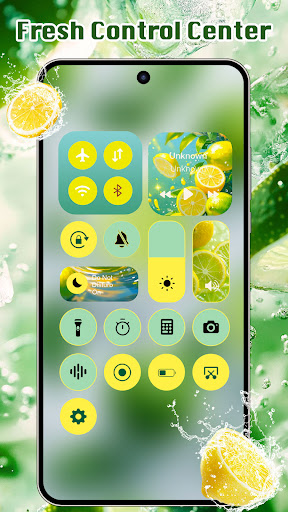
According to the developer, Accessibility Services are used to display a Control Center overlay for features like music and volume control. The developer states this permission is not used to collect or store personal user data. Users uncomfortable granting this permission may lose access to those control features specifically.

5

What are the biggest complaints about ThemeKit?

The most common complaint by far is the sheer volume of ads, with some users reporting dozens of ads just to change a handful of icons, plus unmutable audio and minute-long ad lengths in recent updates. Others report a persistent white box glitch appearing on icon corners that isn't easy to remove. A smaller number of users also mentioned unsettling notification text tied to widget images.