
What SmartThings Is Supposed to Do
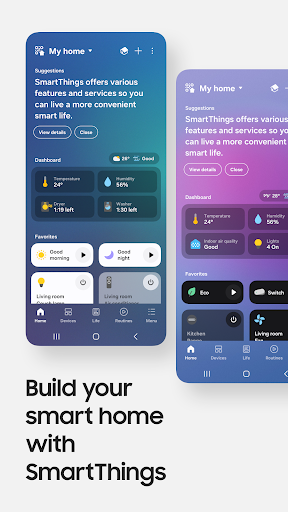
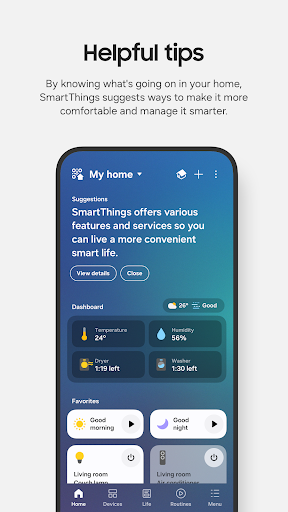
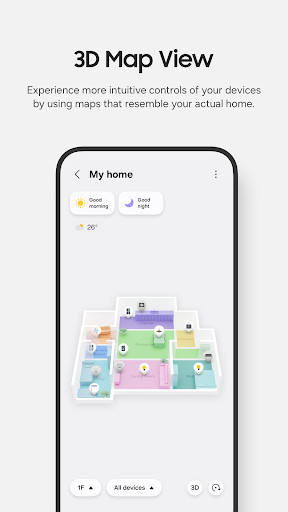
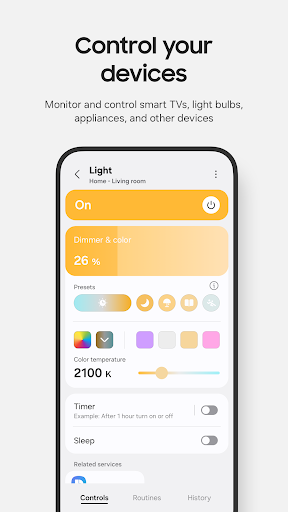
SmartThings is Samsung’s hub app for controlling smart home gear from a single screen. It’s meant to connect Samsung TVs, washers, refrigerators, and appliances alongside third-party brands like Ring, Nest, and Philips Hue, then let you manage everything through routines, voice assistants, or remote access when you’re away from home. On paper it’s an ambitious universal remote for anyone building out a connected household, and with over a billion installs it’s clearly the default option for Samsung device owners who don’t have much choice in the matter.
The app is aimed less at hobbyist smart home tinkerers and more at everyday Samsung appliance and TV buyers who just want their washer or fridge to show up in an app. That’s an important distinction, because the experience varies a lot depending on why you’re there.
Where It Actually Works Well
When SmartThings is functioning, users do credit it with real convenience. One reviewer using SmartTags to locate keys and a wallet called it ‘great when it wants to work,’ which sums up a common sentiment: the underlying feature set, from location-based routines to remote device checks, is genuinely useful when the connection holds. For households with multiple Samsung devices, having appliances, TVs, and accessories in one place is a legitimate time-saver compared to juggling separate apps for each brand.
The routine-building tools also get at something real people want: automations tied to time, weather, or device status so the home ‘runs in the background’ without constant manual input. When it’s set up correctly and stays connected, that promise is delivered.
The Setup and Login Headaches
The complaints here are loud and specific. Multiple users describe login systems that flat-out break, including one who got stuck in an infinite verification-code loop that eventually locked them out entirely, and another who found sign-in redirected to a browser stuck in its own loop, unfixable by clearing cache or switching browsers. Account requirements are another sore spot: one reviewer was frustrated at needing to create an account, register a TV, and dig through slow-loading menus just to cast photos to a friend’s television. Another put it bluntly, saying they shouldn’t need to read a manual and create an account just to change the time on an oven, adding that the ‘smart’ features felt largely useless beyond basic remote control of settings already programmed on the appliance itself.
Connectivity That Doesn’t Stay Connected
Beyond login problems, the app has a consistent pattern of losing touch with devices it’s already paired with. One user’s refrigerator repeatedly failed to connect to WiFi despite every other device in the house working fine, with fixes that took over an hour and often timed out anyway. Another reported that a washer and dryer setup broke entirely after an app update, with diagnostics endlessly failing to find devices that were clearly powered on. A different reviewer said the app ‘often won’t connect unless I restart my phone,’ which became a real problem when it stood between them and unlocking their car before work.
Older Phones and Account Lock-In
There’s also a structural complaint worth flagging: at least one user found the app simply unusable on an older phone, effectively forcing a device upgrade, and separately discovered there’s no way to transfer or migrate an account to a new owner without starting completely from scratch. For anyone who bought into a Samsung smart home ecosystem expecting long-term flexibility, that’s a frustrating limitation to discover after the fact.
Who Should Actually Install This
If you own Samsung appliances or a Samsung Smart TV, SmartThings is essentially mandatory, so the real question is whether you catch it on a good day or a bad one. Reviews suggest reliability is inconsistent, with login failures, connectivity dropouts, and update-related breakage showing up often enough to be a pattern rather than a fluke. It’s worth installing because you likely don’t have an alternative, but go in expecting occasional troubleshooting sessions, and don’t assume it will make your appliances meaningfully smarter than they already are.