

What Perfect Piano Actually Offers
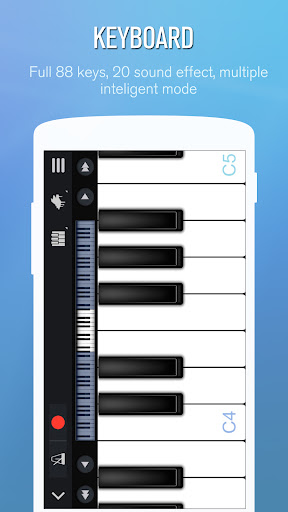
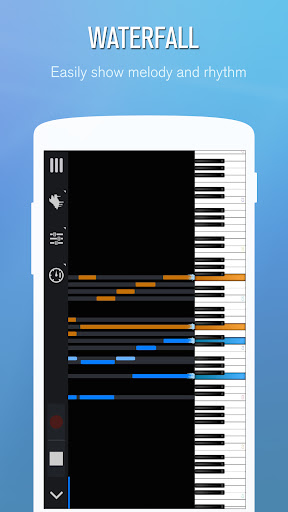
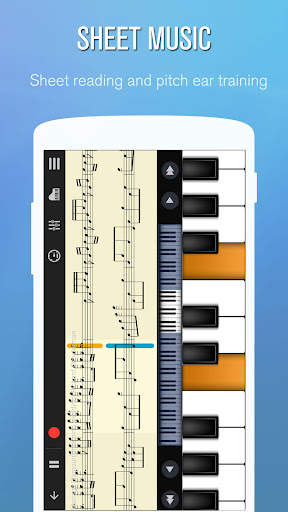
Perfect Piano is a free piano simulator for Android that turns your phone or tablet screen into an 88-key keyboard. Beyond the basic keyboard, it packs in learning tools like falling-note guidance and sheet music mode, a metronome, MIDI/ACC recording, multiplayer competitions, and support for USB MIDI keyboards. It’s aimed at anyone who wants pitch reference on the go, casual players who want to noodle around, and people trying to learn songs without owning a physical piano.
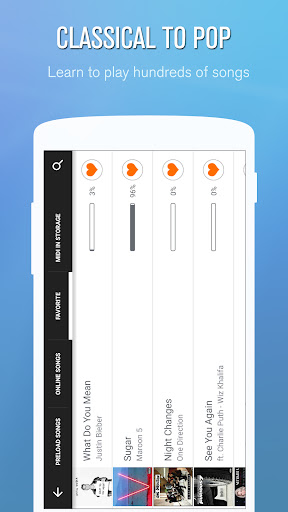
The scope here is broad for a mobile app, covering everything from single-note pitch checking to full song learning with left and right hand setups, chord modes, and even guild-based multiplayer. Whether all of that is useful to you depends heavily on what you’re looking for, but the core piano-playing experience is clearly where this app puts its effort.
Where It Genuinely Delivers
Users consistently praise the core piano sound as accurate and clean, with one reviewer noting the tones ‘sound like an acoustic piano and don’t bleed over one another’ and pitches staying accurate. That makes it genuinely useful for singers or musicians who need a quick pitch check or want to test if a song sits in a comfortable vocal range. Multiple reviewers say it’s the best piano app they’ve used on mobile, especially for learning songs when a real piano isn’t available.
The app is also praised for being ad-free and free to use, with one user calling out ‘tons of options as far as classic piano, organ, music box and others’ without interruption from advertising. The instrument plug-in system and recording feature let people build simple multi-instrument tracks by layering recordings, which several reviewers found genuinely fun rather than gimmicky.
The Recording and Sound Quality Quirks
Recording isn’t flawless. One user flagged that choosing a specific instrument timbre doesn’t always carry over correctly when the recording is converted to MP3, a regression from how it used to work. Another reviewer noted that switching to non-piano sounds like Music Box can trigger an ‘extremely reverbed and annoying sound’ during play, which undercuts the appeal of the timbre plug-ins for anyone wanting to experiment beyond the default piano tone.
Touch Sensitivity and Multiplayer Frustrations
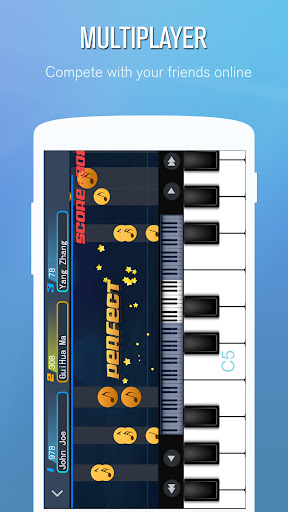
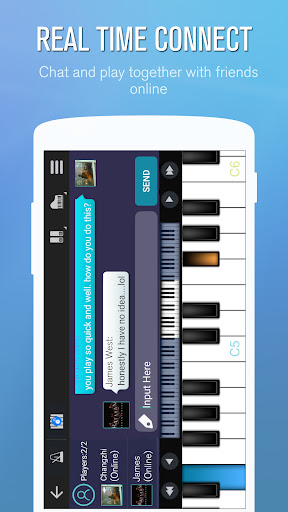
The most repeated complaint is touch sensitivity. Reviewers describe accidentally sliding and hitting wrong notes because the keys are so responsive, with no obvious way to disable slide detection. On a small phone screen this is compounded by the sheer number of keys crammed into limited space, making precise playing genuinely difficult without a physical MIDI keyboard attached. Multiplayer mode gets called out specifically as ‘awful’ by one reviewer, who found it nearly impossible to hit all the notes accurately without external hardware, suggesting the competitive mode is really built around USB MIDI keyboard users rather than touchscreen players.
Who Should Actually Download This
If you need a reliable, free pitch-reference tool or want to record simple layered piano-plus-instrument tracks, Perfect Piano delivers well above what you’d expect from a free app. Singers checking vocal ranges and casual learners exploring songs will get real value here. But if you’re hoping to seriously compete in multiplayer mode or want flawless sound-switching without touchscreen accuracy issues, temper expectations or plan on pairing it with a USB MIDI keyboard.



