

What This App Does and Who It’s For
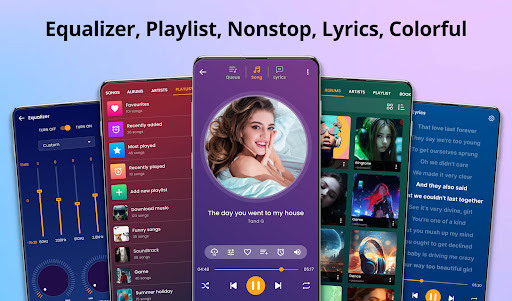
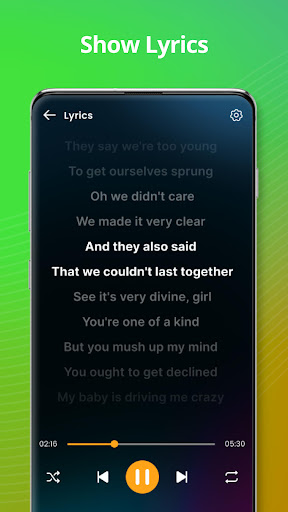
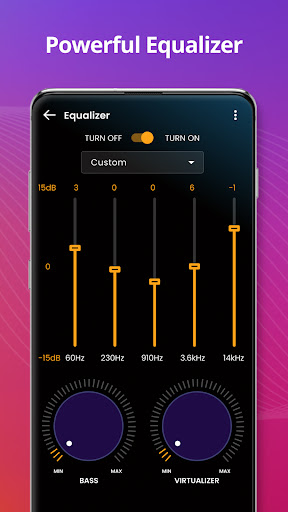
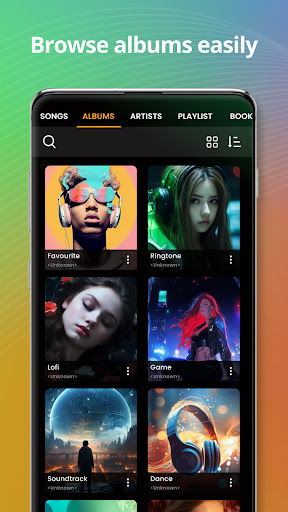
Music player, from developer ‘recorder & smart apps’, is a local audio player for Android that scans your device for song files and organizes them by title, artist, album, genre, and directory. It handles common formats like mp3, flac, and ogg, and layers on extras like a ringtone maker, tag editor, audio trimmer, equalizer, and lock screen widget. It’s aimed squarely at people who already have music files stored on their phone and want a straightforward offline player rather than a streaming service.
Where It Actually Delivers
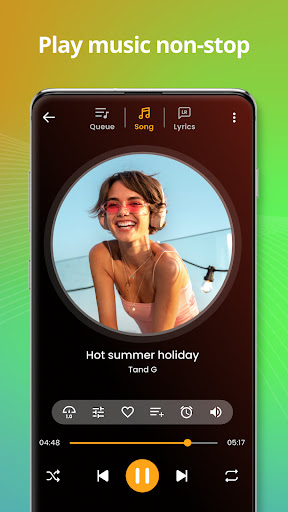
The strongest praise from real users centers on reliability and low ad intrusion. One reviewer called out that the app played music over other apps with ‘very thorough’ background settings, and another said the ad load was ‘fairly minimal compared to others.’ Multiple users specifically mention that it finds and plays music brought over from their own collections without a fight, something they said other players struggled with. Playback quality is also highlighted as better than other apps tried, and users like that basic playback continues even when the screen turns off.
The Tag Editing and Organization Tools Are a Real Draw
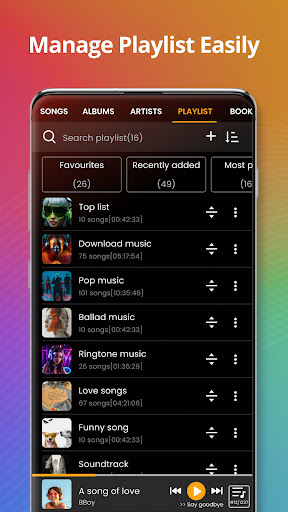
Several reviewers pointed to the ability to rename song titles, albums, and genres as a standout feature, since previous apps they used locked that information down. Playlist management, including creating and organizing playlists, was called out as functional and flexible enough for arranging backing tracks in a specific order, which one user relied on for practicing with lead instruments. This kind of granular control over metadata and playlist order is not something every free music player offers.
Where It Falls Short
The complaints are specific rather than vague. One user reported that songs randomly disappear from playlists over time with no clear pattern. Another wanted the ability to import existing m3u playlists from a PC-based player and found no documentation or option for that. There’s also a request to have artist pages show a list of albums instead of dumping every track together, which suggests the artist browsing view can feel cluttered. A separate review noted that shuffle mode doesn’t feel truly random, with the app repeatedly favoring the same artist and sometimes playing double sets from an album, which the user suspected was some kind of algorithm rather than genuine randomness.
Who Should Actually Download This
If your music library lives locally on your phone rather than in a streaming app, and you want solid tag editing, playlist creation, and a lock screen widget without being buried in ads, this is a reasonable pick based on what real users report. It’s less suited to anyone who needs true random shuffle, m3u playlist imports from a desktop library, or a cleaner artist-to-album browsing structure, since those gaps are called out directly by users rather than being theoretical concerns. Given the install base and review volume, it’s clearly a widely used utility, but go in expecting a functional local player with a few rough edges rather than a polished, bug-free experience.



