

What This App Actually Is
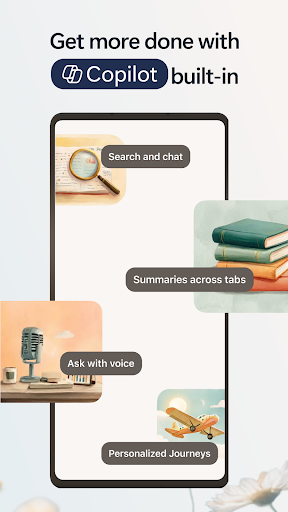
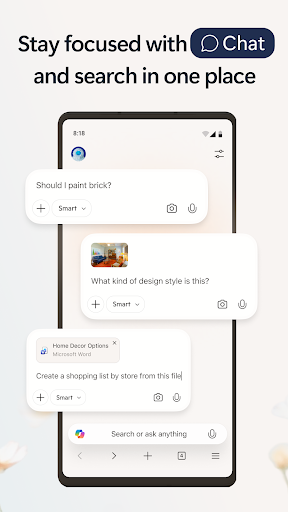
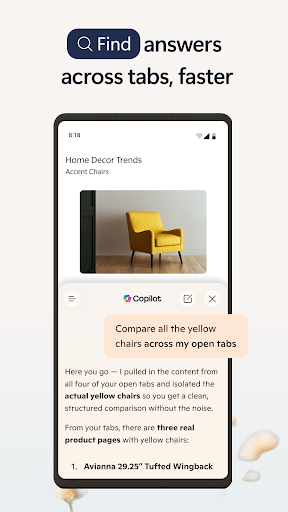
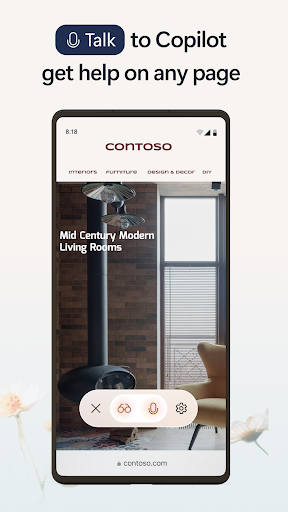
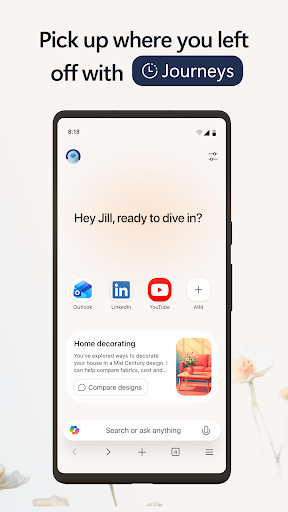
Microsoft Edge for Android is the mobile version of Microsoft’s desktop browser, now built around Copilot, its AI assistant. The pitch is that Copilot can summarize articles and videos, answer questions about whatever page you are viewing, and help you compare information across open tabs without breaking your flow. It also carries over Edge staples like tracking prevention, AdBlock Plus, Microsoft Defender SmartScreen, InPrivate mode, and Microsoft Rewards points. This is aimed at people already inside the Microsoft ecosystem, or anyone who wants a Chrome alternative with AI features baked in rather than bolted on.
Where It Genuinely Delivers
Multiple long-time users say Edge on Android is a faithful, well-adapted version of the PC browser that makes surprisingly good use of a small phone screen, with a different but workable tab-switching layout compared to Chrome. Syncing your Microsoft account across desktop and mobile is repeatedly called out as a real strength, letting bookmarks and Collections follow you between devices while also racking up Rewards points on both. Several reviewers who have used it for years, including one at two and a half years, describe it as rock solid with no major bugs, and say they’ve stopped thinking about switching to anything else.
The AI Search Annoyance Nobody Asked For
The Copilot-powered search gets real pushback in practice. One detailed complaint describes the AI engine interrupting normal browsing by inserting itself when you scroll back up through results, calling it the most annoying search feature since search engines began. Another recurring issue is autocomplete suggestions in the search bar acting unpredictably when tapped, which shows up independently in multiple reviews on different Samsung phones. These aren’t edge cases from one device, they read as a pattern in how the AI-driven suggestions and search routing behave.
Collections, Crashes, and Missing Basics
Outside the AI layer, the Collections feature has a loyal fan base but also a track record of losing entire saved lists, which is a serious flaw for a feature meant to store things you care about. There are also reports of the app failing to open at all on certain phones, throwing a generic error message with no fix offered even after the user cooperated with troubleshooting requests. On top of that, a practical everyday feature many people rely on, automatic phone number detection when you highlight text, is reportedly missing compared to Chrome, which was enough to send at least one otherwise satisfied user back to Google’s browser.
Who Should Actually Install This
If you’re already living in Microsoft’s ecosystem with Windows, Outlook, or Rewards, the sync benefits and overall stability reported by long-term users make this an easy recommend. It’s also worth trying if you want AI summarization of articles, PDFs, and videos without juggling a separate chatbot app. But if you rely heavily on Collections for important saved content, need reliable phone number detection, or find AI search overlays intrusive rather than helpful, be aware these are real, repeated complaints from actual users, not rare glitches. Test it against your own workflow before making it your default.



