

What This App Actually Does
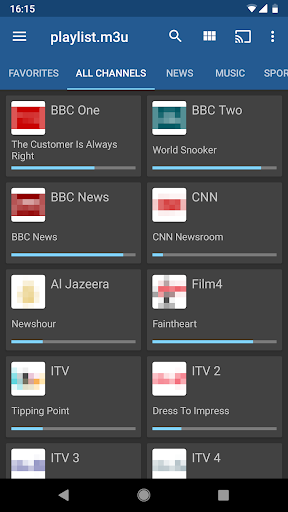
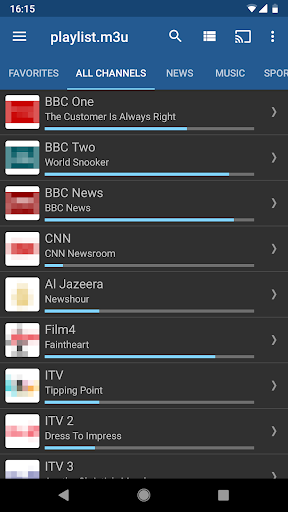
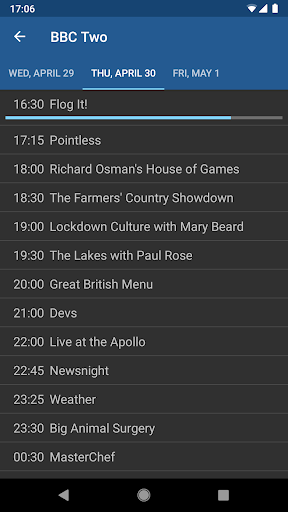
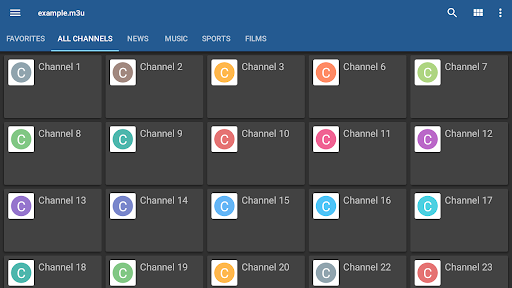
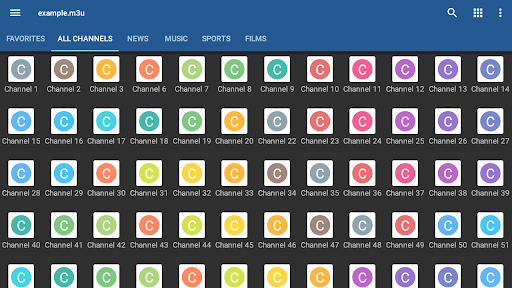
IPTV, developed by Alexander Sofronov, is a player shell for streaming your own TV playlists rather than a source of channels itself. You supply an M3U or XSPF playlist from your internet provider or another source, and the app organizes it into a grid, list, or tile view with support for EPG data in XMLTV or JTV formats. It also supports multicast streams via a UDP proxy for LAN setups, which makes it particularly popular with people running gear like tvheadend boxes, Raspberry Pi servers, or Android TV boxes. This is not an app for casual users looking for built-in free channels; it’s aimed at people who already have a playlist and want a clean interface to manage it.
Where It Shines in Daily Use
The standout praise from real users centers on the interface. One user running it through tvheadend on a Raspberry Pi called it ‘such a smart interface, much better looking than any front end’ they’d seen, including commercial alternatives. Others echo that it’s simpler and less annoying to navigate than competitors like IPTV Smarters, especially when switching channels. For users who just want their existing playlist displayed cleanly and quickly, without a bloated interface, this app consistently delivers on that promise, and its speed of loading is repeatedly mentioned as a plus over alternatives.
The Rough Edges That Frustrate Users
The complaints are specific and recurring. A significant one: after a recent update, some users reported the screen going black seconds after opening, tied to ad loading, even after purchasing the ad-free Pro version. Others report serious regressions between version 5.x and 6.0, where channels either fail to open entirely or take up to 60 seconds to connect, a dramatic slowdown from earlier versions. The UI, while praised for looks, is also called ‘clunky’ and ‘erratic’ by some, particularly on Android TV boxes, with no way to delete or hide entire channel groups. Users also want basic quality-of-life features that are still missing: a way to lower video resolution on weak connections, a ‘last channel’ recall shortcut, and the ability to hide unwanted channel categories to reduce clutter.
Who Should Actually Download This
If you already have a working M3U or XSPF playlist from an ISP or IPTV service, and you want a no-frills, fast-loading interface with EPG support and multicast/UDP proxy compatibility, this app is worth trying, especially if you’re running a home server setup. If you’re on the newer 6.0 version and experience long channel load times or crashes, it may be worth researching whether rolling back or waiting for a patch helps, based on user reports of this regression. The Pro version removes ads and adds boot-on-start and auto-play features useful for set-top boxes, but note that at least one reviewer said ads persisted even after paying. This app is not for anyone expecting built-in content or a polished, bug-free experience out of the box.
Bottom Line on Reliability
Overall it’s a functional, well-regarded playlist player let down by inconsistent updates and missing convenience features. Users who’ve stuck with it since earlier versions seem more satisfied than those hitting the recent update issues, so expectations should be tempered accordingly before committing to the Pro purchase.



