
Instagram

by Instagram

4.0 ★ 168M+ reviews
7.5B+ Installs
04/03/2012 Released
Instagram icon
Instagram icon
Social

Instagram

by Instagram

4.0 ★ 168M+ reviews
7.5B+ Installs
04/03/2012 Released
Advertisements
Instagram screenshot 1
Instagram screenshot 2
Instagram screenshot 3
Instagram screenshot 4
Instagram screenshot 5
Instagram screenshot 6

Ratings Breakdown

4.0 ★★★★★ 168M+ ratings
5 ★ 66%
4 ★ 8%
3 ★ 4%
2 ★ 3%
1 ★ 18%

Data from Google Play at the time of writing.

What Instagram Actually Does in 2025

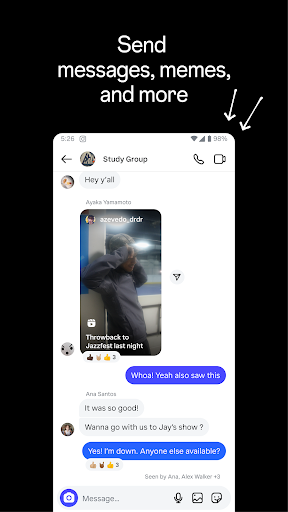
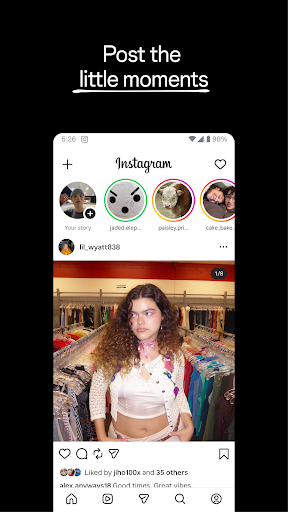
Instagram has long since outgrown its original identity as a photo-sharing app. It’s now a sprawling hub of Stories, Reels, DMs, shopping, and algorithmically served content, all layered under the Meta umbrella. It’s built for anyone who wants to keep up with friends, follow creators, or browse an endless stream of short video content. If you’re looking for a simple chronological photo feed, that’s technically still in there, but you’ll have to dig for it.

The app remains the default social network for a huge number of people in the US, largely because everyone else is already on it. That network effect is really the core reason most people keep the app installed, more than any single feature.

Where the App Still Delivers

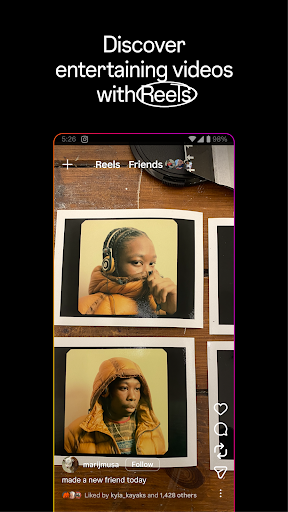
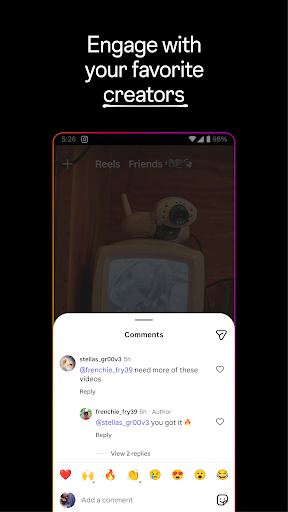
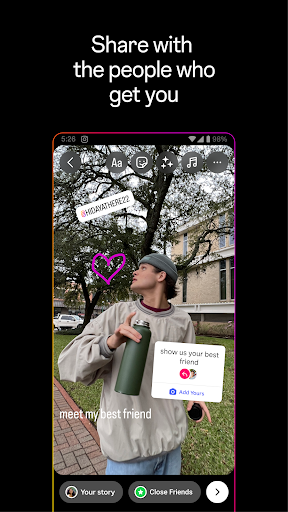
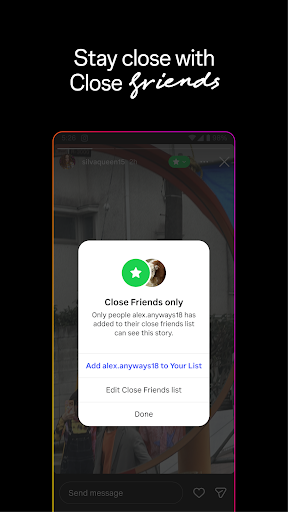
Reels remain genuinely engaging when the app cooperates, offering a steady stream of short-form video that’s personalized well enough to keep people scrolling. Stories and Close Friends lists still work as an easy, low-pressure way to share moments that don’t need to live on your permanent feed. The editing tools, filters, stickers, and templates give casual posters enough creative options without needing a separate editing app.

For people trying to discover new brands, small businesses, or creators, Explore still does a decent job surfacing content aligned with personal interests, which is one of the app’s more consistent strengths.

The Bugs and Frustrations Users Keep Reporting

The complaints here are loud and specific. Multiple users describe video calls that turn pixelated and grainy under anything less than a perfect connection, while also draining battery fast enough to overheat the phone. Reels playback is another repeat offender, with users reporting videos that stop halfway through and never finish, a bug some say has persisted since Reels launched.

Posting itself has also become unreliable for some. One reviewer described three years of being unable to post because their photo library simply won’t load, despite reinstalling the app and clearing cache repeatedly. Others flagged a buggy update that broke basic editing functions, like zooming out on multiple photos in a multi-image post, something that apparently worked fine before.

Privacy and Design Choices That Annoy Users

One of the more serious complaints involves shared post links automatically attaching the sharer’s profile, prompting recipients to follow an account they never intended to interact with, reportedly rolled out with no warning. Beyond that, several users are frustrated by the lack of a default chronological feed, forcing them to manually switch tabs every time they open the app. Others feel the app pushes suggested accounts too aggressively in the DM inbox and blurs the line between regular posts and Reels in the Explore tab, making normal content look reel-ified whether it is or not.

Ads, Clutter, and Everyday Annoyances

Ad load is another sticking point, with users noting they’re frequently shown ads for products they’ve already purchased, which undercuts the app’s supposed personalization. Smaller quality-of-life bugs pile up too: private collections that appear to save content but end up empty, notifications that flash a post and then go blank, and autoplay sound issues when backing out of a Reel. None of these are catastrophic individually, but together they create a sense that the app’s core plumbing hasn’t kept pace with its feature list.

Final Verdict: Who Should Actually Install This

Instagram still makes sense for most people who want to stay socially connected, follow creators, or casually browse video content, and the enormous install base means it’s rarely optional if your friends and family are already there. But go in expecting real friction: unreliable video calling, inconsistent Reels playback, occasional posting failures, and a UI that keeps nudging you away from the features you actually want, like a simple chronological feed. If you’re a casual user who mainly watches Reels and checks Stories, it’ll do the job. If you’re relying on it for smooth video calls or dependable daily posting, be ready for some genuine headaches.


Pros

  • ✓Engaging, personalized Reels content
  • ✓Stories and Close Friends for casual sharing
  • ✓Solid creative editing tools and filters
  • ✓Explore tab surfaces relevant new accounts
  • ✓Massive user base keeps everyone connected

Cons

  • ✕Poor video call quality and battery drain
  • ✕Frequent bugs in posting and Reels playback
  • ✕No default chronological feed option

What Real Users Say

Jasper Ransom ★ 2/5

“The video calling on this app is hardly worth using. Each time I've used it, the video quality gets super pixilated and grainy anytime the service isn't exactly *perfect*. The calls also take way too much battery power, quickly heat up the phone, and have overheated the phone before. Having video call functionality is great, but when it's so cumbersome…”

👍 12,113 found this helpful
Shanna Wallace ★ 1/5

“if you send someone a link to a post now, it will have your profile attached to it, even if it wasn't your post. they get a popup with whatever account you were logged in to prompting them to follow it. instagram made this change without any notification. details of your profile should not be attached when you copy /…”

👍 11,336 found this helpful
Logan Chesley ★ 1/5

“The new update is so buggy. Let's say I am going to post 5 photos, and I select to zoom them out so they aren't so close to my face. I can only zoom out one, and if I select more than 1 photo, it unzooms all of them. It has never done this before. The comments and notifications are…”

👍 10,210 found this helpful

Reviews sourced from Google Play, selected by helpfulness at the time of writing.

App Info & Permissions

Developer Instagram
Content rating Teen
Contains ads Yes
In-app purchases $0.19 - $10,000.00 per item
Installs 7.5B+
Released 04/03/2012
Price Free

Permissions this app requests

📅 Calendar Add or modify calendar events and send email to guests without owners' knowledge
📷 Camera Take pictures and videos
👥 Contacts Find accounts on the device; read your contacts
📱 Device ID & call information Read phone status and identity
🪪 Identity Find accounts on the device; add or remove accounts; read your own contact card
📍 Location Precise location (GPS and network-based)
🎙️ Microphone Record audio
📞 Phone Directly call phone numbers; read call log; read phone status and identity
🖼️ Photos/Media/Files Read the contents of your USB storage; modify or delete the contents of your USB storage
💾 Storage Read the contents of your USB storage; modify or delete the contents of your USB storage
📶 Wi-Fi connection information View Wi-Fi connections

Similar Apps

Frequently Asked Questions

1

What is Instagram?

Instagram is a Meta-owned social media app for sharing photos, videos, Stories, and Reels while connecting with friends and creators. It combines a personal feed, short-form video, direct messaging, and shopping features in one app. It's designed for both casual personal sharing and following brands or public figures. It remains one of the most widely installed social apps in the US.

2

Is Instagram free to use?

Yes, Instagram is free to download and use, supported by advertising throughout the feed, Stories, and Reels. Some users note they see repeated ads for products they've already bought, which suggests ad targeting isn't always precise. There are no mandatory subscription fees for core features. Optional paid promotions exist for business or creator accounts.

3

Does Instagram have bugs or reliability issues?

Yes, user reviews frequently mention bugs, including Reels that stop playing halfway through, photo libraries that fail to load when posting, and editing tools that behave inconsistently after updates. Some users report these issues persisting for years without a permanent fix. Video calling is also flagged as unreliable, especially on imperfect connections. If stability is a priority, expect occasional frustration.

4

Is video calling reliable on Instagram?

Not consistently, according to user feedback. Reviewers report pixelated, grainy video quality whenever the connection isn't ideal, along with heavy battery drain and phone overheating during calls. This makes it a weaker option compared to dedicated video calling apps. If clear video calls are essential, users may want a backup app.

5

Who should download Instagram?

Instagram suits people who want to stay connected with friends, follow creators, or browse short-form video content regularly. It's less ideal for those who need dependable video calling or a strictly chronological feed without extra taps. Casual social browsing works well, but power users relying on consistent posting may hit occasional bugs. Most people already have it installed simply because their social circle does too.