


What Discord Actually Is and Who It Serves
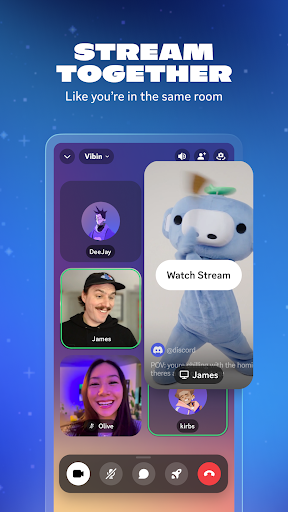
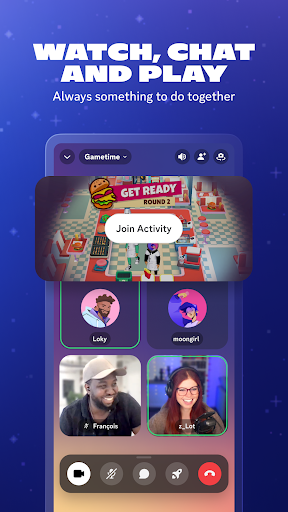
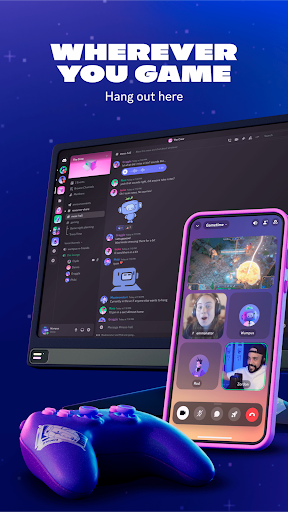
Discord started as a voice and text chat app for gamers, but the mobile app has grown into a general-purpose hangout tool for communities of all kinds, from small friend groups to massive public servers. On phone, you get text channels, voice and video calls, streaming, custom emoji and stickers, soundboards, and the ability to jump between multiple servers without ever placing a formal ‘call.’ It’s built for people who already live in group chats, whether that’s a gaming crew coordinating a session, a study group, or a fandom community with thousands of members.
If you’re coming from group texting or a basic messaging app, Discord’s learning curve is real. The mobile layout, especially after recent UI changes, leans hard on assumptions carried over from the desktop version, and several reviewers note the app now ‘feels more centered towards PC users.’ This is not the app for someone who wants a simple one-on-one messaging experience; it’s for people who want persistent, organized, multi-channel communities.
Where It Genuinely Delivers
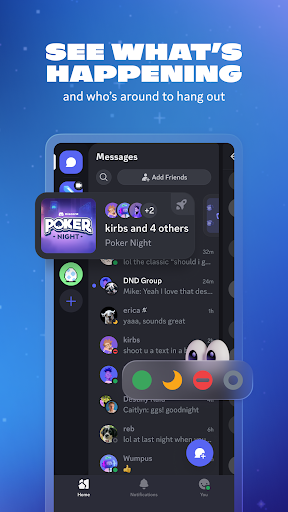
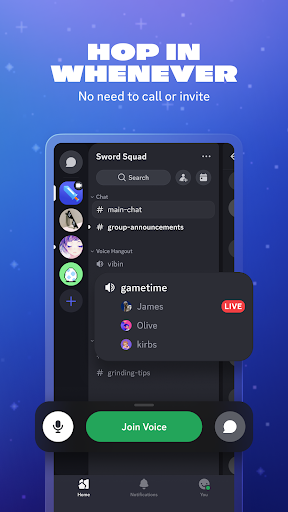
When it’s working, Discord’s core promise holds up: you can hop into a voice channel without calling anyone, switch between text and voice mid-conversation, and keep multiple communities organized in one place. The ability to see who’s online and what they’re playing, plus built-in games, music, and meme-sharing, does make it a genuine all-in-one hangout space rather than just a chat app. Users who’ve stuck with it for years generally agree the core concept and community-building tools are strong, which is why it remains their primary chat app despite the complaints.
The Bugs That Keep Showing Up
The most consistent complaint across reviews is instability after updates. One reviewer describes having to ‘close out and reopen the app consistently’ because the chat window freezes when switching servers, with messages sometimes appearing to send while still sitting in the text box. Others report calls disconnecting and reconnecting repeatedly and without warning, on both wifi and mobile data, and microphone failures across aux, Bluetooth, and built-in mic setups. A separate review specifically calls out the 2023 UI update as the point where glitches multiplied: videos failing to load, server icons in the emoji keyboard working ‘half the time,’ profile settings not saving, and video attachments capping out well below what users expect.
File Size Limits and the Push Toward Paying
Multiple reviewers are frustrated by how restrictive free file sharing has become, with one flatly stating the current limit is ‘TEN MEGABYTES’ and calling it absurd compared to the older 25MB allowance. The framing from long-time users is that basic functionality that used to be free now feels deliberately squeezed to nudge people toward a paid tier. Combined with the reported inability to send photos or videos over a similar size threshold, this is a recurring pain point for anyone who shares media regularly in chats.
Media Picker and Photo-Sharing Frustrations
Beyond file size, the actual process of attaching photos and videos has drawn specific complaints. One reviewer says the updated UI no longer lets them ‘go into my gallery and select stuff,’ forcing a choice between scrolling through a built-in doom-scroll style picker or connecting a cloud service like OneDrive. Another echoes this, saying the app ‘feels more centered towards PC users’ and that sending and previewing photos is a recurring struggle. For a group chat app whose whole appeal is casual sharing with friends, this friction around something as basic as sending a picture stands out as a real weak point.
Performance, Battery, and the Verdict
Performance complaints round out the picture: one reviewer reports the app freezing and crashing whenever switching focus away from it, alongside heavy memory use and noticeable battery drain from simply idling in a voice call. Given how central voice channels are to Discord’s identity, that’s a significant complaint. Discord on mobile is worth downloading if you’re joining an existing community or need voice chat while gaming on the go, since the core feature set is unmatched for that use case. But if your phone is your primary device and photo sharing or rock-solid call stability matter most, expect real friction, and consider that the desktop app is consistently described as the more reliable experience.



