
What Nest Does and Who It’s For
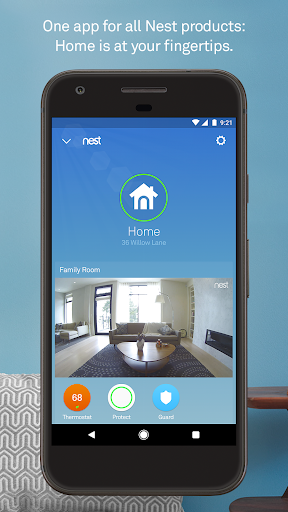
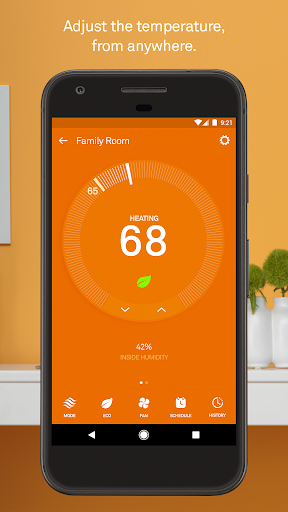
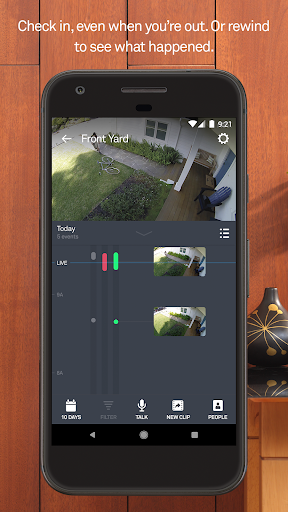
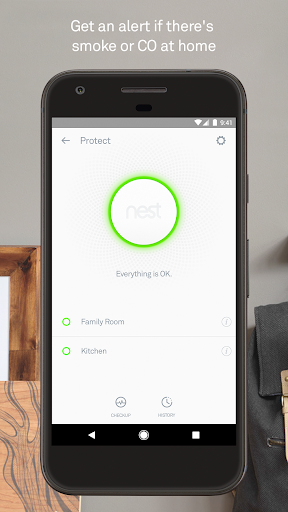
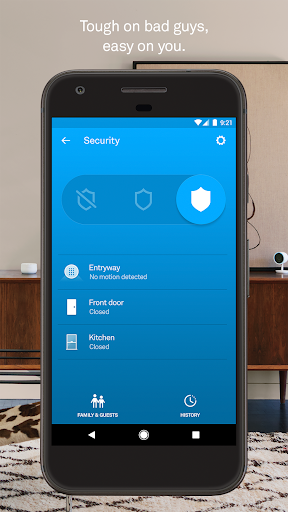
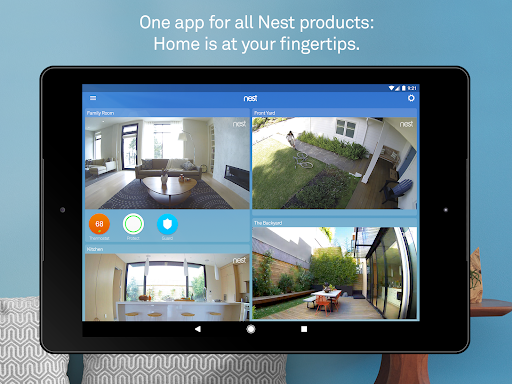
The Nest app is the control hub for Google Nest’s connected home hardware: thermostats, the Nest Secure alarm system, Nest Protect smoke/CO alarms, Nest Cam cameras, Nest Hello video doorbell, and the Nest x Yale lock. It’s meant for people who already own or plan to buy this hardware ecosystem, letting them adjust temperature, view camera feeds, arm alarms, and get push notifications all from one app. If you don’t own any Nest devices, there’s no reason to install it, since the app is purely a remote control and monitoring layer for the physical products.
Where the App Actually Delivers
For people already invested in the ecosystem, the basic functions work ‘more or less,’ as one reviewer put it. You can check camera feeds, view energy reports on the thermostat, and get alerts synced with Google Home. One long-term user specifically praised how it integrates with Google Home and appreciated the concept behind smoke alarm monthly checks and cooking-smoke detection, even while asking for better timing on both features. When the presence sensing and home/away automation work as intended, they’re genuinely convenient, automatically switching the camera on and the thermostat to eco mode when you leave.
The Scheduling and Learning Mode Problems
This is where the complaints pile up hardest. Multiple reviewers describe the ‘Learning Thermostat’ as failing at its one core job: learning and following a schedule. One user set heat to 68 and consistently woke up to it running at 70-71 degrees, even after disabling learning mode. Another reported temperature settings changing themselves overnight with no schedule set at all. The scheduling interface itself is a recurring target — described as clearly designed for a browser rather than mobile, with tiny, overly sensitive touch targets that make editing a schedule on a phone genuinely frustrating.
Reliability and Detection Lag Issues
Beyond scheduling, users report the home/away presence detection has degraded over time rather than improved — cameras now turn on when leaving but often fail to turn back off, and eco mode inconsistently engages. Geofencing failures show up in more recent reviews too, with one user saying the app couldn’t detect they’d left the house even with location permissions fully enabled and battery optimization disabled. Camera motion alerts have also been reported as arriving several seconds late, sometimes only notifying you after a visitor is already at the door, which undercuts the security value of the whole system.
Stability and Company Follow-Through
The most damning pattern across reviews isn’t any single bug — it’s the sense that the app hasn’t meaningfully improved in years. Owners who’ve used it since early on describe it as the ‘same glitchy app,’ citing frequent internet disconnects and a UI that never got fixed. When developers do respond to complaints, at least one user found the reply ‘inadequate at best’ and unhelpful for troubleshooting.
Verdict: Who Should Actually Download This
If you already own Nest hardware, you don’t have much choice — this is the only official way to control it, and it does work for basic tasks like viewing cameras or nudging the thermostat. But go in with tempered expectations around the ‘smart’ scheduling and learning features, since long-term users consistently say those are the weakest parts of the experience. Anyone shopping for a new smart home ecosystem and weighing options should treat the stagnant update history and scheduling complaints as a real factor.