
What Tumblr Actually Offers Today
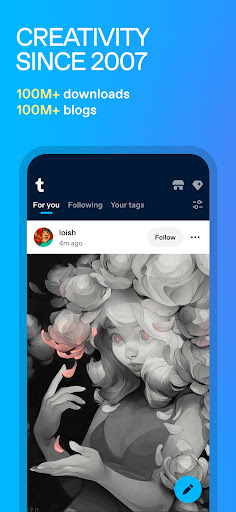
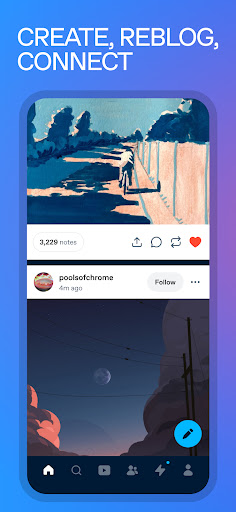
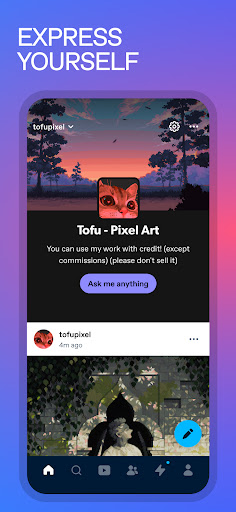
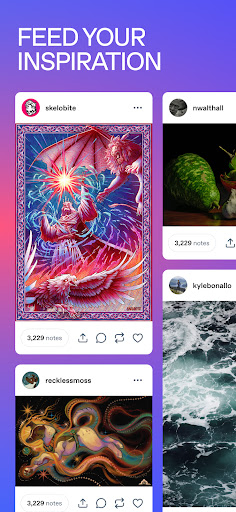
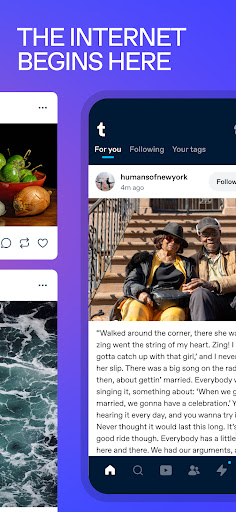
Tumblr bills itself as a home for art, fandoms, and self-expression, and in practice that’s still accurate. You get a scrolling dashboard of text posts, GIFs, fanart, memes, and reblogs, organized loosely by tags you follow. It’s aimed at people into niche fan communities, fanfiction, cosplay, K-pop, anime, and comic universes rather than anyone looking for a mainstream feed like Instagram or TikTok. If you already know why you want Tumblr, this app delivers that same chaotic, tag-driven browsing experience on mobile.
The Community Is the Real Strength
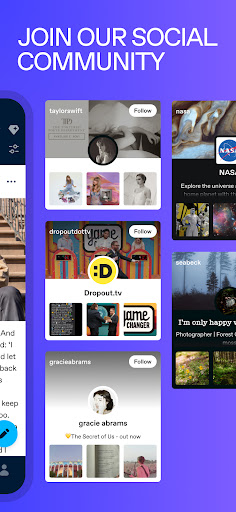
The most consistent praise from long-time users is the community itself. One reviewer of over a decade said Tumblr is ‘the least miserable out of all the social media sites’ and that they’ve ‘met lifelong friends’ through it. That sentiment matters more than any feature list, since Tumblr’s actual value has always been in its people, tags, and fandom subcultures rather than slick design.
Stability Problems That Users Keep Reporting
Performance is where this app repeatedly stumbles. Multiple reviewers describe the screen shaking mid-scroll, images and videos glitching, text randomly disappearing, and the app crashing outright. One user with the app since 2014 said they’d never seen this level of instability before, and had already uninstalled over it. If you’re on an older device or have limited patience for crashes, this is a real risk, not a rare edge case.
Ads and Mobile-Specific Limitations
Ad frequency is another sore point. Reviewers note ads have escalated from roughly one every 10-20 posts to every third post, often repeating the same flashy, casino-style animated ad, which one user called ‘triggering.’ Mobile also feels more restrictive than the desktop site: you’re capped at 10 photos per post on mobile versus up to 30 on web, and search functions are described as ‘wacked.’ Posting itself has friction too, with one reviewer frustrated that editing text after the fact only affects a small section, and that fonts can jump text to unexpected places mid-edit.
Account and Screenshot Headaches
A few complaints point to structural annoyances beyond bugs. Changing a blog password doesn’t log you out automatically, and logging out afterward can trap users on a perpetual loading screen, forcing a full uninstall and reinstall just to reset the app. Screenshotting long posts is oddly broken too — instead of letting Android’s scrolling screenshot tool work, Tumblr now pops open its share menu and blocks the capture. Account removal is also a concern, with one user reporting getting booted from the platform twice in a couple weeks and having to create new emails just to get back in.
Who Should Actually Download This
Tumblr still works if you’re chasing a specific fandom, art tag, or writing community and are willing to tolerate an inconsistent, ad-heavy, occasionally buggy app to get there. It’s less appealing if you want a smooth, modern social app with reliable performance — several dedicated users are already retreating to the browser version to avoid the mobile app’s crashes and aggressive ads. Go in expecting rough edges, not polish.