
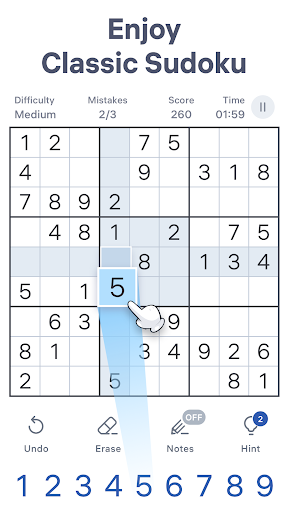
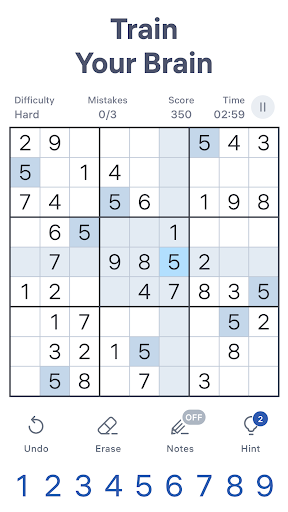

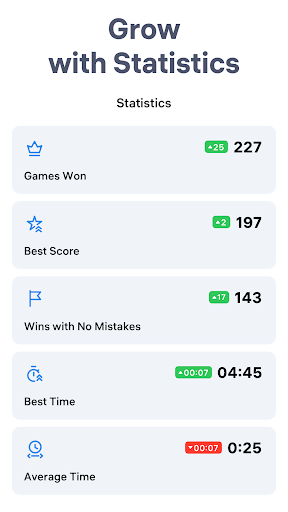
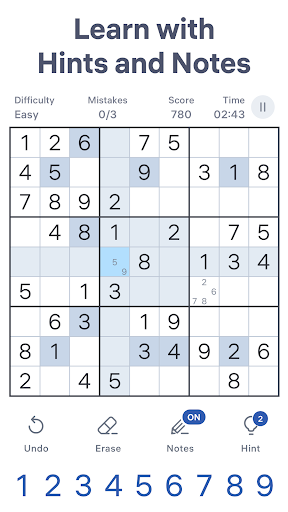
Sudoku.com – Classic Sudoku

by Easybrain

4.7 ★ 2.4M+ reviews
105M+ Installs
11/26/2017 Released
Sudoku.com – Classic Sudoku icon
Puzzle

Sudoku.com – Classic Sudoku

by Easybrain

4.7 ★ 2.4M+ reviews
105M+ Installs
11/26/2017 Released
Advertisements
Sudoku.com – Classic Sudoku screenshot 1
Sudoku.com – Classic Sudoku screenshot 2
Sudoku.com – Classic Sudoku screenshot 3
Sudoku.com – Classic Sudoku screenshot 4
Sudoku.com – Classic Sudoku screenshot 5
Sudoku.com – Classic Sudoku screenshot 6

Ratings Breakdown

4.7 ★★★★★ 2.4M+ ratings
5 ★ 87%
4 ★ 7%
3 ★ 2%
2 ★ 1%
1 ★ 3%

Data from Google Play at the time of writing.

What This App Actually Is

Sudoku.com – Classic Sudoku is exactly what the name promises: a huge library of number puzzles ranging from fast and easy up to hard, expert, and giant grids. Easybrain built this for anyone who wants a straightforward, well-formed 9×9 sudoku experience without needing to buy a puzzle book. It works offline, saves your progress automatically, and covers everyone from total beginners who need hints and auto-check to veterans chasing the evil-difficulty giant puzzles. With over 2.4 million reviews and more than 105 million installs, it’s clearly become a default choice for mobile sudoku, and in terms of pure puzzle content it delivers on that scale.

The Puzzle Mechanics That Work Well

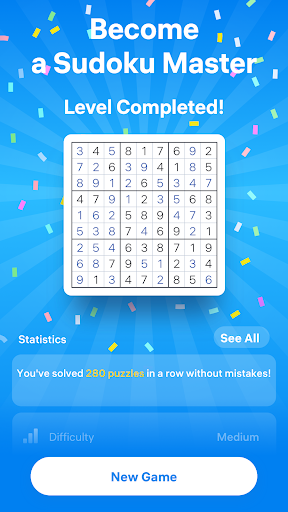
Once you’re actually inside a puzzle, the core experience holds up. Reviewers consistently say the gameplay itself is fine and that there are plenty of genuinely challenging puzzles across the six difficulty tiers. The quality-of-life tools are the real draw here: notes that auto-update as you fill cells, highlighting of duplicate numbers, unlimited undos, and an eraser for quick corrections. The statistics tracking is a nice touch too, letting you compare best times across difficulty levels if you’re the type who wants to see measurable improvement rather than just solving puzzles in a vacuum.

Where the Ads Ruin the Flow

This is where the app falls apart for a lot of players, and it’s the single most repeated complaint across reviews. Users describe ad breaks interrupting gameplay not just between puzzles but mid-puzzle, sometimes triggered by simply clearing a digit. One reviewer counted up to six ad breaks within three to four minutes of finishing a hard-level puzzle. Another reported the app burning through 400MB of data in three days, which they attributed directly to ad loading. Several people also mention that ads ignore phone sound settings, stopping music playlists and forcing a manual restart. This isn’t the occasional interstitial that most free apps use to stay afloat — reviewers describe it as constant, unpredictable, and genuinely disruptive to concentration during a puzzle that’s supposed to be relaxing.

Other Annoyances Beyond Advertising

A second, related complaint is about intrusive animations and pop-up ‘targets’ or reward moments that freeze the whole screen. One long-time user says these added flourishes have gotten worse over time, slowing down both the phone and the actual gameplay, and specifically asks for an option to turn them off since they don’t want the positive-reinforcement gimmicks, just the puzzle. There’s also a report of the app appearing to download video content in the background without clear permission, which ties back into the unexpected data usage some users flagged. On top of that, one reviewer mentioned losing all their saved progress after switching phones because the profile transfer process wasn’t clearly explained, which is a real risk if you’ve built up a long solving history.

Who Should Actually Download This

If you want deep, well-constructed sudoku content with real difficulty range and don’t mind frequent ad interruptions, this app still delivers on the puzzle side of the equation. It’s a reasonable pick for casual players who’ll tolerate ads for a free, offline-capable puzzle library, and the six-tier difficulty system genuinely suits both first-timers and experienced solvers looking for an ‘evil’ challenge. But if you’re sensitive to interrupted focus, mid-puzzle ad breaks, or unexpected mobile data usage, go in aware that multiple users report exactly those problems, not just occasionally but as a near-constant feature of extended play sessions. Turning off Wi-Fi or playing in short bursts may reduce the frustration somewhat, but based on user feedback, the ad experience is the main thing standing between this app and a genuinely great sudoku experience. Weigh that trade-off honestly before committing to it as your daily puzzle app, especially if uninterrupted concentration is the whole point of playing sudoku for you in the first place.


Pros

  • ✓Huge library with six difficulty tiers
  • ✓Useful notes and duplicate-highlighting tools
  • ✓Unlimited undos and auto-save features
  • ✓Works fully offline anywhere
  • ✓Detailed stats track solving progress

Cons

  • ✕Frequent mid-puzzle ad interruptions
  • ✕High data usage reported by users
  • ✕Intrusive pop-up animations slow gameplay

What Real Users Say

Mark Sheets ★ 3/5

“Gameplay is fine, and they have plenty of challenging puzzles. The game loses stars due to occasionally interrupting gameplay for ads. I understand that the developers make money from ads, and having one pop up at the beginning or end (but not both) of a game is fine. Making you stop playing, usually disrupting concentration and flow, is not acceptable.…”

👍 515 found this helpfulDeveloper responded
William Bruchert ★ 2/5

“The game itself is fine as far as Sudoku goes, but you get interrupted with ads constantly as a "reward" when you clear a digit. Not only are the ads long and pervasive, but according to my carrier the app used over 400MB of data in just 3 days, presumably from those ads. That is simply unacceptable if you don't…”

👍 488 found this helpfulDeveloper responded
Kayla McElroy ★ 1/5

“The ads are out of control in this game. Within the 3-4 minutes of completing a "hard" level, there will be up to six ad breaks. Developers responded about the need for ads to help pay but this is constant and throughout the game. I experienced that it was happening most times after completing a box or row. To the…”

👍 45 found this helpfulDeveloper responded

Reviews sourced from Google Play, selected by helpfulness at the time of writing.

App Info & Permissions

Developer Easybrain
Content rating Everyone
Contains ads Yes
In-app purchases $2.49 - $14.99 per item
Installs 105M+
Released 11/26/2017
Price Free

Permissions this app requests

🖼️ Photos/Media/Files Read the contents of your USB storage; modify or delete the contents of your USB storage
💾 Storage Read the contents of your USB storage; modify or delete the contents of your USB storage
📶 Wi-Fi connection information View Wi-Fi connections

Similar Apps

Frequently Asked Questions

1

What is Sudoku.com - Classic Sudoku?

It's a free mobile sudoku app by Easybrain offering over 10,000 classic 9x9 puzzles across six difficulty levels, from fast and easy to expert and giant. It includes tools like hints, auto-check, notes, and duplicate highlighting, and works offline on both phones and tablets. It's aimed at both sudoku beginners and advanced players looking for a daily brain workout.

2

Is Sudoku.com - Classic Sudoku free to play?

Yes, the app is free to download and play, supported by advertising rather than a mandatory subscription. However, multiple reviewers report that ads appear very frequently, sometimes interrupting gameplay mid-puzzle rather than just between sessions. There's no indication in user feedback of a required payment to access the core puzzle content.

3

Does the app work without an internet connection?

Yes, the store listing confirms the sudoku puzzles themselves are playable offline, which is useful for commutes or flights. That said, ads likely require a connection to load, so playing offline may reduce ad interruptions during actual solving sessions. Users looking to avoid data usage issues might specifically try offline mode given reports of high data consumption.

4

How intrusive are the ads in this game?

Based on user reviews, ads are one of the most common complaints, with some players reporting up to six ad breaks within just a few minutes of finishing a hard puzzle. Ads have also been reported to interrupt mid-puzzle, not just at natural breakpoints, and to override phone sound or music settings. This is consistently cited as the app's biggest weakness despite otherwise solid puzzle content.

5

Will I lose my progress if I switch phones?

One reviewer reported losing all saved progress after getting a new phone because they didn't follow a specific transfer process, so this is a real risk worth planning for. It's a good idea to check the app's account or cloud-save settings before switching devices to make sure your statistics and puzzle history carry over. Don't assume progress transfers automatically without setup.