

What This App Actually Does
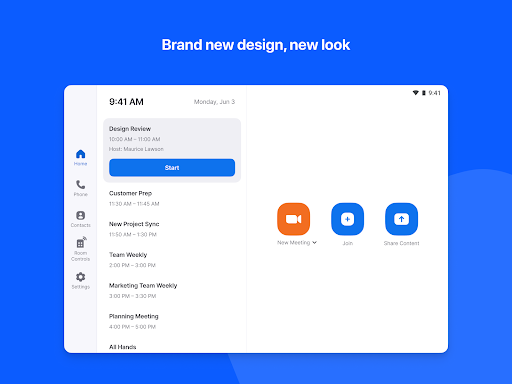
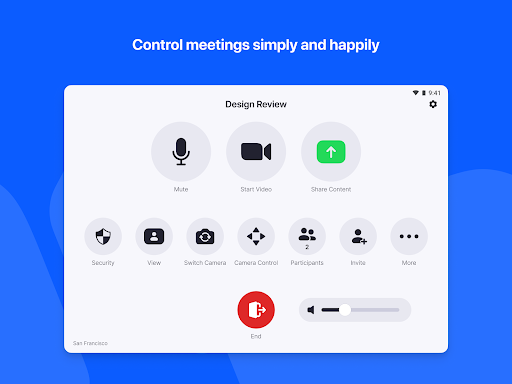
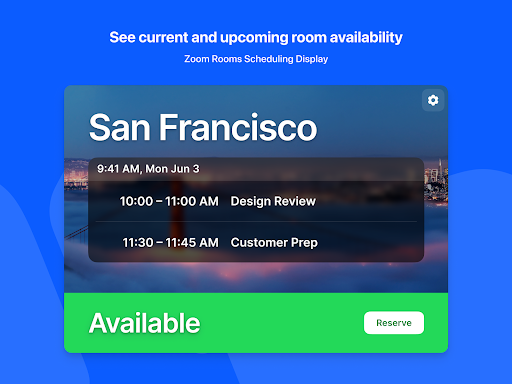
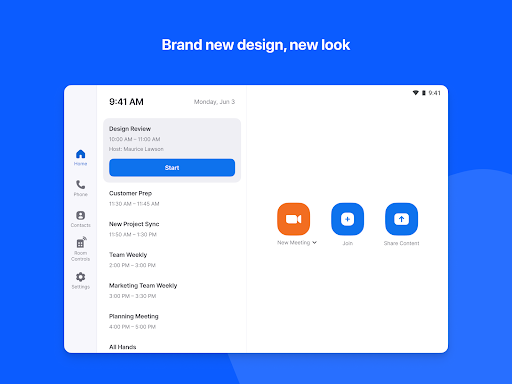
Zoom Rooms Controller is a companion app built for a very specific job: acting as the touch-panel interface for a dedicated Zoom Rooms conference setup, or as a scheduling display mounted outside a meeting room. There’s also a personal phone mode that lets employees pair with a Zoom Room they’ve already set up, giving them controls without needing a dedicated tablet. This isn’t a general-purpose Zoom app for joining meetings from your desk – it’s IT infrastructure software for offices, huddle rooms, and executive suites, and it’s aimed squarely at business admins and employees who work in rooms already wired for Zoom Rooms hardware.
Where It Performs Well
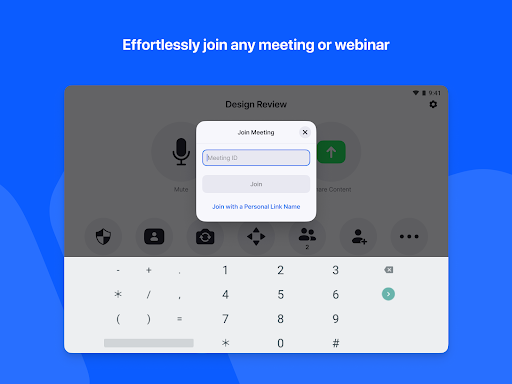
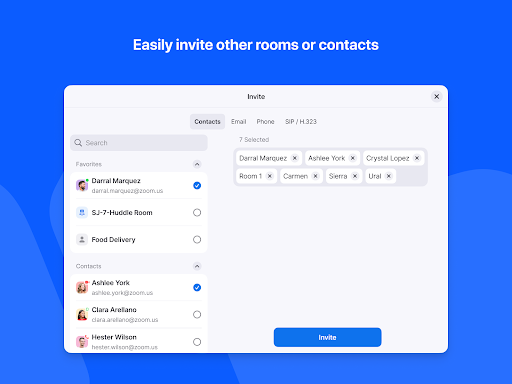
When it works, users genuinely like the core experience. One reviewer called the video and connectivity ‘awesome’ and said it made remote study sessions easier, even if occasional connection hiccups showed up during bad weather. Another described it as ‘absolutely convenient,’ pointing out that it saves the time, money, and hassle of traveling for meetings that can happen just as well over video. For basic one-touch joining and straightforward room-to-room calls, the app does what it promises when the setup is stable and accounts are properly configured.
Login and Session Problems Keep Coming Up
The most damaging complaints are about reliability, not features. Multiple users report being completely unable to log in, with one saying they tried repeatedly and gave up, calling it ‘a time wasting app.’ Another user tied to a Tupperware account said they couldn’t use it for months and got bounced between Zoom support and their reseller with no resolution. A useful workaround surfaced after the July 2021 update broke logins for many people: uninstall, reinstall, then choose ‘Sign in with Email’ instead of ‘Sign in with Zoom’ and enter your Zoom account credentials directly. That fix helped some users, but the fact that it was necessary at all points to real instability around account changes and updates.
Mid-Meeting Controls Are a Weak Spot
Beyond login troubles, the app has a specific flaw that frustrates people already relying on it during live meetings: the sharing key reportedly needs to be re-entered constantly, and if the app gets backgrounded during a call, bringing it back up shows the start screen instead of returning to the active meeting controls. That’s a serious functional gap for a controller app whose entire purpose is managing an in-progress meeting. Other users mention losing access to account controls and recordings after updates, describing ‘a week of total frustration’ just trying to get basic functions working again.
Who Should Actually Install This
If your organization already runs Zoom Rooms hardware and your IT team has it properly configured, this app can genuinely simplify one-touch joining and room scheduling – and some users are happy with it. But the recurring login failures after updates, the lack of in-meeting persistence, and the reports of unresponsive support (especially for accounts managed through third-party resellers) mean you should go in with modest expectations. Keep the sign-in workaround handy, make sure your Zoom account credentials are current, and don’t be surprised if a routine update forces you to troubleshoot before your next meeting.



