


What WPS Office Is Built To Do
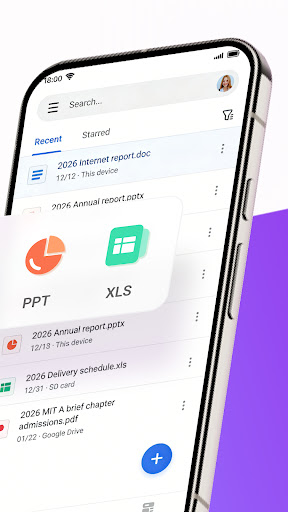
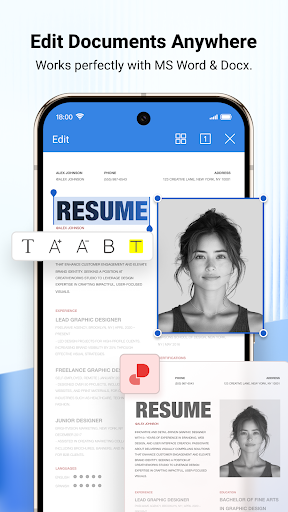
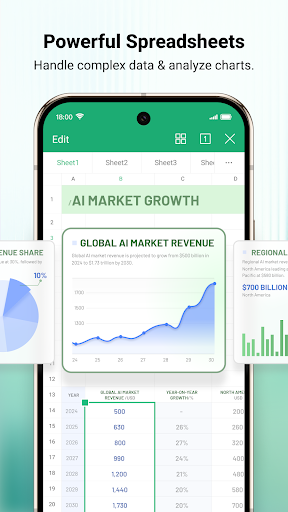
WPS Office is an all-in-one mobile office suite that handles Word, Excel, PowerPoint and PDF files in a single app. Beyond basic viewing, it packages in a PDF editor, document scanner with OCR, file converter, and cloud sync across mobile, PC and Mac. It’s aimed at students, remote workers and anyone who needs to open, edit or convert office documents on a phone without carrying a laptop everywhere.
Where It Actually Delivers
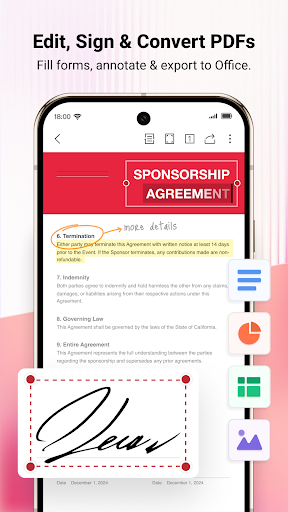
For years WPS Office built a loyal following by offering a genuinely capable free alternative to Microsoft Office, and that reputation still explains its huge install base. One long-time user noted they ‘used to love this app and preferred it to my Microsoft apps,’ which reflects how strong the core editing and formatting tools have been when they work as intended. The PDF toolset in particular is broad on paper: annotation, merging, splitting, signatures, watermarks and PDF-to-Word conversion are all bundled together, which is more than most free document readers offer. The built-in document scanner with OCR is also a genuinely useful addition for digitizing receipts, contracts or notes without a separate scanning app.
The Subscription Problems You Need To Know About
The most serious complaints center on billing. Multiple users report being charged automatically after signing up for what they believed was a 3-day free trial, with one describing an unexpected charge of 1,700 and another reporting 2,350 deducted from their digital wallet without warning. Several reviewers say they’ve struggled to get refunds afterward, describing repeated back-and-forth with support. If you’re considering the trial, read the cancellation terms closely and set a reminder before the trial period ends, because the app apparently doesn’t make the transition to paid billing obvious.
The Free Version Isn’t What It Used To Be
Beyond billing, the biggest recurring complaint is that the free tier has been stripped down. One reviewer flatly stated ‘the app is unusable unless you pay for premium, and it is expensive,’ adding that the free version now functions mainly as a file viewer rather than a real editor. Others describe constant upgrade prompts that interrupt basic tasks — one user said an ad now appears every time they hit save, blocking part of the screen with no way to close it. This is a real shift from the app’s original value proposition, and long-time free users are clearly frustrated that editing features they once had access to now sit behind a paywall.
Reliability Has Slipped With Recent Updates
Several reviews point to declining stability after updates rather than improvement. One user said cloud drive linking and auto-upload stopped working correctly, with files claiming to be synced when they weren’t. Another summed it up as the app getting ‘worse and worse’ with each release, specifically citing the newly added AI features as adding clutter rather than value. For an app that markets cloud sync across devices as a core feature, these sync complaints are worth taking seriously if cross-device workflow matters to you.
Who Should Actually Download This
WPS Office still makes sense if you need a capable mobile PDF editor and don’t mind paying for premium, or if your document needs are light enough that the free viewer-level access is sufficient. It’s less appealing if you were hoping to replicate the fully-featured free experience the app used to offer, or if you’re wary of subscription trials — the recurring billing complaints here are frequent and specific enough to warrant caution. Read the trial terms carefully, watch your payment method after signup, and go in expecting upgrade prompts if you stick with the free tier.



