

What This App Is Built For
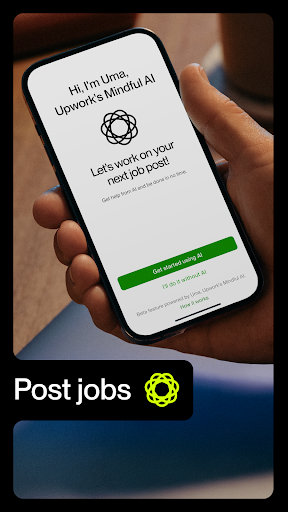
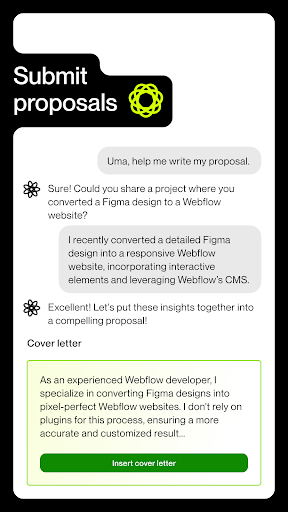
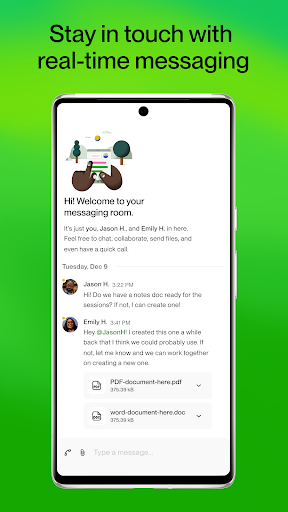
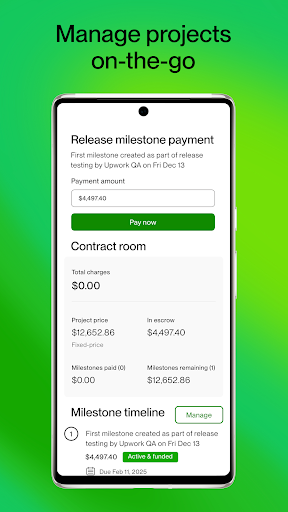
Upwork for Freelancers is the mobile companion to the Upwork freelance marketplace, letting users post jobs, submit proposals, message clients, track projects, and manage contracts from a phone instead of a desktop browser. It’s aimed at freelancers who want to respond to opportunities on the go, as well as hiring clients who need to check in on active contracts without sitting at a computer. With over 18 million installs, it’s clearly the default way a huge portion of Upwork’s user base interacts with the platform day to day.
Where the App Actually Delivers
Reviewers consistently say the core concept works: posting skills, searching for jobs, and browsing potential contracts is straightforward once you’re set up. One long-time user called it easy to navigate, saying they can do almost everything through it. For freelancers just getting started, the app is described as a solid, functional entry point into finding gigs, even before landing a first contract.
Another practical strength that comes through in reviews is the reminder to keep everything on-platform. Users who stick to Upwork contracts and Upwork messaging, rather than moving to outside chat apps, report a safer experience overall, and the app’s structure supports that kind of discipline by centralizing proposals, messages, and contract tracking in one place.
Notifications and Messaging Are Real Weak Points
The most frequent complaints center on message and notification reliability. Multiple users report notifications arriving 10 minutes late or more, messages that don’t refresh automatically, and job invitations that are difficult or impossible to act on directly from the notification. One reviewer specifically noted they cannot decline invitations from their phone at all, and that messages can take a long time to load even after a notification has already appeared. For a platform where fast client communication matters, this is a meaningful friction point.
Verification, Connects, and Fullscreen Ads
A serious complaint involves the identity verification process. According to one detailed 1-star review, users spend ‘connects’ to bid on jobs before identity verification even happens, and verification only becomes available after receiving a first contract offer — meaning any verification error can lead to an immediate suspension after money has already been spent. Separately, another user flagged intrusive fullscreen ads appearing roughly once a day, with a close button that’s deliberately hard to tap, calling it a dark pattern.
Payments and Account Switching Add Friction
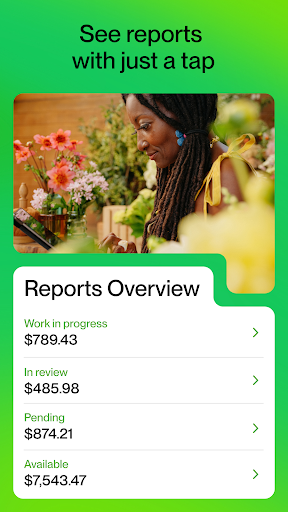
Checking earnings reportedly kicks users out to a mobile browser and requires logging in again, which breaks the in-app flow. Another user pointed out the odd requirement of needing both the client and freelancer apps installed separately to do certain things. Payment timing has also drawn criticism, with one freelancer describing inconsistent waits for their first paycheck.
Who Should Actually Download This
If you’re already freelancing or hiring on Upwork and need to manage contracts, messages, and proposals between desktop sessions, this app is functional enough to justify keeping installed. But go in aware of its rough edges: verify your identity concerns before spending connects, expect delayed notifications, and don’t be surprised by the occasional fullscreen ad. Casual users hoping for a flawless mobile-first experience may find the browser workflow more dependable for now.



