
TeamViewer QuickSupport

by TeamViewer

4.3 ★ 161K+ reviews
70M+ Installs
07/09/2013 Released
TeamViewer QuickSupport icon
Productivity

TeamViewer QuickSupport

by TeamViewer

4.3 ★ 161K+ reviews
70M+ Installs
07/09/2013 Released
Advertisements
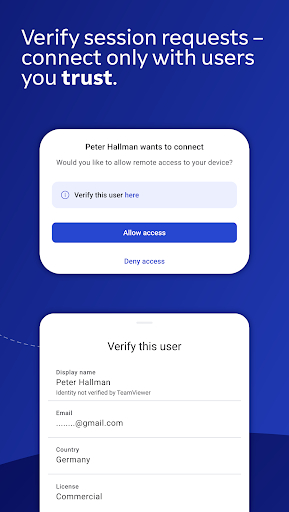
TeamViewer QuickSupport screenshot 1
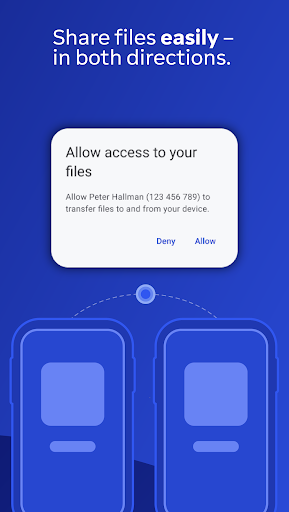
TeamViewer QuickSupport screenshot 2
TeamViewer QuickSupport screenshot 3
TeamViewer QuickSupport screenshot 4
TeamViewer QuickSupport screenshot 5
TeamViewer QuickSupport screenshot 6

Ratings Breakdown

4.3 ★★★★★ 161K+ ratings
5 ★ 75%
4 ★ 8%
3 ★ 3%
2 ★ 1%
1 ★ 12%

Data from Google Play at the time of writing.

What This App Actually Does

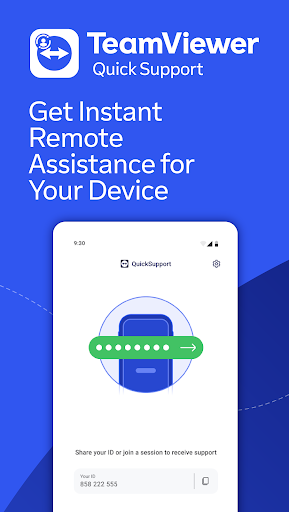
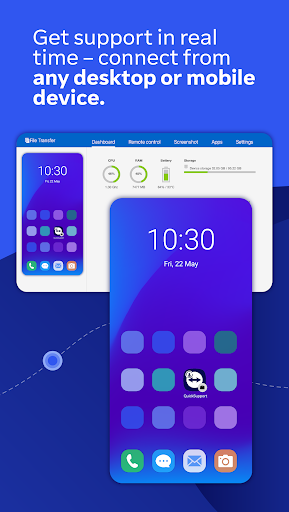
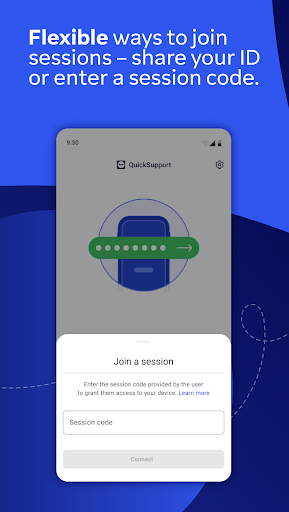
TeamViewer QuickSupport is a remote access tool built for one-sided support sessions: you install it on a phone, tablet, Chromebook, or Android TV, share a session ID or code with a trusted partner, and they connect in to view your screen, transfer files, chat, or adjust settings like Wi-Fi. It’s not designed for you to initiate outbound control of another device; it’s the receiving end, meant for IT departments, tech-savvy family members, or helpdesk staff who need to see what’s happening on your device in real time.

Where It Genuinely Works Well

When used as intended, reviewers confirm it does the job. One five-star review describes it as useful for helping a friend or family member ‘on the other side of the planet’ dig into phone settings by sharing a screen remotely, which is exactly the use case TeamViewer built it for. The core mechanics of session codes, screen sharing, and remote control function as advertised for legitimate one-off support sessions between people who already trust each other.

The Scam Problem That Dominates the Reviews

The most striking pattern across the real user feedback isn’t about app performance, it’s about abuse. Multiple reviewers describe near-identical scam scripts: a fake PayPal or Best Buy/Geek Squad invoice email, a phone number to call about a ‘problem,’ and then a request to download QuickSupport so the caller can ‘refund’ or ‘fix’ something. Once connected, scammers attempt to access banking information and personal data. This isn’t a flaw in the app’s code, but it’s a serious real-world risk factor that any potential user needs to understand before installing it, especially older or less tech-savvy users who are the typical targets.

Setup Friction and Commercial-Use Throttling

Beyond the scam issue, actual usability complaints surface too. One user got stuck on the ‘QuickSupport will start capturing everything that’s displayed on your screen’ prompt with no way to proceed except Cancel, and reported waiting a week for a response after emailing support twice. Another long-time user called the current mobile experience ‘dreadful,’ saying it now requires jumping through far more hoops than before just to hand over control of a friend’s phone. A separate complaint describes TeamViewer flagging personal use as commercial, then throttling sessions to 30 seconds with 10-minute lockouts afterward, even after submitting a non-commercial use form that made no difference.

Who Should Actually Install This

QuickSupport makes sense if a specific, trusted party, your company’s IT department, a relative you’ve called for help, or a paid technician you sought out yourself, has asked you to install it for a planned session. It is not something you should ever download because an unsolicited caller or email told you to. Given how frequently this app appears in scam scripts according to real reviewers, treat any unexpected request to install it as a red flag, verify the identity of whoever is asking before granting access, and uninstall it once your support session ends. Used deliberately and briefly, it works fine; used reactively under pressure from a stranger, it’s a serious liability.


Pros

  • ✓Works well for planned trusted support sessions
  • ✓Lets partners view and control device remotely
  • ✓Includes chat and file transfer features
  • ✓Useful for helping distant family or friends
  • ✓Provides caller identity details before connecting

Cons

  • ✕Heavily exploited by phone and email scammers
  • ✕Commercial-use throttling limits sessions to seconds
  • ✕Confusing setup prompts with slow support response

What Real Users Say

Jewell Stone ★ 1/5

“WATCH OUT FOR SCAMMERS! Had an email from "PayPal" with an invoice for a recent purchase, but I didn't use PayPal to buy it. Was concerned and called the number provided, only to be told that I had been hacked and I needed to download this app so he could cancel the "purchase" and refund me. As soon as I…”

👍 1,973 found this helpful
Steve Isherwood ★ 1/5

“This app is for scammers. Just had a call telling me about the problems I supposedly have with my broadband. They wanted me to download this app to connect to my router. They put the phone down when I asked why it wasn't a sky app if they were calling from sky. And despite what they say here, I don't…”

👍 1,062 found this helpfulDeveloper responded
Lili Walters ★ 4/5

“Can someone PLEASE help!😭 I can't get past this message "QuickSupport will start capturing everything that's displayed on your screen". I'm presented with two options; Cancel or Start Now but am only able to click Cancel. I've emailed TeamViewer twice now, it's been a week and still haven't heard anything from them😡. I don't want to leave a bad review…”

👍 137 found this helpful

Reviews sourced from Google Play, selected by helpfulness at the time of writing.

App Info & Permissions

Developer TeamViewer
Content rating Everyone
Contains ads No
Installs 70M+
Released 07/09/2013
Price Free

Permissions this app requests

📱 Device ID & call information Read phone status and identity
📍 Location Precise location (GPS and network-based)
📞 Phone Read phone status and identity
🖼️ Photos/Media/Files Read the contents of your USB storage; modify or delete the contents of your USB storage
💾 Storage Read the contents of your USB storage; modify or delete the contents of your USB storage
📶 Wi-Fi connection information View Wi-Fi connections

Similar Apps

Frequently Asked Questions

1

What is TeamViewer QuickSupport?

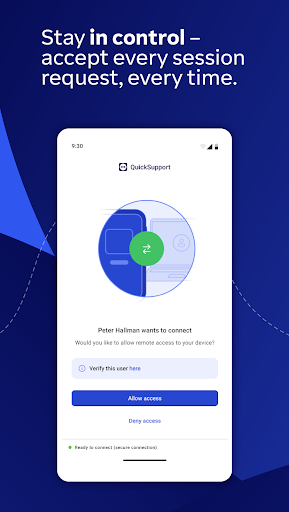
It's a remote support app that lets a trusted partner, like IT staff or a tech-savvy contact, connect to your phone, tablet, Chromebook, or Android TV to view your screen, transfer files, chat, and adjust settings. You initiate the session by sharing an ID or code, and every connection requires your explicit acceptance. It's built for receiving support, not for controlling other devices yourself.

2

Is TeamViewer QuickSupport free?

The app is free to install and use for personal, non-commercial support sessions. However, one reviewer reported being flagged for commercial use and throttled to 30-second session bursts with 10-minute cooldowns, even after submitting documentation proving personal use. Business or frequent use may require a paid TeamViewer license.

3

Is TeamViewer QuickSupport safe to use?

The app itself uses 256-bit AES encryption and requires explicit permission for every connection, but real user reviews show it's frequently used in scams. Scammers impersonate companies like PayPal or Best Buy, convince victims to download the app, then attempt to access banking and personal data. Only use it with someone whose identity you've independently verified.

4

Why do scammers ask people to install this app?

Because QuickSupport gives a remote partner real-time screen viewing and control once a session is accepted, scammers use fake urgency, like a bogus invoice or broadband issue, to trick victims into installing it and granting access. Several reviewers reported this exact pattern from callers claiming to be PayPal, Best Buy, or their internet provider. Never install remote access software at the request of an unsolicited caller.

5

What are the biggest complaints about the app?

Beyond scam concerns, users report confusing permission prompts that block progress with no clear way forward, slow or unresponsive customer support, and aggressive throttling for accounts mistakenly flagged as commercial use. One longtime user also said the mobile experience has become noticeably more cumbersome over time compared to earlier versions.

