

What Speedtest by Ookla Actually Does
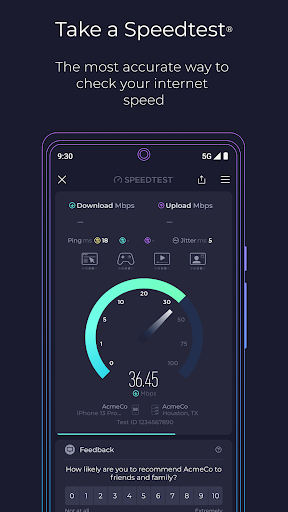
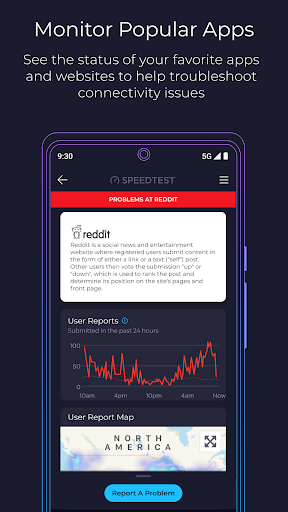
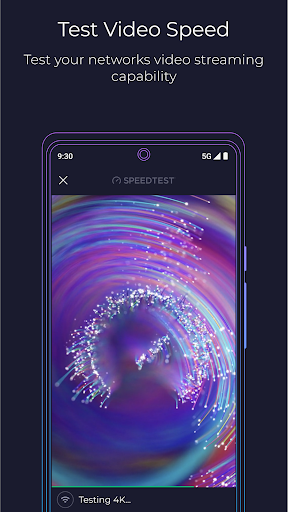
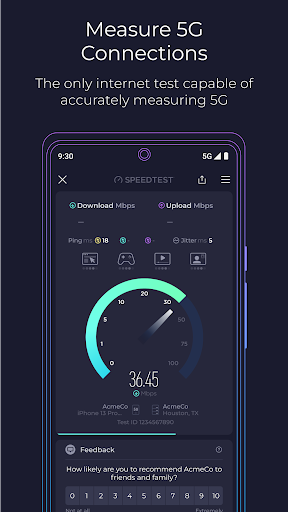
Speedtest by Ookla is exactly what the name suggests: a one-tap tool for checking your download speed, upload speed, and latency on WiFi or cellular data. Ookla has added a Downdetector tab that lets you check the real-time status of other apps and services, plus a Maps tab showing crowd-sourced carrier coverage data and a video test that estimates streaming quality. It’s built for anyone who wants to know whether their internet connection is actually delivering what they’re paying for, from casual users checking home WiFi to people troubleshooting a spotty cell signal.
Where It Delivers
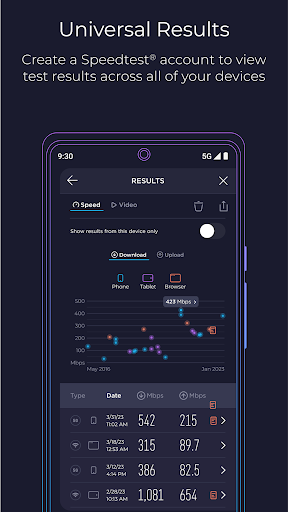
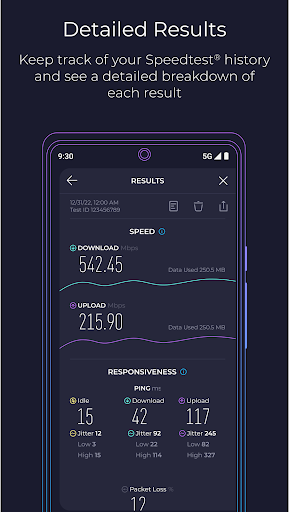
The core speed test is the reason 264 million people have installed this app, and the reviews back that up. Users repeatedly call it reliable and accurate, with one longtime user saying they’ve compared it against several other speed test apps and found it ‘the most reliable and accurate WiFi testing app out.’ The history feature, which lets you filter past results by device or connection type, gets specific praise for making it easy to track performance over time. The ad-free upgrade is also frequently cited as a good value, with reviewers noting that for under a dollar you can remove ads across all your installed devices.
The Annoyances That Show Up in Real Use
Not everything runs smoothly. Multiple reviewers mention the app hanging or failing to find a server, particularly in remote areas or, more troubling, when switching from cellular data to WiFi. One user reported the app suddenly couldn’t recognize any WiFi servers for 48 hours straight while cellular testing worked fine. Others want more granular detail on connection type, like distinguishing between 4G LTE, LTE+, and true 5G rather than lumping them together. There’s also a recurring complaint about the app defaulting to a test server hundreds of miles away instead of picking a nearby one, which can skew results. Account and login issues surface too, with at least one user locked out after switching phones and stuck waiting on a password reset that could only be requested once every 24 hours.
Ads and the Paid Tier
The free version does carry ads, though most reviewers say they’re not intrusive enough to ruin the experience. One user specifically noted the ads ‘do not affect the user experience, but are still easily visible.’ The paid tier removes ads and reportedly includes a VPN with a free 2GB allotment, which several reviewers flagged as a nice bonus rather than the main draw.
Who Should Download This
If you want a fast, no-frills way to check your internet speed and troubleshoot connection problems, this is still the standard-bearer in the category, and the sheer volume of test data behind it (55 billion tests and counting) gives it credibility that newer apps can’t match. Just be prepared for occasional server-detection hiccups, especially if you’re in a rural area or frequently switch between WiFi and cellular. Anyone managing multiple devices will appreciate the cheap ad-free unlock, but if you’re relying on the app for account-based features, know that support for login issues has been a sore spot for at least a few users.



