


What Spaces by Wix Actually Does
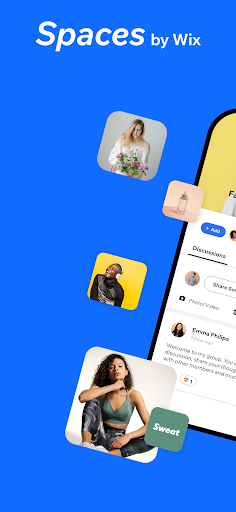
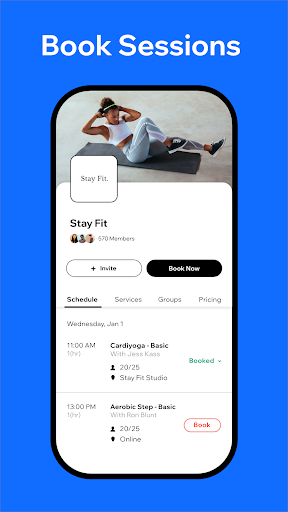
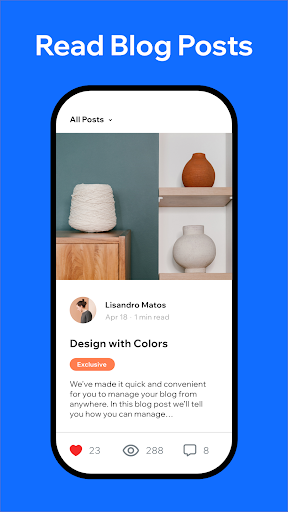
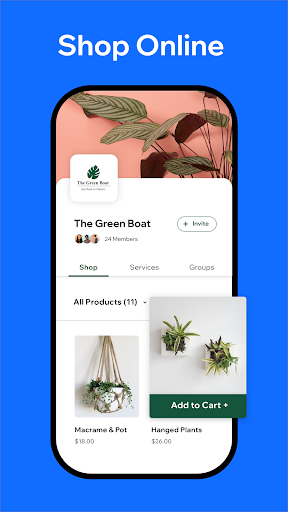
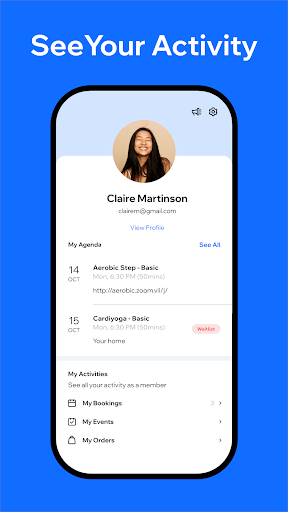
Spaces: Follow Businesses is Wix’s consumer-facing companion app, built for people who want to follow, shop, or interact with businesses and communities that already run on Wix. It’s marketed for shopping e-commerce sites, reading blog posts, booking appointments, joining online communities, and attending virtual or in-person events. This is not the app for building or managing a Wix site yourself; that’s the separate Wix Owner app. Spaces is aimed at end users and, to a lesser extent, small business owners who need a quick way to check messages, orders, or bookings on the go.
Where It Works Reasonably Well
Some users appreciate the ability to upload media from their phone into shared online storage, which makes contributing content to a blog or community site more convenient than doing it from a desktop. For businesses juggling appointments, having a single place to view bookings and communicate with an online community is a genuinely useful concept when it functions as intended, and the underlying feature set covers a lot of ground for a free app.
The Real Problems Users Keep Reporting
The complaints in real reviews are consistent and severe. Multiple users describe a newer version of the app as ‘horrendous,’ saying they can’t access messages and orders without falling into what one reviewer called ‘a black hole of endless clicks,’ and that the app crashes once you finally get there. Business owners running tour operations or handling bookings report the schedule is so glitchy and slow to load that checking it on a phone is slower than driving home and using the website instead. Others say the app can take an hour to list a single product because of repeated upload failures, forcing them to retake photos and restart the app over and over.
Persistent Bugs and Annoyances
Beyond core functionality, users report the app nagging them to download it even though they’ve had it installed for years, sending them in a loop back to the app store page. Blog posting has its own issue: one reviewer says typing in the post editor causes words to double-type almost every time, making the feature nearly unusable. Photo uploads for blog posts are also capped at a handful of images at a time on the web version, and several users say they’ve had to restart both the app and their phone repeatedly just to get uploads to complete. One long-time user reported the app simply won’t open anymore, stuck on the blue loading screen indefinitely, which meant missed notifications and a near-lost sale.
Who Should Actually Download This
If you’re a casual follower who just wants to browse a favorite shop, read a blog, or occasionally book an appointment, Spaces might be tolerable, though even then expect some friction. If you’re a small business owner relying on this app to manage bookings, messages, or product listings while away from a computer, the review evidence suggests real risk of crashes, slow loading, and lost time. Given the pattern of complaints about crashing, glitchy schedules, and broken uploads, it’s hard to recommend this as a dependable business tool. Casual, light use is where it’s least likely to frustrate you.



