




What Snapseed Actually Is and Who Needs It
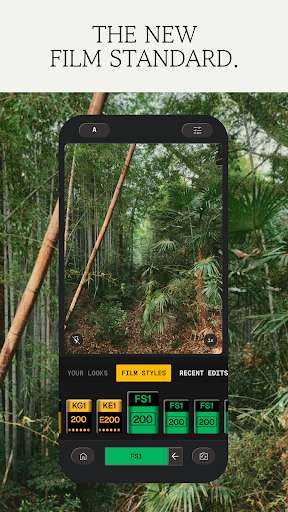
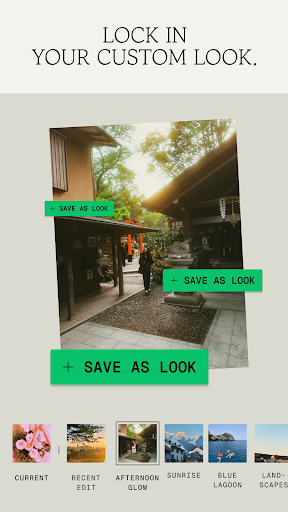
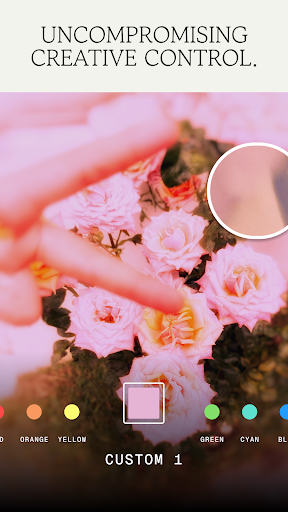
Snapseed is Google’s free photo editor for Android and iOS, packing over 30 pro-level tools including Selective adjustments, Curves, Healing, RAW Develop, and newer additions like Halation, Bloom, and film simulations. There are no subscriptions, no watermarks, and no ads, which is unusual for an editor this capable. It’s aimed at anyone who wants Lightroom-style control on a phone, from casual users who want their vacation photos to look better to more serious hobbyists who shoot RAW and want fine-grained masking and tonal control without paying anything.
The Editing Toolkit in Daily Use
The core strength people keep coming back to is how much power sits inside a free app. One long-time user called it ‘simple, powerful, and completely free,’ praising the selective editing and Healing tool specifically for fixing photos that would otherwise need a desktop program. Tools like Perspective, Tonal Contrast, and Color HSL give you adjustments you’d normally expect from paid software, and the non-destructive editing stack means you can tweak or undo individual edits later rather than starting over. For years this combination made Snapseed a go-to app that reviewers described as their primary editing tool on the go.
The Redesign That Frustrated Longtime Users
The most consistent complaint in recent reviews is the interface overhaul. Multiple users say the new layout is harder to use than the old one, with one describing the adjustment menus as taking up ‘tons of space’ with unnecessary animations, and comparing the look unfavorably to Instagram-style presentation. Another reviewer specifically called out the Brush tool workflow: to check what you’d brushed for exposure, you now have to go to the top of the screen to select the highlight option, whereas the previous version made this visible without extra taps. Several users who had used Snapseed for years said the update forced them to relearn a process that used to be intuitive, with no clear payoff for the added complexity.
Stability, Saving, and RAW Handling Issues
Beyond the interface, there are real functional complaints. Multiple reviewers report the app crashing after recent updates, and one described edits appearing to save inside the app but not actually showing up in the phone’s gallery when reopened. A photographer working with Nikon RAW (.NEF) files said the app that used to handle these files perfectly now fails to save images and won’t let them use masking, calling the experience full of constant issues. Another user reported that after temporarily losing access to their Google account, all their edited Snapseed photos disappeared entirely, which is a serious concern for anyone relying on the app to store finished work. Load times have also gotten noticeably slower for some, with one reviewer saying editing that used to take minutes now takes far longer just to open the app and load editing icons.
Weighing the Free Toolset Against Recent Reliability Problems
The gap between Snapseed’s reputation and its current reviews comes down to timing. Long-term fans still recognize the app as one of the best free editors available, and the underlying tools — Healing, Selective, Curves, masking — remain genuinely useful and rare to find without a paywall. But a cluster of recent, detailed complaints about crashes, failed saves, slower performance, and a confusing redesign suggests the latest version introduced real friction for people who relied on it daily. This isn’t a case of nostalgia for change’s sake; users are describing concrete workflow breakdowns, not just an unfamiliar layout.
Final Verdict on Downloading Snapseed
If you’re new to mobile photo editing and want a free, capable toolkit without ads or subscriptions, Snapseed is still worth installing, and the core feature set remains hard to beat at this price. If you’re a returning power user who depended on the older, faster, more predictable version, especially for RAW workflows, go in expecting some instability and a learning curve with the new interface. Back up your edited photos elsewhere rather than trusting the app alone, given the account-related photo loss some users reported.



