



What This App Actually Does
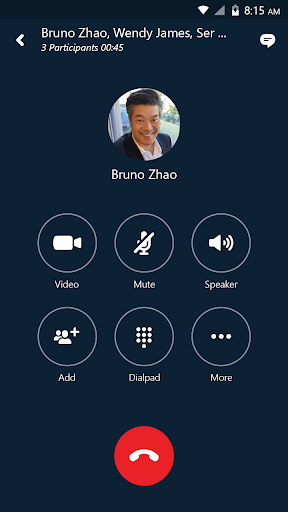
Skype for Business for Android is the mobile companion to Microsoft’s enterprise communication platform, formerly known as Lync 2013. It is not the consumer Skype app people use to call family; it is built for employees whose companies run Skype for Business Server, Office 365, or Lync Online. You need a corporate account to unlock full functionality, including group IM, video conferencing, meeting scheduling, screen sharing, and meeting controls like muting or removing attendees. Anyone can join a meeting as a guest if invited, but the real audience here is office workers who need to dial into calls or check messages while away from their desks.
Where It Performs Well
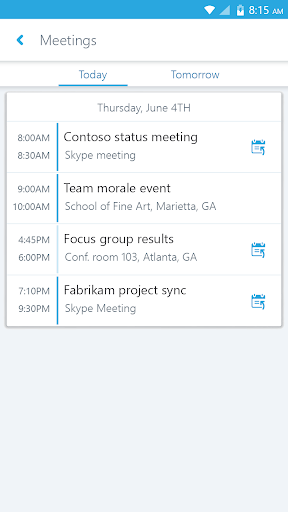
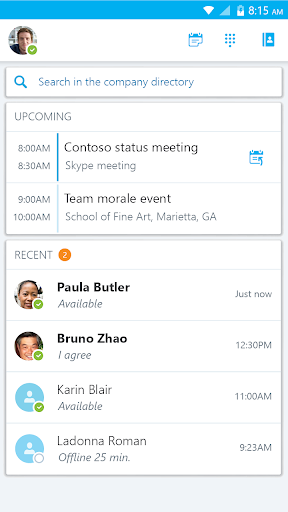
When it works, reviewers note it is usually reliable for joining scheduled meetings, and the one-click join from an upcoming meetings list is genuinely convenient. One reviewer with a 4-star rating specifically called it ‘usually reliable and easy to access meetings,’ which matches the app’s core promise of extending desktop Lync/Skype for Business functionality to a phone. For workers who mainly need to hop into a conference call or check recent conversations on the go, the basic mechanics are there.
Notification and Call Reliability Problems
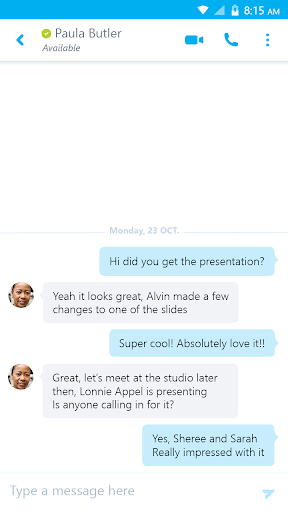
The most damaging and frequently cited complaint is that calls simply do not notify properly. One heavily upvoted 1-star review describes missing calls because there is no proper notification that a call is coming through, and even when answered, the other party often cannot hear the user, or an annoying beeping sound persists as if the connection never finished. Multiple reviewers describe having to log out and log back in three or four times just to join a call cleanly, and getting booted from a call entirely if the screen fades out. Message notifications have similar issues: users report seeing a preview of a message in the notification bar, but the message is nowhere to be found once they open the app.
Permissions and Contact Syncing Complaints
A more recent update drew sharp criticism for demanding broad permissions, including camera, contacts, and calendar access, with the app refusing to run at all unless every permission is granted. Reviewers questioned why these permissions are necessary just for basic functioning. Separately, at least one user reported losing their full contacts list, left only with a ‘Recent contacts’ view instead of the complete directory that used to sync from the desktop client, undermining one of the app’s advertised search features.
Who Should Actually Install This
This app makes sense only if your employer has already deployed Skype for Business Server or Skype for Business Online and requires you to stay reachable via mobile. If that’s your situation, you don’t really have a choice, and it’s worth going in with tempered expectations around call notifications and muting responsiveness. If you’re evaluating it as a general-purpose calling or messaging app, skip it; the pattern of dropped notifications, silent calls, and login loops described by multiple reviewers suggests it’s often more frustrating than helpful. Given Microsoft has since pushed most business customers toward Microsoft Teams, prospective users should also confirm with IT whether this app is even still the supported path before relying on it daily.



