

What This App Is Built To Do
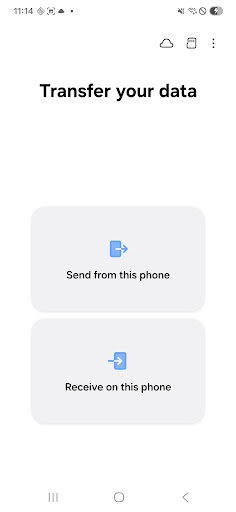
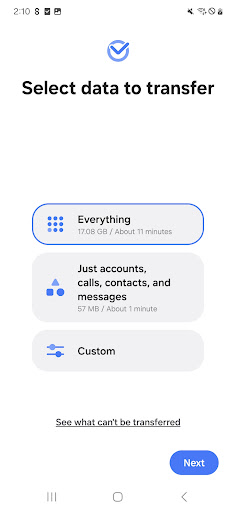
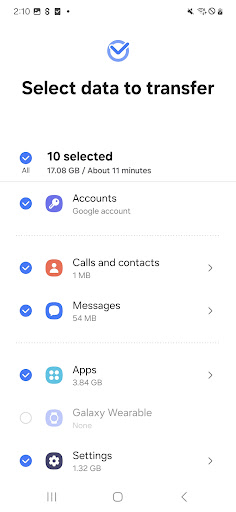
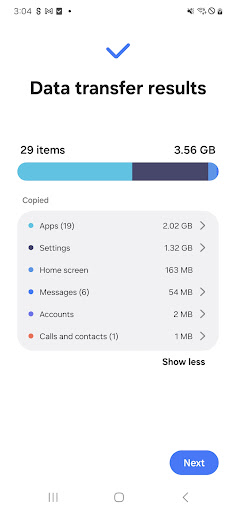
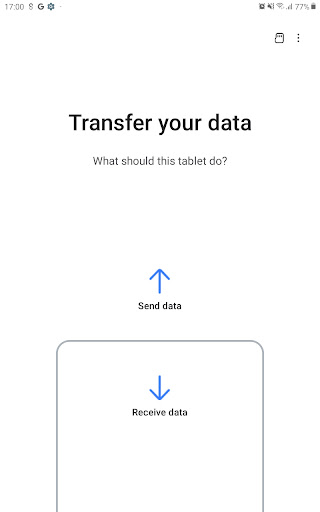
Samsung Smart Switch Mobile is Samsung’s dedicated migration tool for anyone moving to a new Galaxy phone or tablet. It’s designed to pull over contacts, messages, call logs, photos, music, calendar entries, Wi-Fi passwords, wallpapers, and on newer Galaxy devices even app data and home screen layouts. It works from another Android phone, an iPhone via wired transfer or iCloud import, or a PC/Mac using the companion desktop software. The target user is obvious: someone who just bought a new Samsung device and doesn’t want to spend a weekend manually re-adding contacts and reinstalling apps.
The Wireless and Cable Transfer Experience
When it works, users describe it as genuinely impressive. One reviewer called it ‘awesome’ after using the WiFi option, admitting they’d put off switching phones for a long time out of fear of losing data. Another confirms the USB cable method works well too, though they note a specific quirk: you need to wait for the old phone to explicitly signal it’s safe to disconnect, since the new phone will start prompting you to continue setup before the transfer is actually finished. Reviewers who got a clean run reported that duplicate files aren’t re-transferred, which is a nice touch for anyone who has to restart partway through.
Where It Falls Apart For Many Users
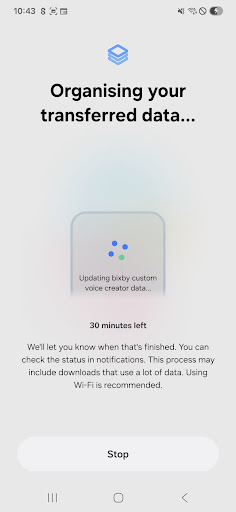
The complaints are just as loud as the praise, and they center on one recurring failure: connections dying mid-transfer. Multiple reviewers describe the process stalling at a suspiciously consistent percentage, like 5.4%, before throwing a ‘connection lost’ error and forcing a full restart. One user who called it ‘Samsung Dumb Switch’ pointed out that even after the connection dies, the app keeps running on the old phone as if nothing happened, which is confusing and wastes time. Another reviewer spent an hour reinstalling and retrying a Galaxy-to-Galaxy transfer, hitting a different failure mode almost every attempt, sometimes it wouldn’t even establish a connection. These aren’t isolated glitches; they show up across recent and older devices alike.
Missing Features That Would Fix Real Problems
A four-star reviewer raised a fair point that many others would probably second: there’s no pause function. If your battery dies near the end of a long corded transfer, you’re stuck starting over rather than resuming where you left off, since the app doesn’t save incremental progress in a way that survives an interruption. Given how long transfers can take, especially with lots of photos, videos, or app data, this lack of resilience turns a minor hiccup into a wasted afternoon. Another user with a broken old phone found the required ‘allow this connection’ prompt on the source device nearly impossible to tap in time, which caused repeated errors and restarts.
Permissions and Setup Overhead
Smart Switch asks for a long list of permissions, contacts, call logs, camera, SMS, location for Wi-Fi Direct, and more, which makes sense given what it’s transferring, but it does mean granting fairly broad access to a Samsung-owned app. Both devices also need a minimum of 500 MB free internal storage, and non-Samsung Android devices with aggressive Wi-Fi power-saving settings may need manual tweaking before a wireless transfer will even hold a connection. None of this is a dealbreaker, but it adds friction for less technical users who just want to plug in and go.
Final Verdict
Smart Switch clearly works well for a large share of users, moving essentially everything from an old device to a new Galaxy with minimal manual effort, and the cable transfer method seems more reliable than wireless based on user feedback. But the frequency of stalled transfers, cryptic connection-lost errors, and the absence of a pause/resume feature mean you should budget extra time and patience, especially if you’re transferring wirelessly or from an older or non-Samsung device. If you’re setting up a new Galaxy phone, it’s still worth trying first since there’s no real alternative with this level of integration, just use a cable if you can, keep both phones charged, and be prepared to retry at least once.



