

What PicCollage Actually Does
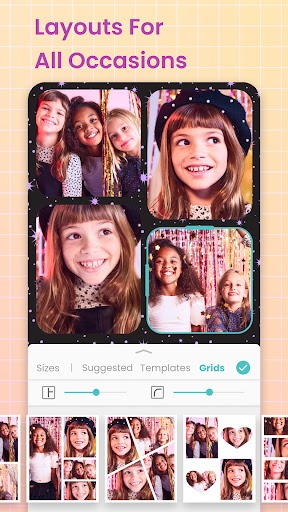
PicCollage is a photo editing and collage-making app aimed at anyone who wants to combine photos and videos into grids, cards, scrapbook pages, or Instagram-ready layouts without a steep learning curve. It’s built for casual creators: people making birthday cards, YouTube thumbnails, Wattpad book covers, side-by-side comparison photos, or scrapbook memories. Based on the review data, it draws in a wide range of users, from teens making song covers to small business owners building marketing thumbnails.
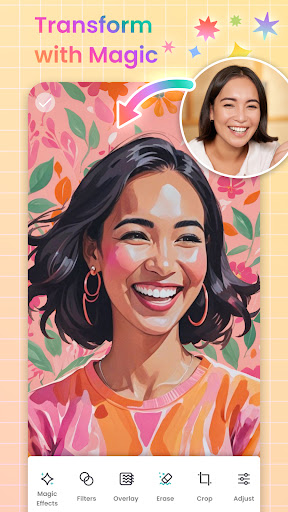
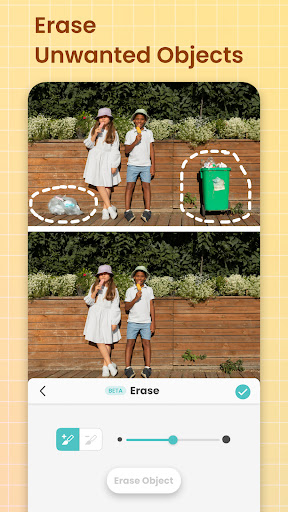
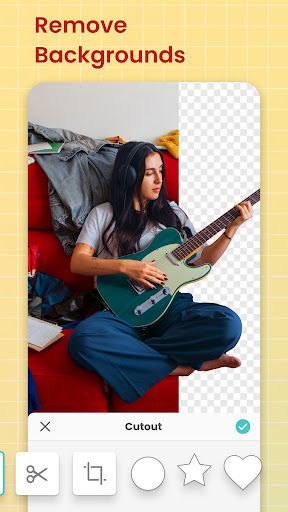
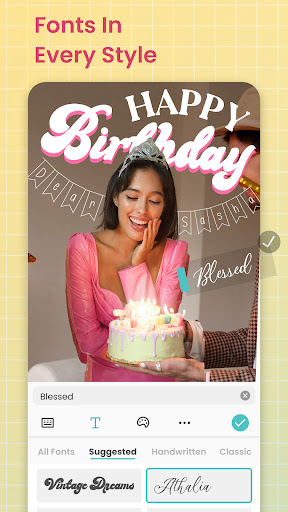
The core toolkit includes grid templates, an AI background eraser, stickers, fonts, doodle tools, and animated effects like fireworks and confetti. It’s less a professional editing suite and more a fast, template-driven way to turn a handful of photos into something presentable in minutes.
Where It Genuinely Shines
Users consistently praise how easy the app is compared to alternatives. One reviewer switched to PicCollage specifically because other side-by-side comparison apps felt ‘complicated and annoying,’ while this one let them just pick photos from the camera roll and drop them into a preset grid or frame. Another uses it daily to make YouTube thumbnails, citing the wide range of colors and design elements available.
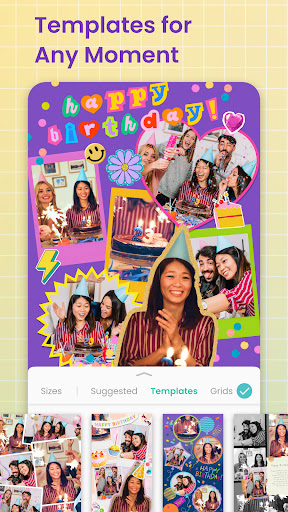
The template variety is a repeated highlight too – people mention using it for book covers, song covers, scrapbook pages, birthday cards, and invitations, often calling it their go-to app for years. The ability to pull images from the web and use PNG overlays also got specific praise, even though one user wished the app explained these features (like what ‘PNG’ means) more clearly.
The Friction Points Users Keep Hitting
The most serious complaint is stability: one long-time user reported the app freezing, crashing, and failing to change font colors over an extended period, eventually pushing them toward other apps. That same reviewer was also frustrated by being funneled into a 7-day free trial when trying to use a single VIP-only template, rather than being told upfront which features require payment.
Beyond stability, the recurring gripe is that too much content sits behind paywalls or unlock requirements – multiple reviewers specifically wanted more stickers, more font color and shading options, and better text effects included without extra unlocking. A Facebook-sharing glitch showing a stuck ‘loading’ screen was also reported, though it was resolved with a simple retry.
Is the VIP Subscription Worth It
Several reviewers who paid for the ad-free VIP tier say it’s worth it, especially heavy users who make collages daily for multiple projects. Removing ads and watermarks seems to meaningfully improve the experience based on those comments. But the free tier’s constant sticker and template restrictions are clearly a sticking point for users who haven’t upgraded, and the trial-to-paywall flow annoyed at least one long-time user enough to abandon the app.
Final Verdict
PicCollage is genuinely useful for quick, template-based photo collages, cards, and thumbnails, and its ease of use is its biggest asset. But occasional crashes and an increasingly paywalled feature set are real drawbacks for long-term free users. It’s worth downloading if you want a fast, template-heavy collage tool and don’t mind eventually paying for VIP; less so if you need a rock-solid, fully-featured free editor.



