

What This App Promises to Do
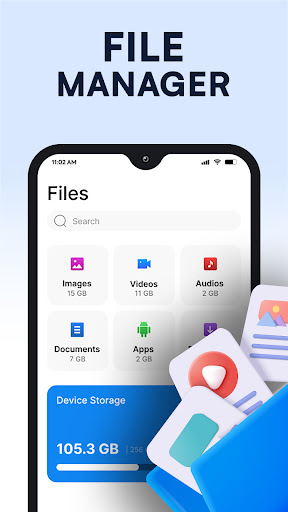
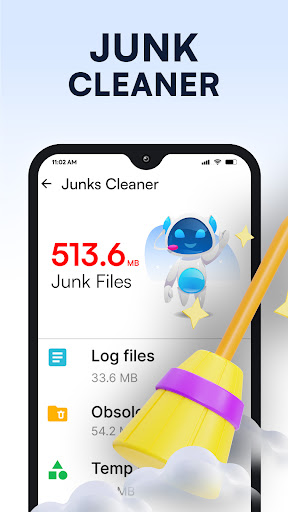
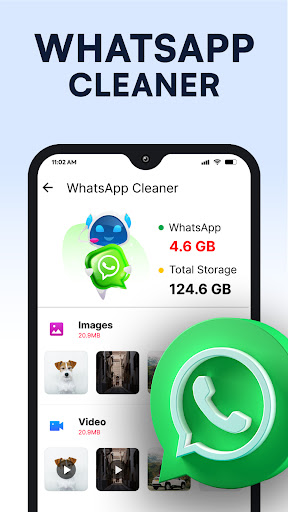
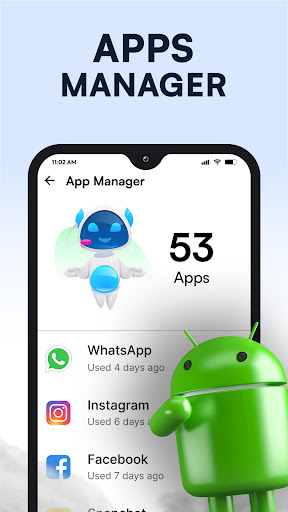
Phone Cleaner – AI Cleaner is a storage management tool from Brain Trust that bundles junk file cleaning, an AI-powered scanner for large and duplicate files, an app manager, and a basic file manager into one package. It targets Android users whose phones have slowed down or filled up with residual files, obsolete APKs, old screenshots, and duplicate photos from chat apps. It’s aimed at people who want a simple one-tap solution rather than digging through folders manually.
Where It Actually Delivers
The most common praise from real users centers on immediate, visible storage gains. One reviewer reported going from 72 GB used down to 51 GB in about 10 minutes after installing, which is a substantial jump for a first-time scan. Others say the interface is easy to use, requires no complicated setup, and doesn’t nag with constant notifications pushing you to clean, something reviewers specifically appreciated compared to more aggressive competitors. The app is also lightweight to install, with one user noting it only takes about 95 MB of space, which matters for a tool whose whole job is freeing up storage.
Duplicate Detection Deserves a Careful Eye
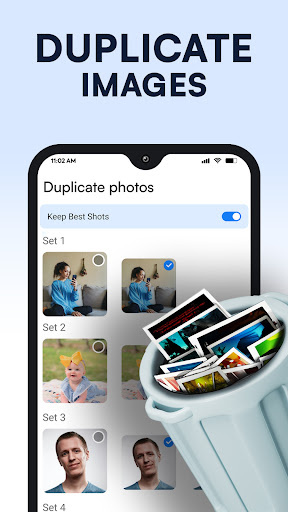
The AI cleaning feature that flags duplicate photos and large files is a genuine convenience, but at least one reviewer flagged real uncertainty about accuracy, worried that photos marked as ‘duplicates’ might not actually be duplicates and could vanish unexpectedly. That’s a meaningful concern for a cleaning app, since the entire value proposition rests on trusting its scan results. If you keep irreplaceable photos, it’s worth manually reviewing anything flagged before deleting in bulk.
The App Killer Complaint and Ad Fatigue
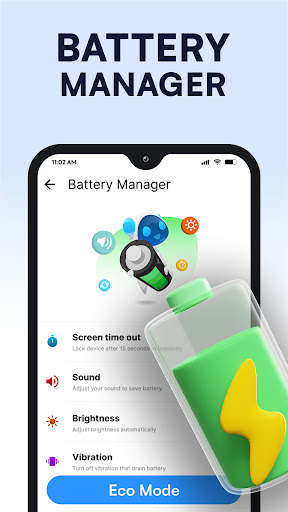
A recurring and more serious complaint is that the app markets itself as a memory-freeing replacement for process killers but, according to one detailed review, doesn’t actually kill background processes despite appearing to. Multiple reviewers also describe heavy ad presence, with one saying the app felt like ‘a continuous ad for downloading more apps’ and provided little real cleaning value beyond that. Another user reported a security warning flagging the app itself as risky shortly after install, alongside noticeable lag afterward. These complaints, paired with suspicion in the reviews that some five-star ratings might be inauthentic given the sharp split between glowing and scathing feedback, suggest a mixed trust picture.
Who Should Actually Download This
If you want a straightforward, no-frills way to clear obvious junk files and free up several gigabytes with minimal effort, and you don’t mind tolerating ads, this app can deliver real results quickly, as the storage-drop testimonials suggest. But if you’re specifically looking for a background app killer, or you’re wary of ad-heavy tools and want airtight duplicate detection you can trust blindly, temper your expectations. Review what it flags before deleting anything sentimental, and keep an eye on device behavior right after installing given the isolated risky-app and lag reports from users.



