What Phantom Does and Who It’s For
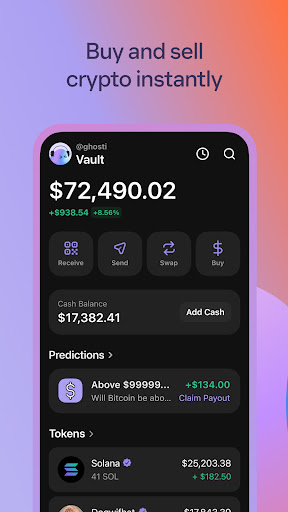
Phantom is a self-custody crypto wallet built primarily for Solana and Ethereum users who want to hold tokens, collect NFTs, and interact with Web3 dapps through a built-in browser. It’s aimed at people who already own crypto and want a mobile-friendly place to store it, swap it, and stake SOL without juggling multiple apps. With over 19 million installs, it’s clearly one of the more popular wallets on the market, but that popularity comes with a wide range of user experiences worth digging into.
Where Phantom Actually Shines
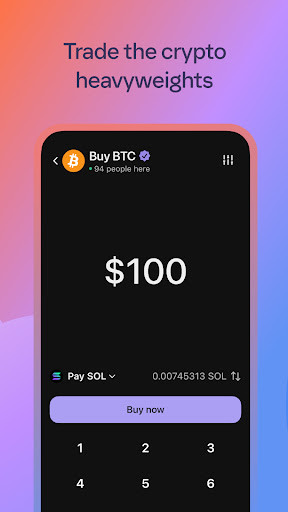
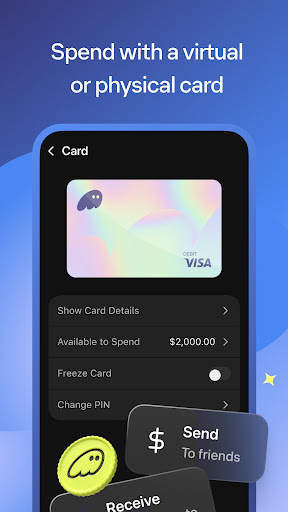
Reviewers consistently point out that Phantom is easy to learn and has a good interface, calling it simple to search for tokens and buy or sell them. The onboarding experience and general navigation seem to work well for newcomers who haven’t used a crypto wallet before. Features like biometric authentication, built-in swapping, and one-click SOL staking are there for people who want more advanced functionality without leaving the app.
The Swap and Transaction Problems Users Keep Reporting
The most repeated and highest-voted complaints are about transactions simply not going through. Multiple users describe swaps spinning for hours before failing, even with plenty of SOL in the wallet, and say this has cost them real money when prices moved against them during the delay. One reviewer said connecting to dapps fails roughly half the time and swaps fail the other half, contrasting it unfavorably with Solflare on desktop, which they say never gives them trouble. Another described losing money because a trade wouldn’t even progress to the confirm screen, explicitly noting it wasn’t a slippage issue. This isn’t a one-off complaint – it’s the dominant theme across the most helpful reviews.
Portfolio Tracking Is Surprisingly Weak
Several users flagged that Phantom only shows profit and loss over the last 24 hours rather than tracking total gains or losses since purchase. One reviewer put it bluntly: there’s no way to see portfolio performance over time, and the app won’t show the original price you paid for a coin. For a finance app whose whole purpose is managing assets, not having basic historical P&L is a meaningful gap.
Deposit and Charge Complaints Worth Knowing About
A smaller but alarming set of reviews describe confusing or duplicate charges when funding the wallet, including one user charged five times for a single transaction due to a verification hold charge, and another who saw three separate $100 charges on their bank statement for what should have been one deposit. These aren’t universal experiences, but they show up often enough in the top reviews that new users should go in cautious and double-check any deposit before assuming it went through cleanly.
Who Should Actually Download This
Phantom is worth trying if you mainly want a simple, good-looking place to hold Solana or Ethereum assets and NFTs and you’re not making time-sensitive trades. If you plan to actively swap tokens when prices are moving, or you need reliable historical portfolio tracking, the recurring complaints about failed swaps and missing P&L data suggest you should go in with realistic expectations – or keep a backup wallet like Solflare handy for when Phantom stalls.