
What This App Is Trying to Do
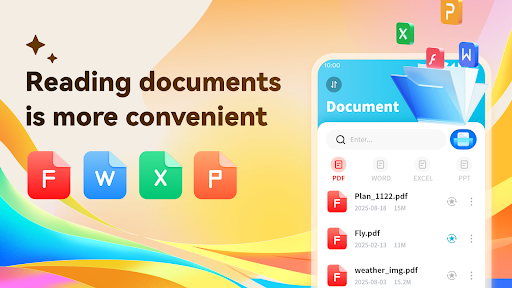
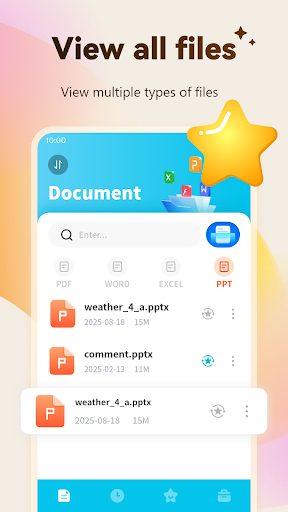
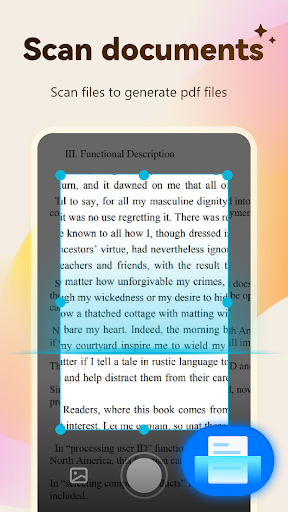
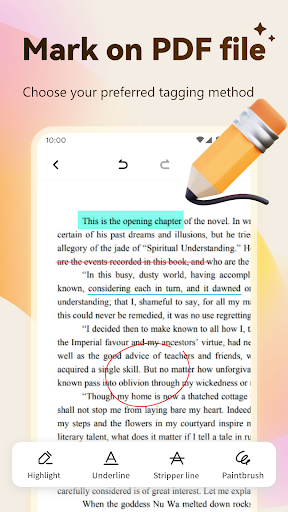
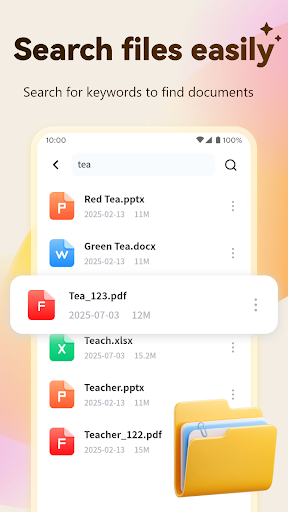
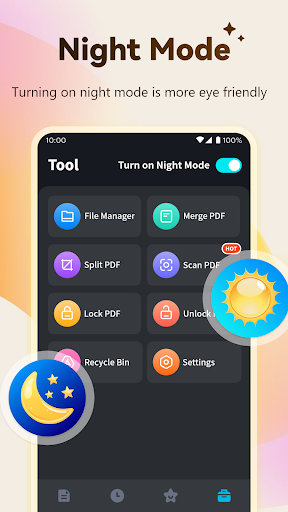
PDF Viewer & Scanner, developed by Emily Yu, is a document utility for Android that bundles a lot into one app: reading PDF, Word, PPT, and Excel files, scanning paper documents into PDF using your phone camera, merging and splitting PDFs, adding highlights and annotations, and locking files with a password. It’s aimed at anyone who needs a free, all-in-one tool for handling office and scanned documents on their phone rather than juggling separate apps for viewing, scanning, and editing.
Where It Actually Delivers
Judging from user feedback, the core document handling works well for a lot of people. One reviewer called it ‘easy to use’ and praised it as a ‘huge help’ after a frustrating experience with a competing app that demanded payment and was hard to navigate. Another long-time user described the underlying system as ‘fine’ with no real bugs affecting document reading itself, which suggests the reading, scanning, and file management functions are solid once you’re past the setup and onboarding screens. For basic day-to-day tasks like opening a Word file or converting a photographed document into a PDF, it seems to do the job without drama.
The Advertising Practice That Frustrates Users
The most consistent and serious complaint isn’t about the PDF tools themselves, it’s about how the app markets itself. Multiple reviewers describe ads that pose as system notifications claiming ‘you are currently using an old version of PDF reader’ and warning that you’ll ‘lose data’ if you don’t update immediately, even when the app isn’t installed on their device. One user with 457 ‘useful’ votes called this ‘not an ethical way to advertise’ and ‘underhand,’ noting it can trick people into visiting a download page by mistake. This isn’t a minor gripe; it’s the single most repeated criticism across the most-upvoted reviews.
Constant Update Prompts and Pop-Ups
Beyond the misleading ads, existing users report the app itself nags them repeatedly to update, even when there’s no functional reason to. One user says they updated multiple times only to end up with five separate PDF apps cluttering their phone before deleting all but one. Another spent 45 minutes hitting the update button in frustration before uninstalling entirely. Others complain about unwanted pop-ups prompting them to open every file the app finds on their phone, which feels invasive rather than helpful, and one user wanted a way to simply disable the app’s notifications without success.
Who Should Actually Download This
If you want a free, capable PDF reader and scanner with merge, split, and annotation tools, and you can tolerate some ad-related annoyances, this app covers the basics reasonably well and won’t cost you anything upfront. However, if you’re sensitive to aggressive advertising tactics, fake update warnings, or apps that repeatedly nag you post-install, this one has a documented pattern of exactly that behavior. It’s worth trying for the free document tools, but go in expecting to dismiss some misleading prompts along the way, and don’t be surprised if update notifications become a recurring annoyance rather than a one-time thing.



