
What PDF Reader Point Actually Does
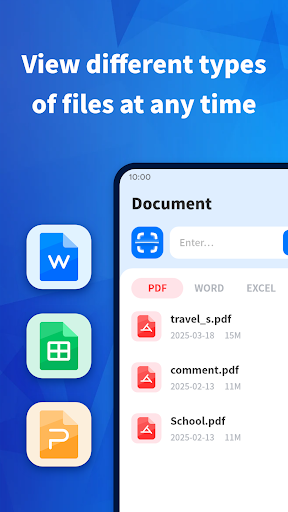
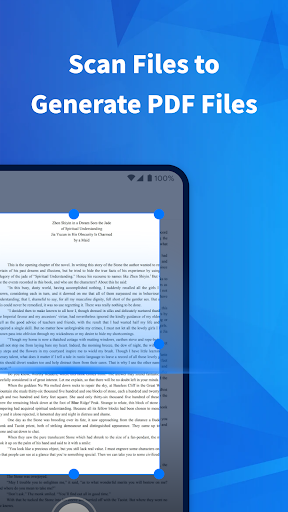
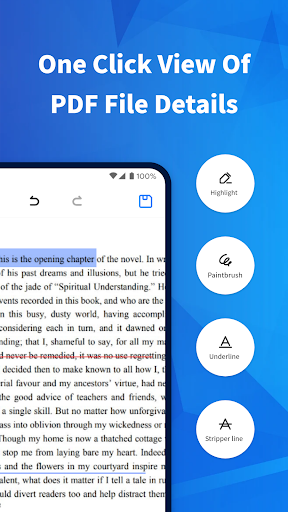
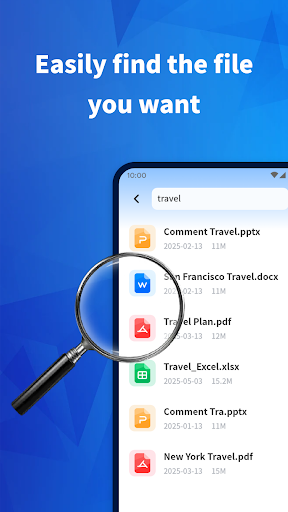
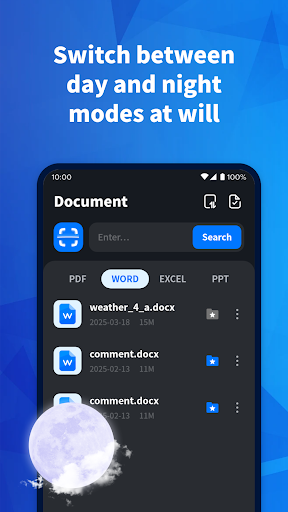
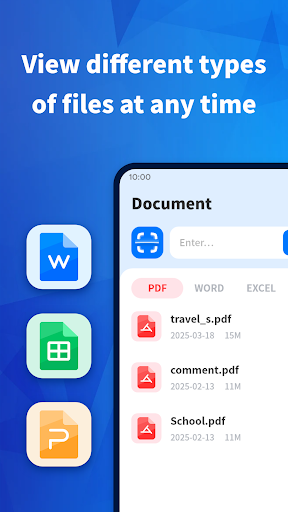
PDF Reader Point is a document viewer for Android that opens PDF, Word, PowerPoint, and Excel files without needing separate apps for each format. On top of viewing, it bundles in annotation tools (highlight, underline, strikethrough, doodle), basic file management like renaming and bookmarking, plus merge, split, lock/unlock, and scan-to-PDF functions. It’s aimed at people who want one app to handle everyday document tasks on their phone rather than juggling Microsoft’s own apps or a dedicated scanner app.
With over 17 million installs, it’s clearly found an audience among users who just need to open a file someone emailed them or scan a receipt, not power users doing heavy editing.
Where It Genuinely Performs Well
Reviewers who stuck with the app after installing it consistently praise the layout, calling it well organized and easy to access files quickly. One user specifically liked that it keeps different file formats separated instead of dumping everything into one confusing list, which speeds up finding what you need. Another described it as productive and time-saving, and a third called it simple enough for anyone to operate without a learning curve. For basic viewing and file organization, the core app does seem to do what it promises.
The Advertising and Install Prompts Problem
The biggest recurring complaint has nothing to do with PDF viewing itself: users report being bombarded with ads, including ones that can’t be skipped and are forced to play out before you can continue. One reviewer said the app is ‘covered in other advertisements’ to the point of making the actual PDF features feel secondary. Multiple users also describe being repeatedly told their version has expired and prompted to redownload or update, sometimes several times within a couple of days, even when they hadn’t actually installed anything. That combination of aggressive ads and expiration nags is what drags the rating down for a chunk of users, regardless of how the core tools function.
Trust and Install Tactics Are a Real Concern
Beyond the in-app ads, several reviewers flagged the way the app gets installed in the first place, describing being ‘tricked’ into downloading it, which understandably makes people skeptical of everything else it does afterward. A fake update alert appearing for someone who says they didn’t even have the app installed is a serious red flag for trust, not just an annoyance. If you’re the type of user who gets frustrated by apps that push notifications or update prompts aggressively, this pattern is worth knowing about before you install.
Who Should Actually Download This
If you need a free, no-frills way to view and organize PDFs, Word docs, and spreadsheets, and you can tolerate interruptive ads, PDF Reader Point covers the basics competently, per the positive reviews about its layout and ease of use. But if you’ve been burned by apps with aggressive update prompts or unskippable ad blocks, or you value a clean, trustworthy install experience, the complaints here suggest you should go in with realistic expectations, or consider a more established alternative from Adobe or Microsoft.



