

What SharePoint Mobile Is Supposed to Do
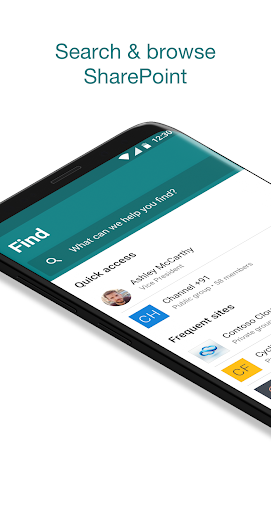
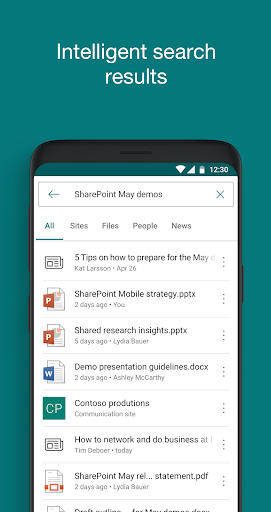
Microsoft SharePoint is the mobile companion to the SharePoint intranet and document-management platform used by businesses running Office 365 or on-premises SharePoint Server 2013 and later. The app is meant to let employees browse team sites, communication sites, and news posts, search company content, check colleagues’ contact cards, and post updates from a phone. It’s aimed squarely at office workers whose employer already runs SharePoint as its file and intranet backbone, not at casual users or small teams without an existing Microsoft 365 subscription.
Where It Actually Works Well
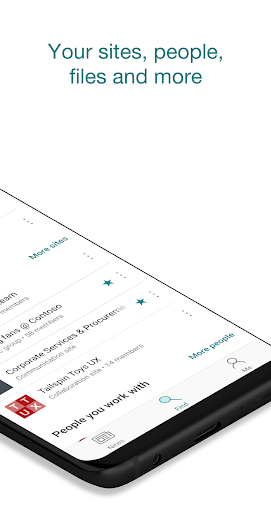
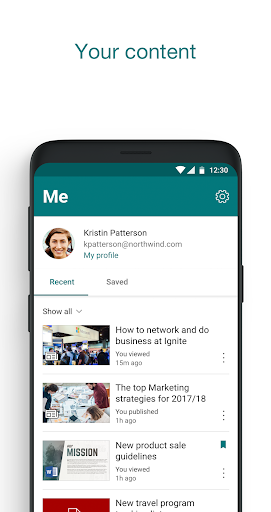
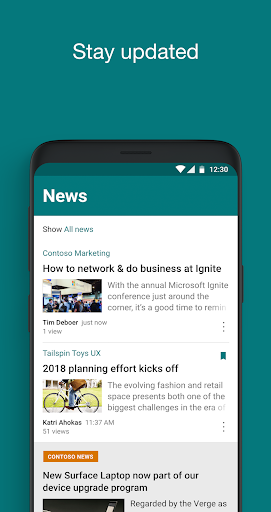
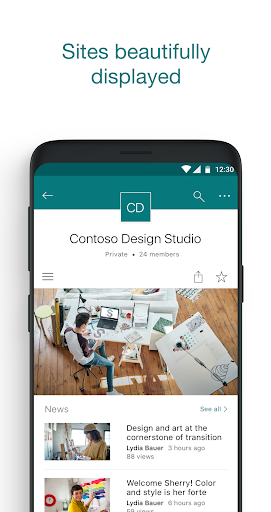
When it behaves, the app does deliver on the basics: you can browse sites, see personalized views of team and communication sites, and pull up a coworker’s contact card to see what they’re working on. One reviewer noted it ‘works smooth’ at a technical level, meaning the interface itself doesn’t crash or stutter for simple browsing tasks. The concept of surfacing people, news, and content in one place is sound in theory, and for organizations that only need quick read access to news posts or site updates, it can serve that narrow purpose.
Navigation and File Handling Problems
The complaints pile up fast once you try to actually work with files. Multiple users report that uploads and downloads simply don’t work, and the back button doesn’t take you to the previous folder — instead it dumps you back at the home screen, forcing you to re-navigate the entire folder tree from scratch. One reviewer described opening the same folder twice in a row and having the app remember the old directory but refuse to load any files until fully backing out and re-entering. Others note there’s no real folder structure, no way to favorite files, and no metadata, views, or filters, making it ‘virtually impossible’ to work with structured data. Editing is essentially absent — the app is described as fine for viewing files but not editing, with syncing issues serious enough that one user says they lost a day of work on a check sheet.
Login, Freshness, and Reliability Issues
Beyond file handling, session stability is a recurring theme. One user says the app resets itself if the phone’s screen times out, breaking a weekly checklist workflow. Another reports the app showing stale entries from years ago as if they were current, while the SharePoint website separately failed to recognize their account at all. There’s also no in-app way to add calendar events for shared resources, pushing users back to a browser for anything beyond basic viewing.
Who Should Actually Install This
If your job only requires glancing at company news, checking a colleague’s profile, or browsing a site occasionally, SharePoint mobile can technically do that. But if you need to upload, download, edit, or reliably navigate folders on the go, the review evidence suggests you’ll spend more time fighting the app than working. Given the choice, many users end up relying on the mobile browser version instead, which several reviewers say has improved and offers better navigation than the native app itself.



