

What This App Actually Does
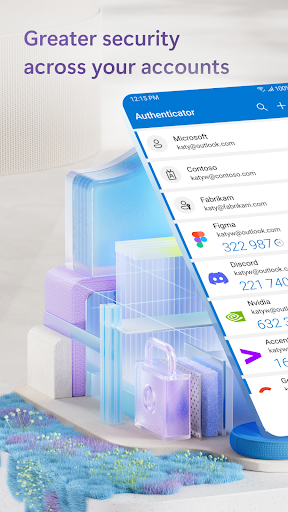
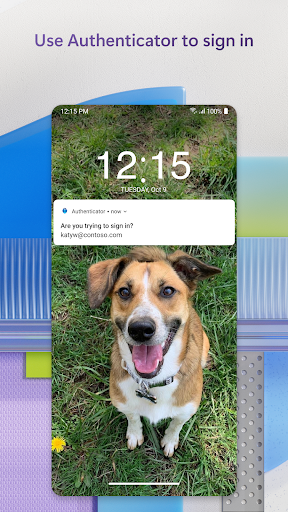
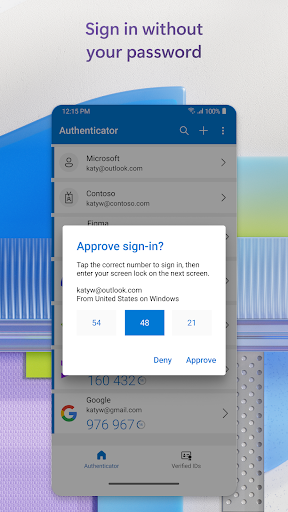
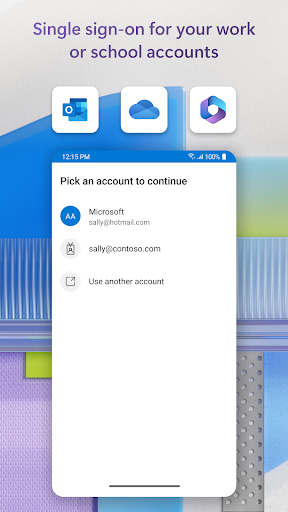
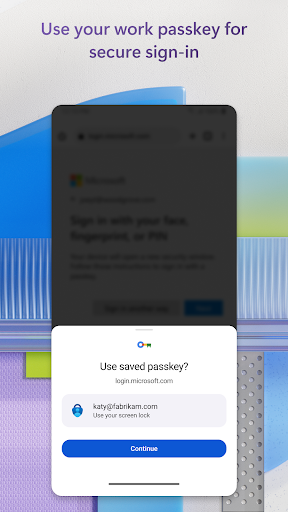
Microsoft Authenticator is a free security app that handles multi-factor authentication (MFA) for Microsoft accounts as well as third-party services like Facebook, Amazon, Dropbox, Google, LinkedIn, and GitHub. It works two ways: you can approve a push notification sent to your phone, or type in a rotating one-time password (OTP) that refreshes every 30 seconds. It also supports passwordless sign-in for Microsoft accounts using your fingerprint, face ID, or PIN instead of a password, and it handles work or school account registration for organizations that require cert-based authentication.
This is aimed squarely at two groups: people who want an extra layer of security on personal accounts, and employees or students who are required by IT policy to use it for corporate or school logins. If you fall into either camp, you don’t really have a choice about installing something like this, so how well it works matters a lot.
Where It Genuinely Delivers
When it’s working, reviewers consistently say it’s the easiest way to sign into a Microsoft account, beating having to re-enter or change a password constantly. The core OTP mechanism does what it promises: codes generate offline, on a 30-second timer, without needing a network connection or draining battery. For straightforward personal or single work account use, several users note it’s simple enough once you understand the flow.
The Sync and Setup Problems Users Keep Hitting
The most damaging complaints center on device transitions and syncing. One reviewer described switching phones as ‘a nightmare’ because setting up two-step verification on the new device required an authenticator code from the very app they were still trying to configure — a circular problem with no easy way out if the old phone is lost, broken, or wiped. Another long-term user said the app simply stopped working after years of reliable use, and two hours with customer service and an AI chatbot led nowhere because they couldn’t log in to get help in the first place.
Reliability Issues That Lock People Out
Multiple reviews describe the app getting stuck on the logo screen for a week straight, surviving cache clears, force stops, and full reinstalls with no fix. Another user reported the fingerprint or passcode screen going blank after login, requiring a full uninstall-reinstall cycle just to get back in temporarily before it broke again. Since this app is often the only approved method for accessing work systems, these outages aren’t minor annoyances — they cut people off from their own accounts and jobs.
A Windows Sync Gap and a Phishing Risk
One reviewer flagged that account info doesn’t cross over to Windows, and warned specifically against using the built-in password generator if you need that password anywhere outside the Android app. Another raised a real security concern: the number-matching approval prompts can become a phishing vector, since repeated fraudulent login attempts increase the odds someone taps the wrong number by accident.
Who Should Actually Install This
If your employer or school mandates it, you don’t have a choice, and most of the time the core OTP function works fine. For everyone else, it’s a solid free MFA option as long as you’re prepared for a rocky device-migration experience and the possibility of getting locked out with limited recovery options.



