


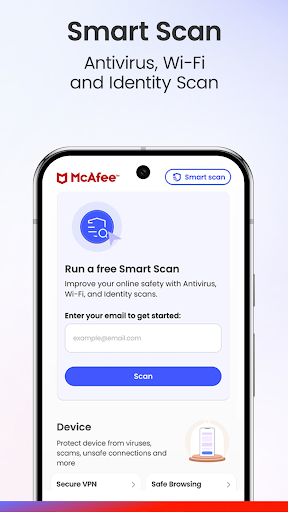
What This App Actually Offers
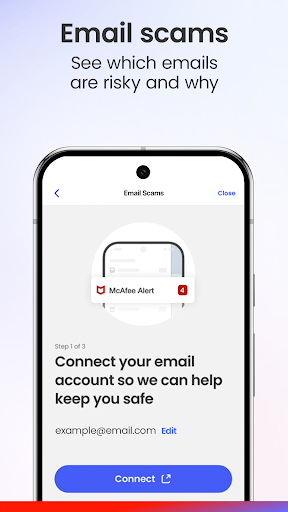
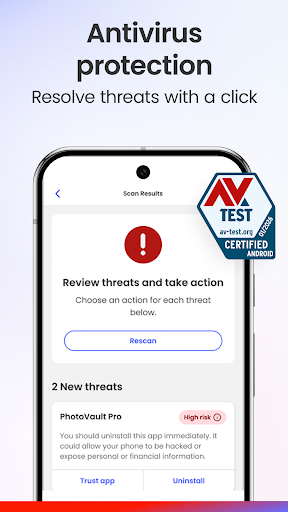
McAfee Security: Antivirus VPN is a bundled mobile security suite that includes antivirus scanning (on Android), a VPN, WiFi network scanning, identity monitoring, and the newer Scam Detector feature that flags phishing texts and emails. It’s aimed at everyday users who want a single app to cover device protection, private browsing, and identity theft alerts rather than juggling separate tools. There’s a free tier with basic scanning, then Basic Protection and McAfee+ Advanced tiers that add the VPN, credit monitoring, personal data cleanup, and account cleanup features.
Where It Delivers
Longtime users clearly trust the antivirus engine itself, with one reviewer noting they’ve used McAfee since the mid-80s and recommended it professionally for years without being let down by detection quality. The core scanning on desktop and Android is the product’s strongest asset, and that reputation for reliable malware detection is a real, earned strength. The VPN is also appreciated for adding a layer of privacy on top of that, with users specifically citing it as a value-add over just antivirus alone.
The VPN and Login Problems Users Keep Hitting
The VPN’s execution falls short of the antivirus engine’s reputation. One user reported it doesn’t reliably auto-reconnect on Android even with the ‘always on’ setting enabled, forcing manual reconnection repeatedly, and they had to reinstall the app three times in two weeks to keep things working. Login issues are a recurring theme too: multiple reviewers describe being logged out after an update and then stuck in a loop where the app demands a password, sends a verification code that doesn’t work, and ultimately shows a ‘start your free trial’ prompt despite an active paid subscription. That’s a serious functional failure for people who already pay for the service.
Billing and Support Frustrations
Several complaints center on account management rather than the security features themselves. One user described paying twice after being told their coverage expired, then being told on a support call that their computer had a security problem requiring additional payment to fix, before eventually getting a refund. Another reviewer said a widget removal and general redesign made the app feel like a downgrade, and that they could no longer view account details within the app at all. These aren’t edge cases; they show up repeatedly enough to suggest real gaps in how updates are tested and how support handles billing disputes.
Stability After Updates
A common thread across negative reviews is that updates have broken things that previously worked. Notification bugs, like a scan-in-progress notification stuck for hours, and outright inability to open the app are mentioned alongside the login loop issue. For a security app, where you need confidence that protection is actually running, this kind of post-update instability undermines the core value proposition.
Who Should Install This
If you want a well-known antivirus engine and don’t mind sticking mostly to the free or Basic tier, McAfee still delivers on core malware detection. But if you’re relying on the VPN staying connected unattended, or you’re paying for McAfee+ Advanced and expect smooth account management, be prepared for possible login lockouts and billing headaches. Users who’ve had a stable experience for years may keep renewing out of habit, but new users should weigh the real risk of update-related bugs before committing to a paid tier.



