

What This App Is Supposed To Do
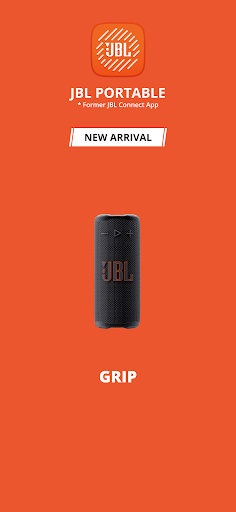
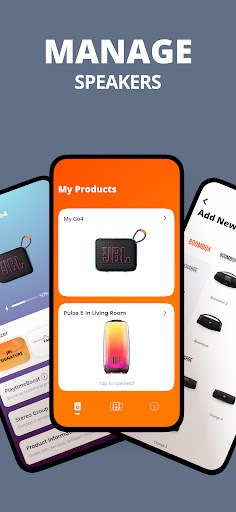
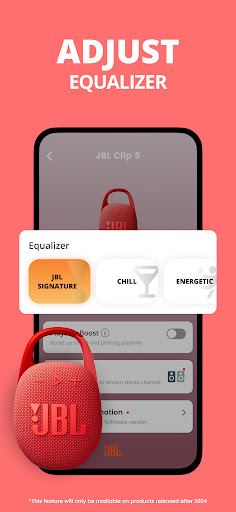
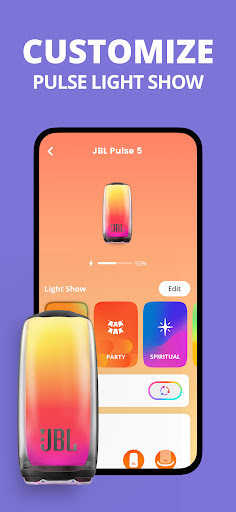
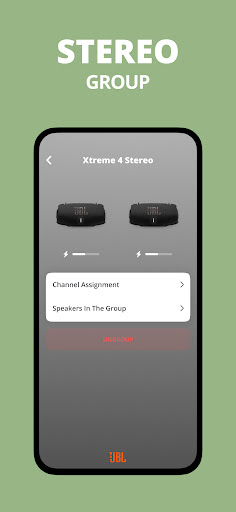
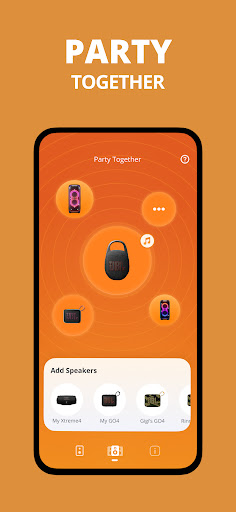
JBL Portable is the companion app for Harman’s lineup of Bluetooth speakers, covering everything from the tiny Clip 5 up to the massive Boombox 4. The pitch is simple: pair your speaker (or two of them) with the app and you unlock stereo pairing, Party Mode for linking multiple speakers, EQ controls, and firmware updates. It’s aimed at anyone who already owns a JBL speaker and wants more than basic Bluetooth playback, particularly people with two units who want a stereo pair or a bigger sound for outdoor gatherings.
Where It Actually Delivers
When everything works, owners are genuinely happy. One reviewer with a Boombox 2 and Boombox 3 says stereo mode sounds best when both speakers are the same model, and multiple users praise the raw sound quality of their speakers as excellent even in noisy environments like a wood shop. That praise, though, is mostly about the speaker hardware itself rather than the app. The app’s actual job — pairing, EQ, and personalization — gets far less enthusiasm, though when stereo sync succeeds it does seem to boost the listening experience for parties and everyday use.
The Connection Problems That Keep Coming Up
The most consistent and damaging complaint is that the app simply fails to find or connect to speakers that are already paired and playing music over standard Bluetooth. Users report the app not detecting a Go 4 or a Flip 6 even after granting nearby-device permissions, unpairing, forgetting the device, and reconnecting. One person bought two Go 4 units and could only get one to connect, with the second stuck in an endless pairing popup loop. Another says the app ‘picks and choose’ which speaker to discover when trying to link two units, calling the on-again-off-again behavior super frustrating after weeks of daily attempts.
EQ Limitations and a Security Concern
Beyond connection issues, the app has a functional limitation for multi-speaker owners: EQ control only works on one speaker at a time, even in stereo mode, which one reviewer specifically flags as a downfall for anyone trying to manage two units together. More alarming is a report of a security-like glitch where pausing music to take a phone call caused the speaker to pick up and play a neighbor’s audio from their own JBL setup nearby, forcing a lengthy reconnection process. That’s not a minor annoyance — it suggests the pairing logic isn’t as isolated as it should be.
Who Should Actually Download This
If you own a single JBL speaker and just want firmware updates or occasional EQ tweaks, the app can serve its purpose, and the underlying speaker hardware clearly satisfies plenty of buyers. But if your goal is linking two speakers into a stereo pair or Party Mode setup, be prepared for real friction — multiple long-term reviewers describe repeated failed pairing attempts, one-sided discovery, and generally unreliable behavior. Go in with modest expectations, and don’t assume the app will be smoother than plain Bluetooth, because several users say plain Bluetooth simply works better on its own.



