


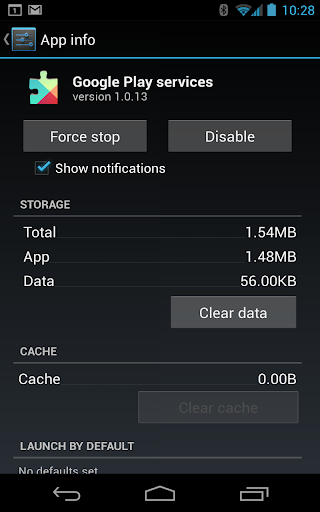




Google Play Services isn’t really an app in the traditional sense — it’s the plumbing that keeps your Android phone talking to Google’s servers. You almost certainly didn’t install this on purpose, and you’ll never open it from your app drawer. It just sits in the background handling authentication, location requests, push notifications, and a dozen other things that every other app on your phone quietly depends on. With over 26 billion installs, it’s fair to say this is the most widely distributed piece of software on the planet, and that scale alone tells you how essential it’s become to the Android ecosystem.
The upside is that when it works, you don’t notice it, which is exactly the point. Location services are noticeably better than the old GPS-only approach, battery drain from location requests is lower than it used to be, and things like offline search and app-to-app sync happen faster because of the shared framework. Developers rely on it too, since it standardizes things like in-app purchases, ads, and game services instead of every app reinventing that wheel.
The downside is equally real. This service is a chronic battery and storage hog on a lot of devices, frequently showing up near the top of battery usage stats for reasons that aren’t always clear to the average user. It also updates itself constantly, sometimes silently eating mobile data, and troubleshooting it when things go wrong (broken location, failed sync, random crashes) is genuininely frustrating because there’s no real settings menu to dig into — just clearing cache, clearing data, or the classic uninstall-updates-and-reinstall dance.
The bigger issue is the lack of choice. You cannot meaningfully uninstall it without breaking huge swaths of functionality across nearly every app you own, including ones that have nothing to do with Google directly. That’s a lot of centralized control for a single background component, and while most users will never think about it, it’s worth acknowledging that this isn’t optional software in any real sense — it’s a mandatory dependency baked into how Android works.



