

What Google Assistant Is Supposed to Do
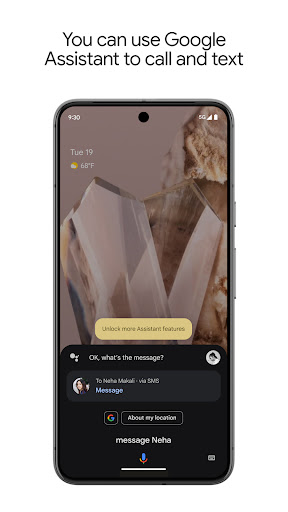
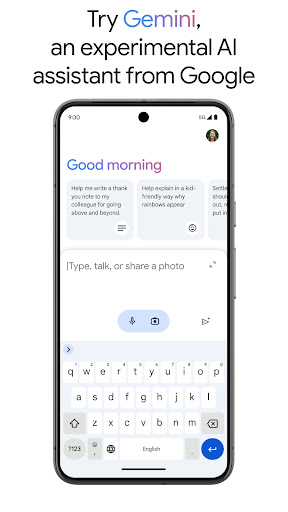
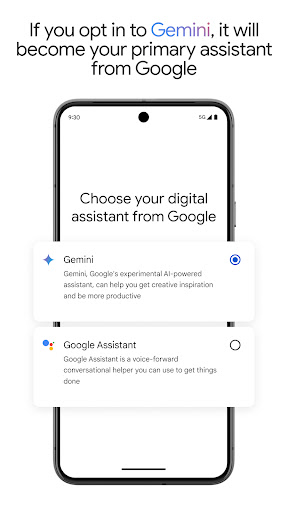
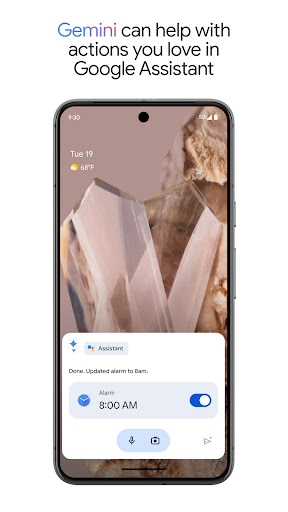
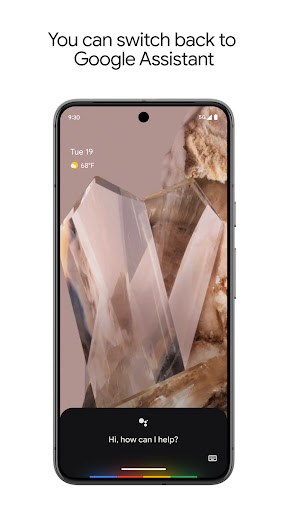
Google Assistant is the voice-controlled helper baked into Android phones, designed to let you open apps, send texts, set reminders, control smart home gear, and get answers hands-free. With well over a billion installs, it’s one of the most widely used productivity tools on the planet, and for a lot of people it’s the default way they interact with their phone while driving, cooking, or just being lazy about typing. Google is now also nudging users toward Gemini as a replacement, which adds a layer of uncertainty to where this app is headed.
Where It Still Shines
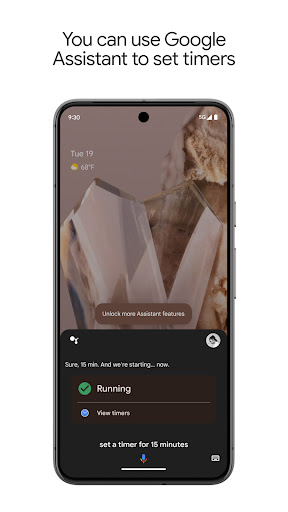
When it works, Google Assistant is genuinely handy. Users describe how satisfying it once was to set alarms, call contacts, and open apps all through one mic icon, and that core convenience is still the reason so many people keep it installed. For basic hands-free tasks like checking the weather, setting a timer, or getting quick directions, it remains fast and mostly reliable, and that’s exactly why longtime users are so vocal when it stops behaving the way it used to.
The Update That Broke Things
The most consistent complaint in real reviews is that Google keeps changing the app in ways that make it worse. Several users specifically point to the switch from the three colored dots to a colored bar interface as the moment things went downhill, with one reviewer reporting the app now crashes every time the button is pushed, and eventually stops activating at all. Others say the microphone icon got reassigned to voice search only, killing a shortcut people relied on daily, which one reviewer flatly calls ‘stupid’ since voice search was already available elsewhere.
Lost Features and Broken Recognition
Beyond crashes, a recurring theme is functionality quietly disappearing. Location-based reminders, like asking Assistant to remind you to buy something next time you’re at a specific store, apparently no longer work via voice for some users, and one reviewer calls this out as one of the most useful features now gone. Voice recognition itself seems inconsistent too, with reports of settings changing on their own, alarms failing to snooze on command, and Assistant misunderstanding who to call, even suggesting contacts the user never phones. Music playback has issues as well, with one user describing how interrupting a song with another command causes Assistant to lose track of what was playing entirely, sometimes serving up a podcast instead of resuming the right track.
Android Auto Frustrations
The complaints get sharper around Android Auto, where reliability really matters since drivers can’t fiddle with a screen. One reviewer describes how a simple, frequently used voice command to call a specific contact now returns a list of names they never call, and location searches for common destinations like a gym chain reportedly stopped working as expected after an update. For anyone leaning on Assistant during commutes, these regressions are more than an inconvenience, they’re a safety concern when a driver has to look at the phone to fix what voice command should have handled.
Who Should Actually Install This
Google Assistant still makes sense for Android users who want basic hands-free control of texts, calls, alarms, and smart home devices, and who don’t mind occasional hiccups. It’s not aimed at people needing a flawless, dependable assistant for critical daily routines, because the review pattern here shows real inconsistency after updates, including crashes, vanishing features, and degraded voice recognition. If you’re currently happy with how it functions on your device, there’s an argument for leaving it alone rather than updating immediately, since several complaints trace directly back to specific version changes. Given that Google itself is pushing users toward Gemini as the new primary assistant, anyone frustrated with Assistant’s current state might be better off exploring that option now rather than waiting for fixes to a product that may be on its way out. For everyone else, it’s worth keeping expectations modest and testing core features like alarms and reminders after every update before trusting them completely.



