
GeForce NOW Cloud Gaming

by NVIDIA

3.6 ★ 120K+ reviews
28M+ Installs
02/04/2020 Released
GeForce NOW Cloud Gaming icon
Entertainment

GeForce NOW Cloud Gaming

by NVIDIA

3.6 ★ 120K+ reviews
28M+ Installs
02/04/2020 Released
Advertisements
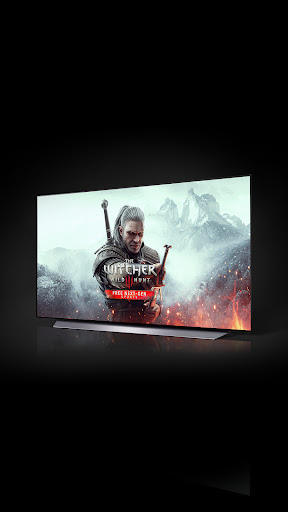
GeForce NOW Cloud Gaming screenshot 1
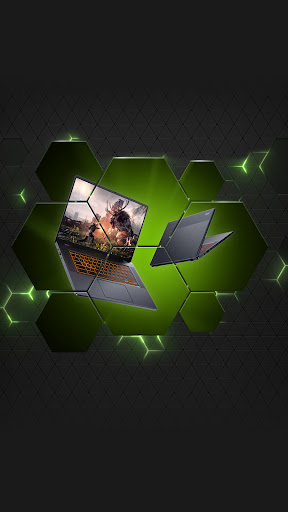
GeForce NOW Cloud Gaming screenshot 2
GeForce NOW Cloud Gaming screenshot 3
GeForce NOW Cloud Gaming screenshot 4
GeForce NOW Cloud Gaming screenshot 5
GeForce NOW Cloud Gaming screenshot 6

Ratings Breakdown

3.6 ★★★★★ 120K+ ratings
5 ★ 52%
4 ★ 9%
3 ★ 7%
2 ★ 5%
1 ★ 26%

Data from Google Play at the time of writing.

What GeForce NOW Actually Does

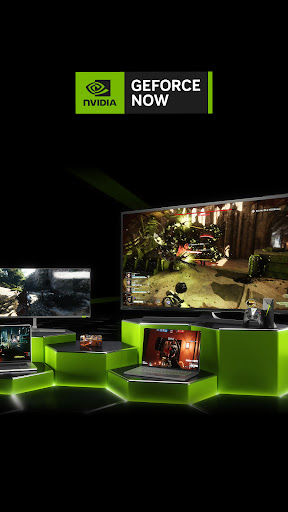
GeForce NOW turns an Android phone, tablet, TV device, or Chromebook into a streaming client for a PC gaming rig sitting in an NVIDIA data center. Instead of downloading and installing games locally, you stream them, similarly to how you’d stream a video. You need to already own games on Steam, Epic Games Store, Ubisoft Connect, or EA, or pick from the free-to-play catalog that includes Fortnite, Apex Legends, and Destiny 2. The app itself is free to install, but actually playing anything requires signing up for a membership, free or paid, through the GeForce NOW website.

Where It Genuinely Impresses

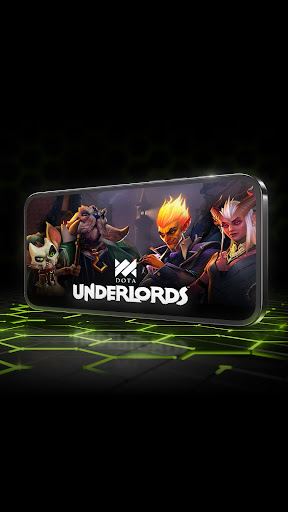
When the connection cooperates, users describe it as ‘a revelation,’ letting them replay PC games they’d written off, on a phone, for free. One reviewer called it having a console everywhere they go, playing Fortnite and Spider-Man in class or at the airport with just a controller and headset. Multiple reviewers highlight that frame rates hold up well over wireless connections when bandwidth is decent, and the biggest draw repeatedly mentioned is not having to rebuy games already owned on other storefronts. For anyone without a gaming PC, this is presented as legitimately transformative.

The Server Reliability Problem

The most common complaint, and the top-voted review, is blunt: the servers are ‘bipolar during the day.’ You might get a solid 45-minute session with no stutter, then suddenly hit a red signal and get disconnected, locked out for hours afterward. Another reviewer echoes this, saying it’s great if you’re close to a server and not so great if you’re not. This inconsistency is clearly the app’s central weakness, not the streaming technology itself but the unpredictability of when it works well.

Support, Session Limits, and Account Security Gripes

Beyond server flakiness, users flag NVIDIA’s customer support as a real weak point, with one reviewer calling it ‘complete garbage’ after an unresolved game-specific issue. Session length is another recurring frustration, with free-tier sessions capped around an hour, forcing reconnects mid-play. There’s also a genuinely concerning security complaint: one user received a suspicious login alert after their account was accessed by someone else following a session, suggesting logged-in accounts aren’t always fully closed out. Ads on the free tier and occasional forced logouts mid-game round out the smaller annoyances.

Who Should Actually Download This

GeForce NOW is worth trying if you own PC games already and don’t own a gaming PC capable of running them, or if you want to play resource-heavy titles on a phone or Chromebook. The free tier is a legitimately good way to test whether cloud gaming works for your setup before paying. But if your WiFi isn’t strong and consistent (NVIDIA itself recommends 5GHz WiFi or Ethernet at 15Mbps+), or you’re not near a well-served region, expect the disconnects and red-signal freezes that frustrate so many reviewers. Log out of accounts fully after sessions given the reported access issue, and don’t expect fast resolution if you need support.


Pros

  • ✓Play PC games you already own
  • ✓Free tier available to try
  • ✓Strong frame rates on good WiFi
  • ✓No downloads, installs, or patches needed
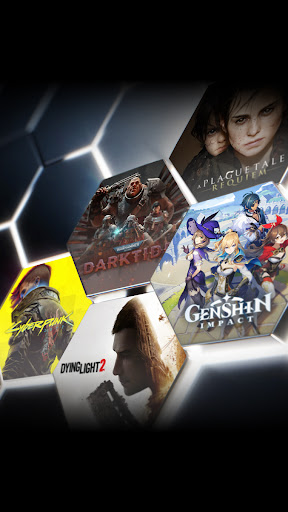
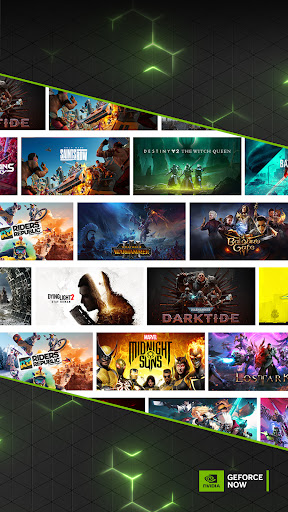
  • ✓Access to 1500+ games including free titles

Cons

  • ✕Unreliable servers cause random disconnects
  • ✕Customer support widely called unhelpful
  • ✕Free tier sessions are time-limited

What Real Users Say

Mason Shy ★ 2/5

“It works really well when the servers cooperate, but it just isn't reliable for when you really need it. Servers are bipolar during the day, you'll be having a good 45 minute run with no stutter, and then it freezes and red signal pops up. Boom. You're done for a couple hours, because then you get stuck on the "wrapping…”

👍 567 found this helpful
West Wagner ★ 5/5

“Something of a revelation for me. I have several games from over the years that I never expected to be able to play since there's always something more important or pressing to buy than a good PC. The ability to play those - and on my phone - is huge. And for free! Even the paid tiers are a pretty…”

👍 273 found this helpful
Joshua Lewis ★ 3/5

“For most of my games, this service is great. I do have a few minor issues due to WiFi, but otherwise, it runs as needed. My only major issue is that the support team is complete garbage. I had issues with one game that required contacting support to fix. Not only did it not get fixed, but the support team…”

👍 260 found this helpful

Reviews sourced from Google Play, selected by helpfulness at the time of writing.

App Info & Permissions

Developer NVIDIA
Content rating Teen
Contains ads Yes
Installs 28M+
Released 02/04/2020
Price Free

Permissions this app requests

📷 Camera Take pictures and videos
👥 Contacts Find accounts on the device
📱 Device ID & call information Read phone status and identity
🪪 Identity Find accounts on the device; add or remove accounts
📍 Location Approximate location (network-based); precise location (GPS and network-based)
🎙️ Microphone Record audio
📞 Phone Read phone status and identity
📶 Wi-Fi connection information View Wi-Fi connections

Similar Apps

Frequently Asked Questions

1

What is GeForce NOW Cloud Gaming?

It's NVIDIA's cloud gaming app that streams PC games from remote servers to your Android phone, tablet, TV device, or Chromebook. It lets you play PC titles you already own from stores like Steam, Epic Games Store, and EA, plus over 1500 games including free-to-play titles like Fortnite and Apex Legends. Instead of installing games locally, you stream gameplay over the internet, similar to video streaming.

2

Is GeForce NOW free to use?

The app itself is free to download, but you need a GeForce NOW membership to actually stream games. NVIDIA offers a free membership tier with standard access, plus paid premium tiers that add faster frame rates, RTX support, priority server access, and longer session lengths. Reviewers note the free tier includes ads but is still usable for extended play.

3

Do I need to buy games again to play them on GeForce NOW?

No, one of the app's biggest strengths according to reviewers is that you can play PC games you already own from Steam, Epic Games Store, Ubisoft Connect, or EA without repurchasing them. You simply log into your existing storefront accounts through the app. This is repeatedly cited as a major selling point over other cloud gaming services.

4

Why does GeForce NOW keep disconnecting or freezing?

The most common complaint in reviews is inconsistent server performance, with users reporting sudden freezes and 'red signal' errors even after a solid 45-minute session. This appears tied to server load and proximity, since one reviewer noted it works great close to a server but poorly otherwise. A stable 5GHz WiFi or Ethernet connection with at least 15Mbps is recommended by NVIDIA to reduce these issues.

5

Is GeForce NOW safe to use with my game accounts?

Mostly, but at least one reviewer reported receiving a suspicious login alert after someone else accessed their account following a GeForce NOW session, suggesting sessions may not always fully log out. It's a good idea to manually log out of connected accounts after each session as a precaution. Otherwise, no other widespread security complaints appear in user reviews.

