
What This File Manager Actually Does
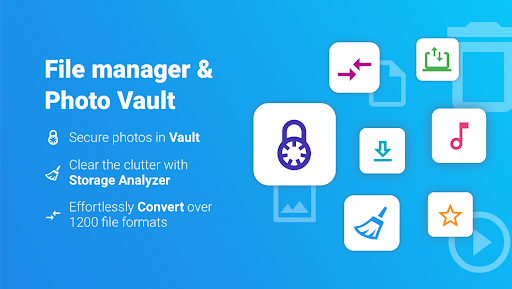
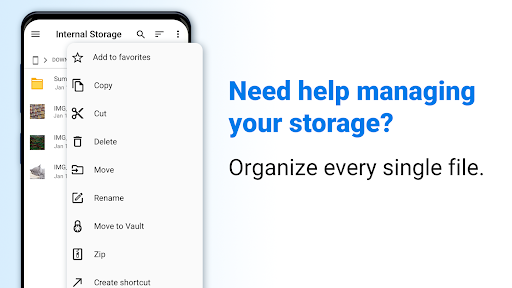
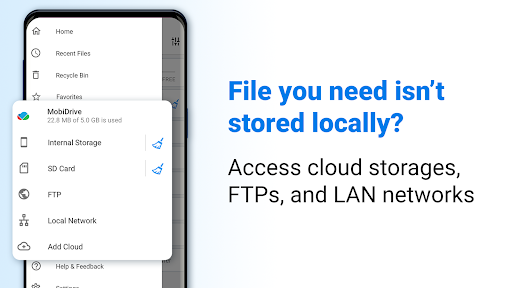
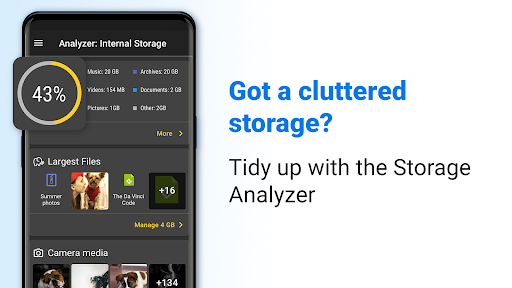
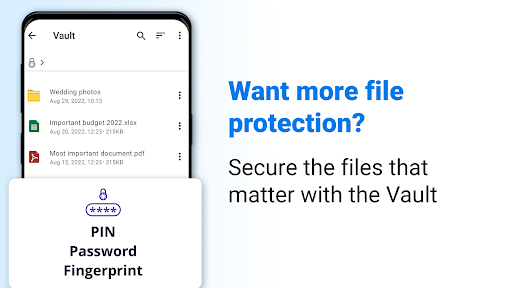
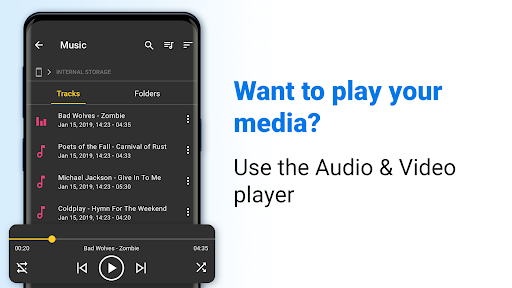
File Commander Manager & Vault is a file explorer from MobiSystems built for Android phones, tablets, and TVs. It handles the basics you’d expect – browsing internal storage, SD cards, and LAN connections – while adding extras like a PIN-protected Vault for hiding photos and videos, a Storage Analyzer, a Recycle Bin for restoring deleted files, and a built-in file converter that claims support for over 1200 formats. It also bundles 5GB of free MobiDrive cloud storage and lets you manage Google Drive, Dropbox, OneDrive, and Box accounts from one place. This is squarely aimed at people who do real work from their phone and need to move files between a phone, PC, and cloud without a lot of friction.
Where It Genuinely Delivers
Real users consistently praise how fast and reliable the core file operations are. One long-time user says it’s ‘fast’ and lets them ‘quickly copy data from my internal drive to the SD card,’ with automatic saving to an SD card as a nice touch. Another reviewer who does job-related work from their phone relies on it specifically for syncing files, documents, and photos between PC and phone. The Recycle Bin also gets real credit for saving people from accidental deletions, and multiple reviewers who have used it since as far back as 2016 say it remains ‘among the best’ file managers on Android despite newer competition.
The Subscription Model Is a Real Sticking Point
The biggest complaint by far is around pricing and how premium features are pushed. One user flatly calls $30 a year ‘ridiculous’ for a file manager, especially since they don’t even want the cloud storage feature. Others who paid once to remove ads say they’ve since been hit with ‘premium mode’ popups they can’t dismiss without paying again, even though they never used premium features to begin with. A longtime paying customer noted MobiSystems started ‘charging twice what I was paying annually’ after years of loyal use, which understandably soured the experience.
Ads and Popups Before You Even Start Working
Beyond pricing, the ad experience itself is a recurring frustration. One reviewer described the app as ‘chock-full of ads’ to the point of being hard to use, saying every single launch requires getting past an ad before doing anything, with exit attempts sometimes trapping you in more prompts. This seems to be the single most consistent negative across reviews, even among people who otherwise like what the app can do.
Who Should Actually Download This
If you need serious cross-device file management – phone to PC, phone to cloud, multiple cloud accounts in one view – and you’re willing to pay for premium or tolerate ads, File Commander delivers functionally solid tools that longtime users trust. If you just want a lightweight, ad-free way to manage local files and don’t care about cloud syncing, the aggressive premium prompts and subscription cost will likely annoy you more than the app helps you.



