

What Dropbox Actually Does
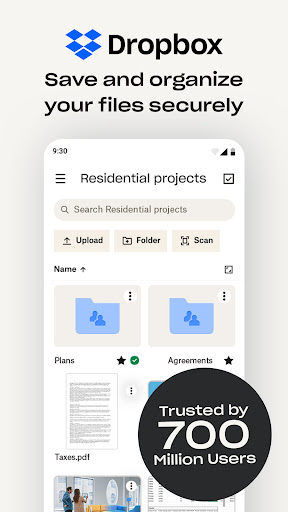
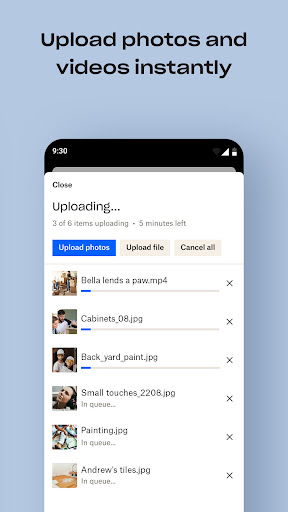
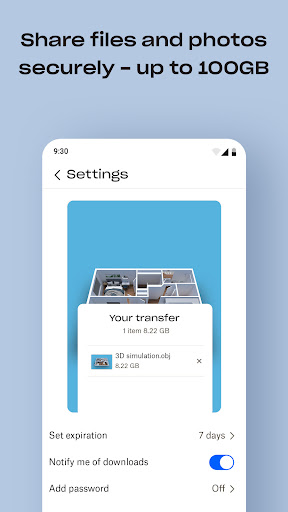
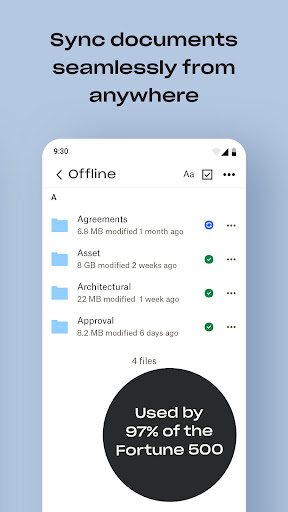
Dropbox is a cloud storage app that backs up photos, documents, and files from your phone or computer so you can access them anywhere. With well over a billion installs and millions of reviews, it’s one of the most established names in cloud storage, offering camera roll uploads, offline file access, document scanning, and file sharing via links. It’s aimed at anyone who needs to move files between devices or collaborate with people who don’t even use Dropbox themselves, from individual users to Fortune 500 teams.
Where It Still Performs Well
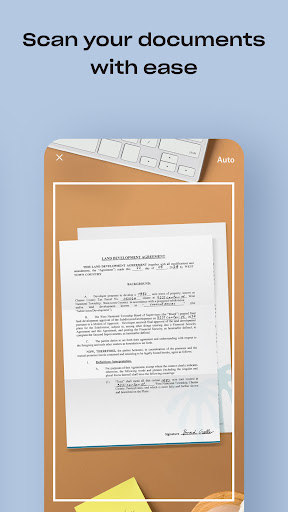
The core file-sharing pitch holds up: sending a large file to someone without a Dropbox account, via a simple link, remains one of the smoother experiences in this category. One long-time user described it as ‘indispensable for those of us who need to regularly exchange large uncompressed files,’ and that reputation is clearly why so many people have stuck with it for years, in some cases over a decade. The document scanning tool that turns receipts, IDs, and photos into PDFs is another genuinely useful feature for anyone trying to cut down on paper clutter.
The Sync and Battery Problems That Won’t Go Away
The most upvoted complaint in user reviews is blunt: photo sync simply won’t run unless your battery is above 20%, with no way to override it. Users say they’ve requested a fix for years with no response from Dropbox. Others report the app freezing on login screens, getting logged out unexpectedly on Android, or being unable to scroll through an alphabetical list of folders when they have a large plan like 2TB. These aren’t edge-case bugs — they’re core functionality issues affecting basic use of the app, and the fact that multiple reviewers cite them independently suggests they’re persistent rather than one-off glitches.
The Shrinking Value of Free and Paid Plans
Several reviewers who’ve used Dropbox for many years describe a clear decline in value. One reviewer with over a decade of use says you can no longer sync everything to a Windows computer or keep full offline access to your data — and if you cancel, you lose access to a large portion of what you stored. Another describes features ‘that used to be free’ now locked behind paid plans, calling the current app and browser interface ‘a convoluted mess’ compared to what it used to be. A third reviewer’s complaint is almost funny in its bluntness: ‘They should be paying me to store information, not the other way around,’ referring to being nagged to buy more space while basic auto-sync controls got harder to manage from mobile.
Account Security and Login Friction
For an app that markets itself heavily on security and privacy, account recovery seems to be a genuine weak point. One reviewer flagged that if you lose access to an old email and forget your password, the two-factor recovery process relies on sending one-time passwords in a way they call impractical for anyone actually locked out. Combined with other reports of frozen login screens and forced logouts with no way back in, this is a real concern for anyone storing sensitive files, exactly the audience Dropbox says it’s built for.
Who Should Actually Download This
Dropbox still makes sense if your main need is straightforward: backing up files, sharing large ones with non-users, and syncing across a couple of devices without asking too much of the app. It’s less convincing for people who want generous free storage, full offline access without a subscription, or a support/recovery system that works smoothly when something goes wrong. Long-time users in the reviews consistently describe a service that’s gotten more restrictive and buggier over time, even as the marketing around security and 2TB free trials has ramped up. If you’re new to cloud storage and just need basic sharing and backup, it’s a reasonable pick; if you’re a power user with large libraries, be ready for some real friction.



