Copy My Data: Transfer Content

by Red Sky Labs

4.3 ★ 260K+ reviews
80M+ Installs
03/19/2014 Released
Copy My Data: Transfer Content icon
Tools

Copy My Data: Transfer Content

by Red Sky Labs

4.3 ★ 260K+ reviews
80M+ Installs
03/19/2014 Released
Advertisements
Copy My Data: Transfer Content screenshot 1
Copy My Data: Transfer Content screenshot 2
Copy My Data: Transfer Content screenshot 3
Copy My Data: Transfer Content screenshot 4
Copy My Data: Transfer Content screenshot 5
Copy My Data: Transfer Content screenshot 6

Ratings Breakdown

4.3 ★★★★★ 260K+ ratings
5 ★ 76%
4 ★ 7%
3 ★ 2%
2 ★ 2%
1 ★ 13%

Data from Google Play at the time of writing.

What This App Promises to Do

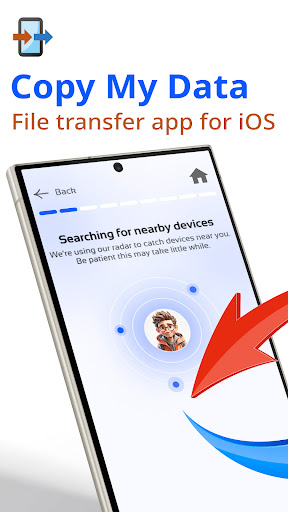
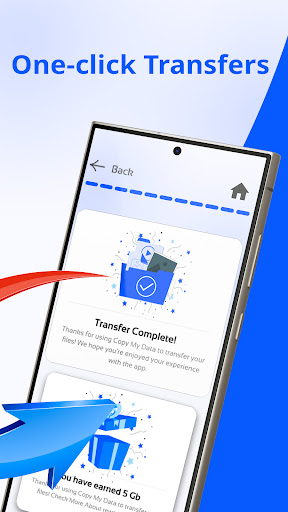
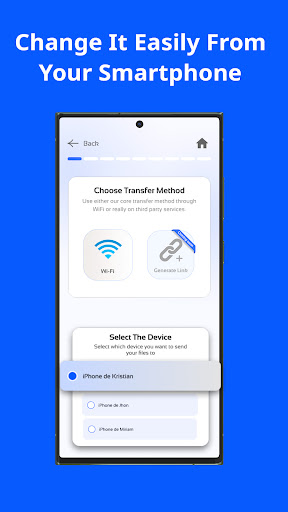
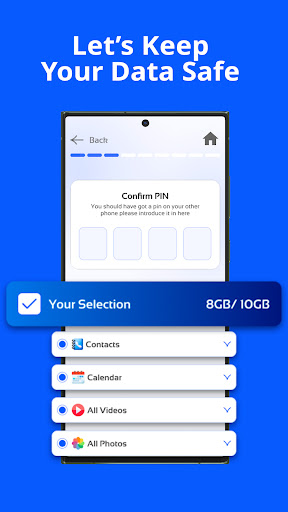
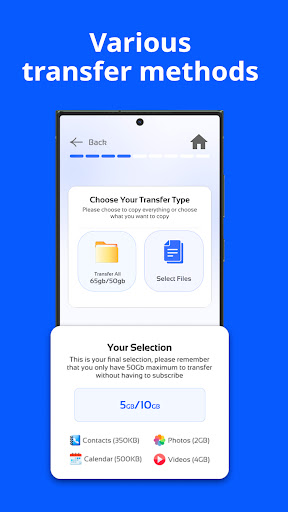
Copy My Data: Transfer Content is a Tools app from Red Sky Labs designed to move contacts, photos, videos, calendar events and documents from an old phone to a new one over WiFi, without cables, a computer or a cloud account. The pitch is simple: install on both phones, connect to the same WiFi, scan a QR code, and let the app copy your content across while the originals stay put until you confirm everything transferred. It targets anyone switching phones or brands who wants an alternative to manufacturer tools like Smart Switch.

Where It Actually Delivers

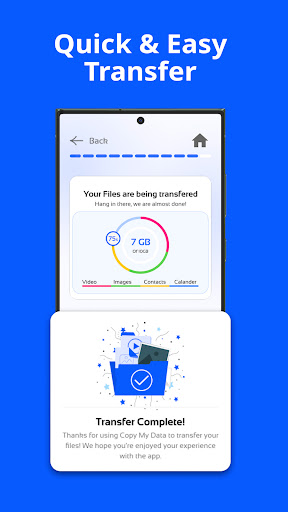
Several users report that the core mechanic works as advertised, at least for basic content. One reviewer called it ‘super fast and easy to use’ for moving contacts, videos, pictures and calendar dates. Another, who couldn’t get Samsung’s own Smart Switch to sync a Galaxy S21 Ultra to a new phone, said Copy My Data finished the job wirelessly in about five clicks and two minutes, describing the process as flawless. For straightforward WiFi transfers of photos and contacts between two Android phones, this app clearly works for a meaningful chunk of users.

The Subscription Trap Is the Real Story

The most common and most damaging complaint is the pricing model. Multiple reviewers describe being charged around $7.50 a week, or being asked for payment details upfront for a ‘free trial’ that isn’t actually free, with one user charged $1 immediately on each of two phones just to start the trial. Cancellation is a repeated pain point too, since the app reportedly doesn’t offer an in-app way to cancel, forcing at least one user to email support directly. Combined with reports of a full-price charge landing quickly after signup, this pricing structure is the single biggest source of one-star reviews.

Reliability Problems When It Matters Most

Beyond price, functionality complaints are serious. One user reports the app crashing repeatedly on the old phone before a transfer could even begin, after already paying £8.99. Others describe transfers freezing entirely if the phone receives a text, goes to the home screen, or does almost anything else mid-copy, forcing a restart from scratch, with one person giving up after more than ten attempts. Music and audio file transfer is also flagged as missing despite being listed as supported, which one reviewer called the main reason they downloaded the app in the first place.

Who Should Actually Download This

If you just need to move photos, contacts and calendar events between two Android phones on the same WiFi network, and you’re comfortable canceling a subscription quickly and watching your card statement, this app can work quickly based on real user experience. But if you need music transferred, want to avoid recurring charges, or need something that survives interruptions like an incoming call, the complaints here are too frequent to ignore. Given the free alternatives built into most phones, this app makes the most sense as a backup option only, and only if you’re prepared to cancel the trial immediately after use.


Pros

  • ✓Fast WiFi transfer for photos and contacts
  • ✓No cables or computer needed
  • ✓Simple QR code pairing process
  • ✓Originals stay on old phone until confirmed
  • ✓Works when manufacturer tools like Smart Switch fail

Cons

  • ✕Recurring subscription charges around $7.50 weekly
  • ✕Transfers freeze or crash mid-process
  • ✕Does not reliably transfer music or audio

What Real Users Say

The Sharpened Element - Crafting ★ 4/5

“Very easy to transfer contacts, videos, pictures, and calender dates. Does not allow the ability to transfer music or audio files, which was the main point of downloading.... BUT this does deserve 4 stars for being super fast and easy to use. Taking off a star for the high frequency of ads, nearly every page gave an ad.”

👍 476 found this helpful
Jake Stevens ★ 1/5

“$7.50 a WEEK to transfer data? I even emailed them and told them to cancel my "free trial" because of course they don't give you the option to cancel your subscription within the app. Thanks for the $7.50 recurring charges. Great business model. The app doesn't work whatsoever anyway. I'd recommend literally any other data transfer app before this one.…”

👍 349 found this helpful
Lulu MM ★ 5/5

“I was unable to sync my data from my Galaxy S21 Ultra to my new phone using Smart Switch. Desperate to update my new phone, I discovered this app. Within five clicks and 2 minutes, my data was transferred wirelessly. I was amazed at how flawlessly this app worked. I have only one complaint, which is minor. my photos were…”

👍 254 found this helpfulDeveloper responded

Reviews sourced from Google Play, selected by helpfulness at the time of writing.

App Info & Permissions

Developer Red Sky Labs
Content rating Everyone
Contains ads Yes
In-app purchases $2.99 - $79.99 per item
Installs 80M+
Released 03/19/2014
Price Free

Permissions this app requests

📅 Calendar Read calendar events plus confidential information; add or modify calendar events and send email to guests without owners' knowledge
👥 Contacts Find accounts on the device; read your contacts; modify your contacts
📱 Device ID & call information Read phone status and identity
🪪 Identity Find accounts on the device
📍 Location Approximate location (network-based); precise location (GPS and network-based)
📞 Phone Read phone status and identity
🖼️ Photos/Media/Files Read the contents of your USB storage; modify or delete the contents of your USB storage
💾 Storage Read the contents of your USB storage; modify or delete the contents of your USB storage
📶 Wi-Fi connection information View Wi-Fi connections

Similar Apps

Frequently Asked Questions

1

What is Copy My Data: Transfer Content?

It's a Tools app from Red Sky Labs that transfers contacts, photos, videos, calendar events and documents between two phones over a shared WiFi network. It uses a QR code to pair an old and new phone without needing cables, a computer or a cloud account. It's marketed as an alternative to built-in manufacturer transfer tools.

2

Is Copy My Data free to use?

It offers a free trial, but multiple users report being charged a small fee like $1 just to start it, and then hit with recurring charges around $7.50 a week if not cancelled in time. Several reviewers also say there's no clear in-app way to cancel the subscription. Treat the trial as a paid commitment unless you cancel immediately.

3

Can Copy My Data transfer music and audio files?

Despite being listed as a supported file type, at least one user specifically reports that music and audio files did not transfer, calling it the main reason they downloaded the app. If music transfer is your priority, this app may not reliably deliver on that promise based on real user experience.

4

Does the transfer process work reliably?

Results are mixed. Some users report fast, flawless transfers of contacts, photos and calendar data in just a few minutes. Others report the app crashing before transfer even starts, or freezing mid-transfer if the phone receives a notification or goes to the home screen, sometimes requiring more than ten attempts to complete.

5

How do I cancel a Copy My Data subscription?

Several users report there is no straightforward cancellation option within the app itself, leading to unwanted recurring charges. One reviewer resorted to emailing the developer directly to request cancellation of their free trial. If you try the app, check your device's subscription settings promptly rather than relying on the app's own interface.

