

What Cleanfox Does and Who It’s For
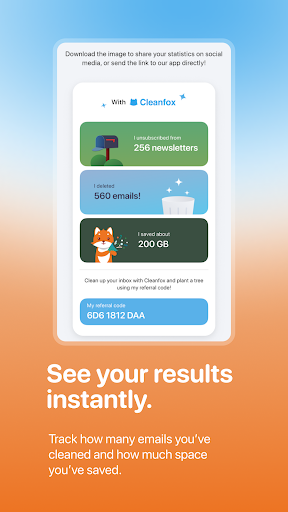
Cleanfox is an inbox-cleaning app that connects to Gmail, Outlook, Yahoo, iCloud, Exchange, and other IMAP accounts to help you find and mass-unsubscribe from newsletters, then bulk-delete old email. It’s aimed at anyone who has let their inbox pile up for months or years and doesn’t want to manually sort through thousands of messages. Users report scanning inboxes with hundreds of thousands of emails, so it’s built with hoarders in mind, not people who keep their inbox at zero.
How the Swipe-to-Clean System Works in Practice
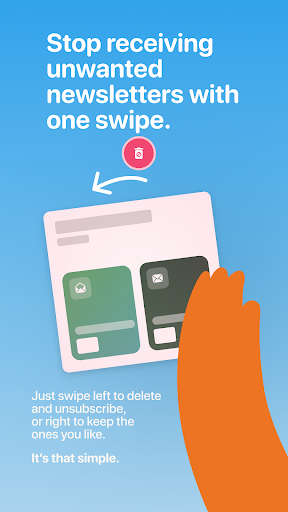
The core mechanic is simple: swipe left to unsubscribe and delete, swipe right to keep. Multiple reviewers confirm this works as advertised and is genuinely satisfying to use, with one user clearing over 60,000 emails and another sorting through 341,162 messages without the app choking. For people drowning in old subscription emails, this swipe-based triage is the app’s biggest selling point, and it’s the reason a lot of users stick around after the first cleaning session.
Real Strengths Backed by User Experience
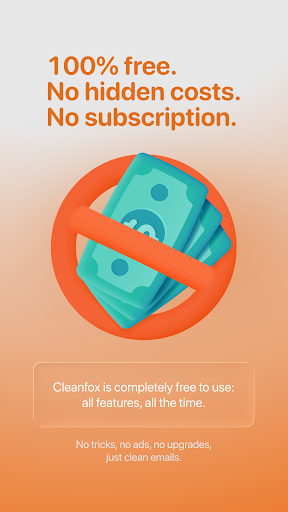
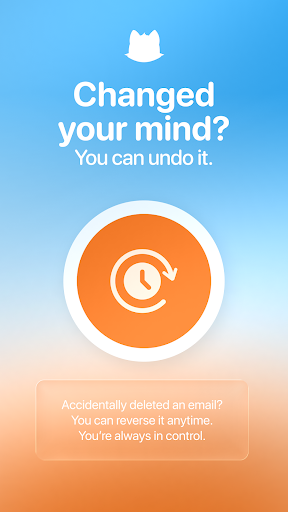
The most consistent praise is that Cleanfox actually does what it claims: it groups newsletters by sender, lets you clear huge backlogs in one sitting, and includes an undo button in case you delete something you shouldn’t have. Several reviewers specifically call out that there are no ads and no paywalled features, matching the store description’s free-with-no-limits claim. For a productivity app in a category full of freemium traps, users seem pleasantly surprised that everything is unlocked from the start.
Where It Falls Short and Frustrates Users
The complaints are specific and recurring. One frequently cited annoyance is the lack of a ‘select all’ option when reviewing a list of newsletters, which forces tedious one-by-one tapping for people with dozens of subscriptions. More serious are the sign-in problems: multiple users describe getting stuck in a login loop where Cleanfox rejects the app password Google generates, blocking access entirely before the app can even be used. Others report the scan process failing outright or hanging for hours, and at least one reviewer says a support ticket brought no real fix, just a request to wait. A couple of one-star reviews describe going from five-star excitement to frustration after the app stalled mid-process or didn’t follow through on marked actions after the scan.
Is Cleanfox Worth Installing
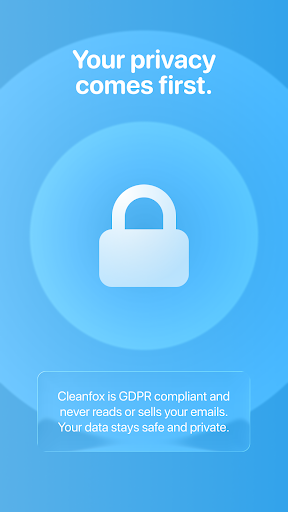
If your inbox has years of accumulated newsletters and spam and you’re comfortable connecting a Google or Outlook account to a third-party app, Cleanfox can save real time, and the swipe interface combined with a genuinely free model make it stand out from competitors. But go in expecting some friction: login issues are common enough that they show up repeatedly in top reviews, and the scanning process isn’t always reliable on the first try. It’s worth downloading for the payoff once it works, but don’t be surprised if you have to retry the sign-in or restart a scan before you get there. People with modest, well-maintained inboxes may find the setup hassle isn’t worth it, but for the overwhelmed and cluttered, it’s one of the more effective free options available.



