
What Canon Camera Connect Is Built To Do
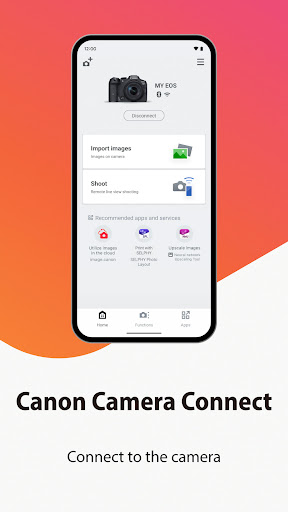
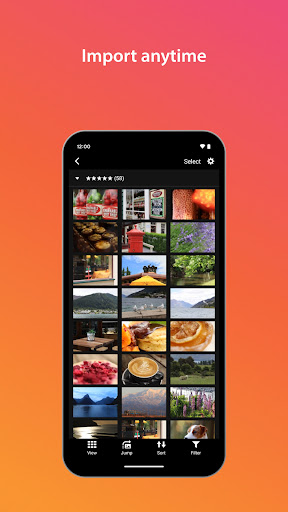
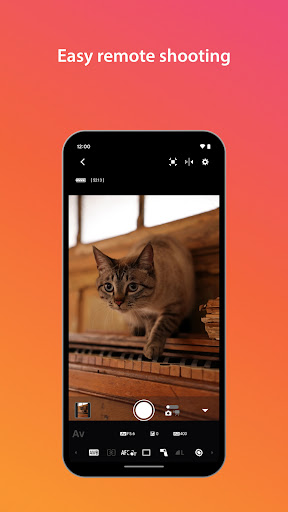
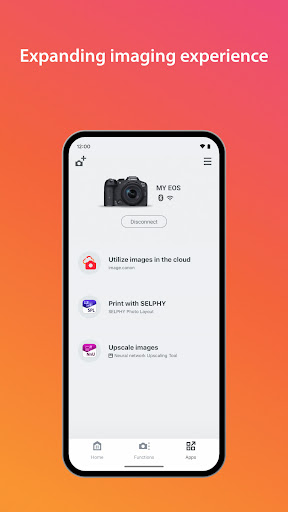
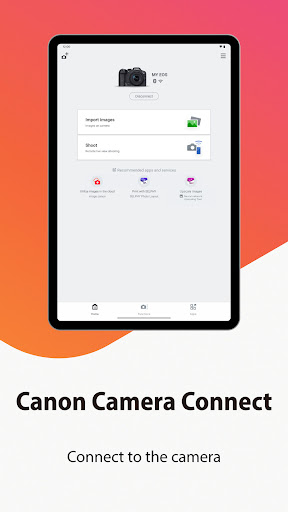
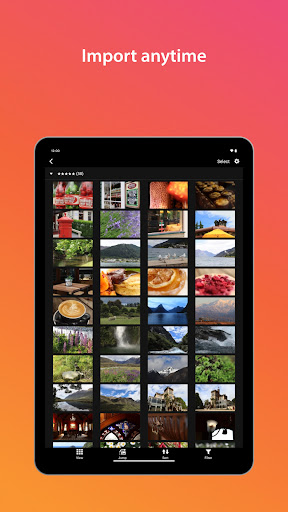
Canon Camera Connect is the official companion app for Canon’s Wi-Fi and Bluetooth enabled cameras, letting you pull JPEG, MP4, and MOV files off your camera onto a phone or tablet, trigger remote shooting with a live view feed, and geotag images using your phone’s location. It’s aimed squarely at Canon EOS and PowerShot owners who want to skip the SD card and computer step and get images onto a phone for quick sharing or editing. If you shoot RAW or 8K video and expect to import those files natively, this isn’t for you, since RAW is resized to JPEG and 8K/MOV files from EOS bodies can’t be saved through the app at all.
Where It Actually Delivers
When it works, reviewers genuinely like the convenience. One user says they can ‘forgo the need of a computer and card reader’ entirely, sending photos straight to a phone for editing in other apps. Remote shooting with live view is also called out as ‘really nice’ by a G7X Mark II owner, and the ability to add location data or push firmware updates rounds out a feature set that’s genuinely useful for casual and travel shooters who just want images off the camera fast.
The Connection Problems That Won’t Go Away
The most common and most upvoted complaints are all about connectivity. Multiple users describe the app simply refusing to connect to the camera, even after reinstalling, switching networks, or trying a mobile hotspot. One reviewer with 349 helpful votes says they’ve ‘watched video after video’ trying fixes with no luck. Another calls the Bluetooth setup ‘seriously flawed’ because it still requires a working Wi-Fi network to complete, which defeats the point of using Bluetooth for a quick field connection in the first place. Several reviews describe a frustrating cycle of connect, shoot, disconnect, reconnect that makes remote shooting more tedious than useful.
Photo Quality and Missing Features
Even once connected, the app has real limitations. Photos transferred to the phone are downsized rather than full resolution, which one reviewer calls ‘annoying’ when they just want the original file for sharing or editing. Video shooting through the remote function isn’t supported at all, a notable gap for a camera like the G7X line that’s marketed partly to content creators. Location settings also have to be turned on for the connection to work at all, an extra hoop that isn’t obvious to new users.
Should You Install It
Canon Camera Connect is worth having on your phone if you own a compatible EOS or PowerShot camera and mainly want JPEG stills transferred for quick social posting, plus occasional remote stills shooting from a tripod. It’s less reliable if you need consistent Bluetooth-first connections in the field, full-resolution transfers, or any video remote control, since these are the exact points where long-time users report the most persistent, ongoing frustration, some going back years without a fix. Treat it as a convenience tool with real caveats rather than a full replacement for a card reader.



