



What Blink Home Monitor Does and Who It’s For
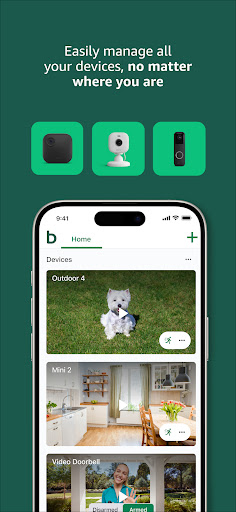
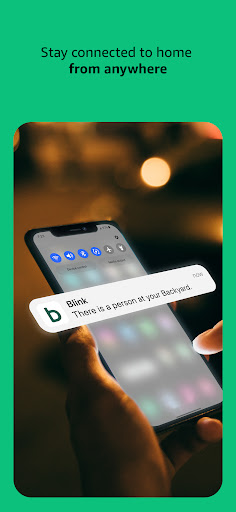
Blink Home Monitor is the companion app for Amazon’s Blink line of security cameras, including the Outdoor 4, Mini 2, Mini Pan-Tilt, and the wired and wireless floodlight cameras. It’s the hub for live view, two-way audio, motion alerts, activity zones, and Alexa integration, and it’s aimed at budget-conscious homeowners and renters who want a basic DIY security setup without a full professional monitoring contract. With over 18 million installs, it’s clearly one of the go-to options for entry-level smart home cameras, especially for people already inside the Amazon ecosystem.
Setup and Everyday Basics That Work
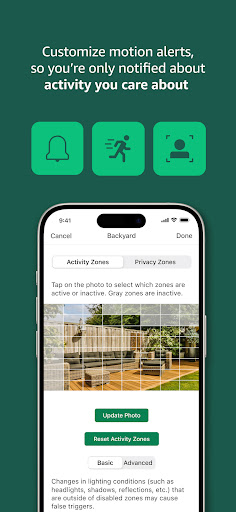
For straightforward tasks, the app does what it promises. Pairing cameras, setting up activity and privacy zones, and getting motion alerts through Alexa-enabled devices generally works as described, and the wire-free battery cameras are genuinely easy to mount almost anywhere. When the system is behaving, two-way audio and infrared night vision perform as advertised, and the multi-camera setup is convenient for covering different corners of a home.
The Lag and Reliability Problems Users Keep Reporting
The recurring theme in user feedback is lag so severe it undermines the core purpose of the app. Multiple reviewers describe live view taking so long to load that it’s faster to physically check what triggered the camera than to wait for the feed. Others report the app notifying them of motion but failing to actually record anything, or clips loading corrupted and unwatchable. There are also persistent ‘system is busy’ errors that block both live view and clip playback, sometimes for extended periods.
One Camera at a Time, and Sync Module Headaches
Beyond speed issues, the app’s multitasking is limited. Several users note you can’t live view one camera while another is recording, and you can’t disarm individual cameras independently while another is mid-process. On top of that, cameras frequently lose connection to the Sync Module, or the Sync Module itself drops offline entirely, which cuts off the whole system until it’s manually reset. One user described reinstalling the app repeatedly just to reset worsening lag, which is a rough workaround for something billed as ‘set up in minutes.’
The Subscription Question
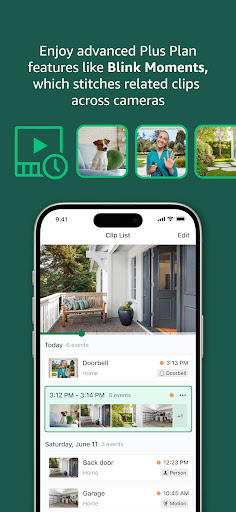
Blink requires a paid subscription for cloud clip storage, extended live view, and person detection, and this is where frustration peaks. Several reviewers feel the monthly cost is hard to justify given how unreliable the core recording and live view functions are, with one calling it ‘nearly like theft’ given the performance. Paying monthly for a service that intermittently fails to record motion or load footage is a legitimate sticking point raised repeatedly.
Final Verdict on Downloading Blink Home Monitor
Blink Home Monitor is fine for casual, low-stakes monitoring — checking on pets, package deliveries, or general activity — especially if you’re already invested in Blink hardware or the Alexa ecosystem and want something affordable. But if you need dependable, fast live view or guaranteed motion recording for actual security purposes, the widespread complaints about lag, dropped connections, and corrupted clips are hard to ignore. Go in with modest expectations, and don’t assume the subscription guarantees smooth performance.



