
What This App Actually Is
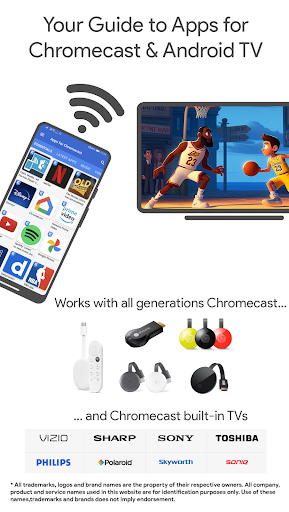
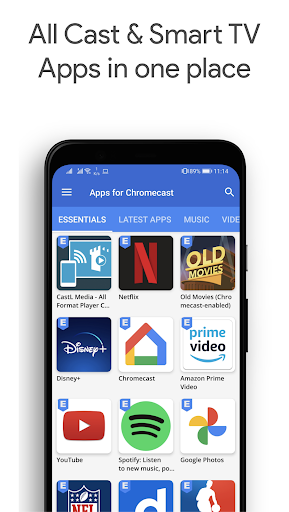
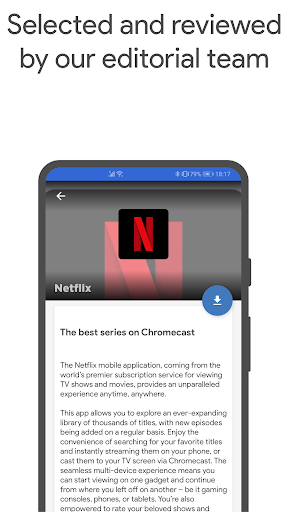
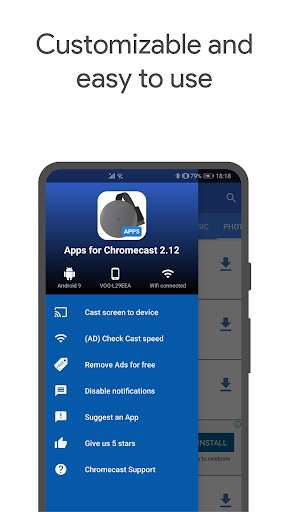
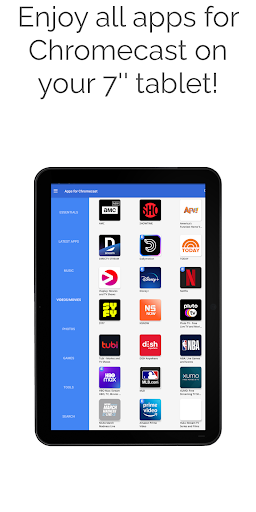
Apps 4 Chromecast & Android TV is not a casting protocol replacement, nor is it Netflix or Disney+ itself. It’s a curated directory of apps that work with Chromecast, Google TV and Android TV, paired with a built-in phone-to-TV screen mirroring tool. It’s aimed at people who just bought a Chromecast or a Google TV device and don’t know where to start, or who want a quick way to mirror their phone screen without hunting for a separate mirroring app. Given it has over 13 million installs, plenty of first-time smart TV owners have leaned on it.
Where It Delivers in Daily Use
Multiple users confirm the core promise holds up: it genuinely helps you discover apps compatible with Chromecast and lets you cast through the app itself. One reviewer specifically praised how it worked across two very different setups, a Vizio smart TV and a Sony Blu-Ray home theatre system, which suggests decent device compatibility in practice. Another long-time user said that once Chromecast itself was configured, streaming Netflix and similar services through this app was fast to load and reliable, with no playback hiccups. For someone new to Chromecast, that kind of consistency matters more than flashy extras.
The Ad and Review-Gate Frustrations
The recurring complaint across reviews is around ads and how the ad-free unlock works. Several users note you can earn a temporary ad-free period, but it’s explicitly limited, one reviewer clocked it at only 24 hours before ads return. There’s also friction around review requests: one user was frustrated that the app pushed for a review almost immediately after install, despite being told reviews should only be requested after a week of regular use. Another complaint centers on being bombarded with ads urging you to download apps that are often already installed on the phone, which feels redundant and pushy for a tool marketed as a simple guide.
Compatibility Isn’t Guaranteed on Every Device
Not every experience has been smooth. One user reported the app worked fine on a Galaxy S9 until upgrading to a newer Android OS, after which it froze on the startup screen indefinitely. This isn’t an isolated software category problem either, the same reviewer noted other casting-related apps had similar issues post-update, but it’s still a real risk if you’re running an older device that recently got a major OS update. If the app hangs on you, there’s no clear in-app fix mentioned by users, and you’re largely left waiting for a future update.
Setup Friction Before It Clicks
More than one review mentions that getting Chromecast itself set up the first time was the hard part, not the app. Google’s own support was cited as the fix in two separate cases. Once past that initial hurdle, users describe the experience as smooth. This suggests the app’s real weak point is the day-one experience for total beginners, rather than long-term performance.
Who Should Actually Download This
If you’re new to Chromecast or Google TV and want a single place to find compatible apps plus basic mirroring, this fits the job and is free to try. If you’re on an older phone with a recent OS update, or you hate ad-gated unlocks and review prompts, temper your expectations before installing.



