
AnyDesk Remote Desktop

by AnyDesk Software GmbH

2.7 ★ 132K+ reviews
103M+ Installs
02/07/2017 Released
AnyDesk Remote Desktop icon
Business

AnyDesk Remote Desktop

by AnyDesk Software GmbH

2.7 ★ 132K+ reviews
103M+ Installs
02/07/2017 Released
Advertisements
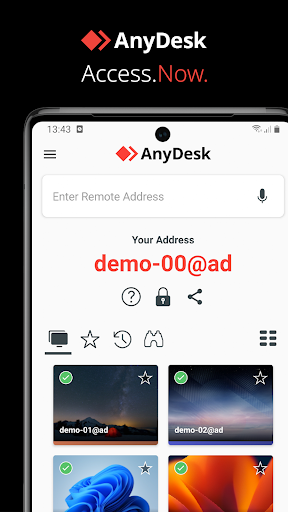
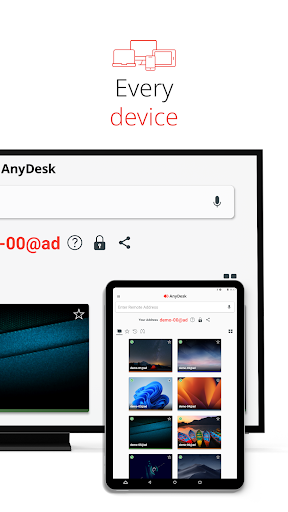
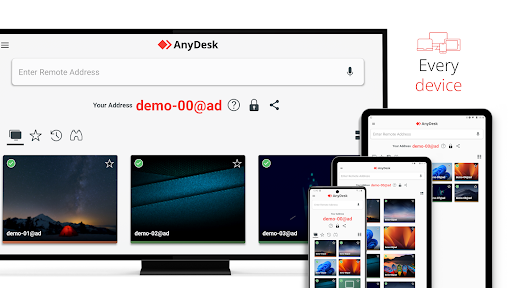
AnyDesk Remote Desktop screenshot 1
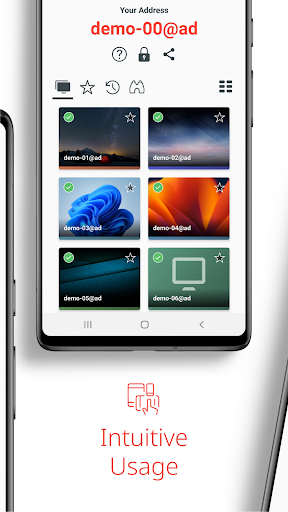
AnyDesk Remote Desktop screenshot 2
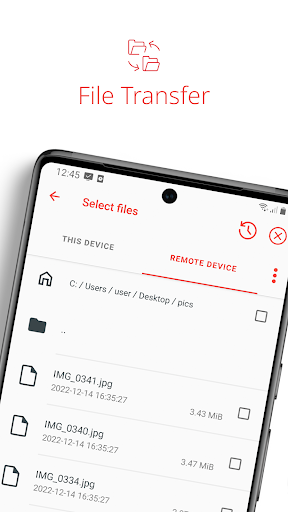
AnyDesk Remote Desktop screenshot 3
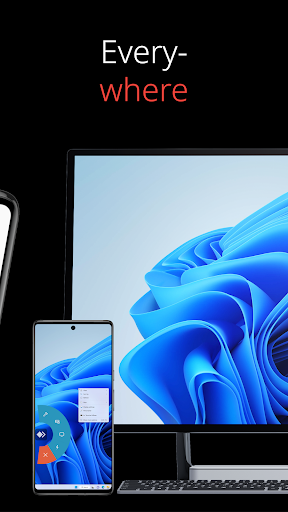
AnyDesk Remote Desktop screenshot 4
AnyDesk Remote Desktop screenshot 5
AnyDesk Remote Desktop screenshot 6

Ratings Breakdown

2.7 ★★★★★ 132K+ ratings
5 ★ 34%
4 ★ 7%
3 ★ 6%
2 ★ 5%
1 ★ 48%

Data from Google Play at the time of writing.

What AnyDesk Does and Who It’s For

AnyDesk is a remote desktop tool that lets you control a computer or device from somewhere else, whether that’s a phone connecting to a home PC or an IT technician troubleshooting a user’s machine across the country. It supports file transfer, remote printing, Wake-On-LAN, and a VPN feature for connecting over SSH or LAN-based games. With over 100 million installs, it’s clearly a go-to for IT professionals, remote workers, students, and anyone who occasionally needs to reach into their own PC from a phone or tablet.

The core pitch is simple: install it on two devices, enter the AnyDesk-ID, confirm access, and you’re in. For basic personal use — checking on a home computer, starting a download remotely, or helping a family member — that setup works largely as advertised.

Where It Actually Performs Well

Users who stick to light, personal use report solid results. One reviewer who switched from TeamViewer specifically praised AnyDesk for letting them remotely power on their PC and connect faster and more conveniently than their previous tool, using it to manage downloads and updates from work. When the connection holds and the session behaves, the performance and speed are genuinely a strength.

Session Bugs That Undermine Trust

The most common and heavily upvoted complaints are about basic session control failing. Multiple users describe being unable to end a current session, disconnect, or log out, with one reviewer forced to delete the app from both PC and phone just to get it working again. Another reviewer, who otherwise called the desktop product solid, specifically flagged the Android app as buggy for the same reason — an inability to terminate ongoing sessions cleanly. When a remote access tool won’t let you disconnect, that’s not a minor annoyance, it’s a core function failing.

Scam Exposure Is a Real Concern

Several of the most-upvoted reviews aren’t really about app bugs but about how AnyDesk gets weaponized by scammers. Reviewers describe being connected to fake ‘customer service’ or ‘tech support’ agents impersonating big-name companies like eBay, who then took control of the device and, in one case, prevented the user from hanging up or powering down their phone. This may not be a flaw in AnyDesk’s code, but the app’s simplicity and legitimate branding make it an effective tool for social engineering, and reviewers feel the app doesn’t do enough to warn users.

Free Tier Limits Aren’t Clearly Communicated

Multiple reviewers who used AnyDesk for years for light personal use suddenly hit unexpected walls: pop-ups suggesting they purchase a business license, or connection limits (one reviewer cited being told they exceeded 8 connections in a week) despite minimal use. Another reviewer pointed out that the store listing’s ‘free for personal use’ framing undersells the fact that the free tier has real, sometimes confusing restrictions.

Final Verdict

AnyDesk is worth downloading if you need occasional, straightforward remote access to your own devices and don’t mind working around session-ending glitches. IT professionals and people already paying for licenses will likely find it reliable enough. But casual users should go in aware of two things: the app can be genuinely buggy about ending sessions, and it’s a favorite tool for phone scammers impersonating tech support — never accept a remote session from an unsolicited caller.


Pros

  • ✓Fast, reliable connections for personal use
  • ✓Free tier for non-commercial remote access
  • ✓Useful features like Wake-On-LAN and file transfer
  • ✓Works across multiple operating systems
  • ✓Good alternative to TeamViewer for gamers

Cons

  • ✕Can't reliably end or disconnect sessions
  • ✕Exploited by fake tech-support scammers
  • ✕Free tier connection limits unclear upfront

What Real Users Say

Craig Crafton ★ 1/5

“App is buggy as hell. Only trying to end current session, cause it keeps telling me to end current session, but it won't let me end session. It won't let me disconnect. It won't let me log out. *Downgraded to 1 star. I had delete from pc and phone to get it to work again,, worked fine the first few…”

👍 421 found this helpfulDeveloper responded
Kelly Walters ★ 1/5

“Gateway for scammers at fake customer service desks. Beware of the "customer service" and "tech support" numbers listed for big name companies on Google. This may not be the fault of this app but it opens everything up to be taken at their will without your knowledge. There should really be more information made available to the potential user of…”

👍 240 found this helpful
yttrium tyclief ★ 2/5

“AnyDesk is a remote access tool, so obviously, yes it can be used for scam attempts, but that's like attacking Excel because it can be used for tax fraud. The reason my score is low is because while AnyDesk's desktop product is solid, the Android app is very buggy. You can't terminate ongoing sessions. Often, sessions will just "hang", accepting…”

👍 173 found this helpfulDeveloper responded

Reviews sourced from Google Play, selected by helpfulness at the time of writing.

App Info & Permissions

Developer AnyDesk Software GmbH
Content rating Everyone
Contains ads No
Installs 103M+
Released 02/07/2017
Price Free

Permissions this app requests

📷 Camera Take pictures and videos
🎙️ Microphone Record audio
🖼️ Photos/Media/Files Read the contents of your USB storage; modify or delete the contents of your USB storage
💾 Storage Read the contents of your USB storage; modify or delete the contents of your USB storage

Similar Apps

Frequently Asked Questions

1

What is AnyDesk Remote Desktop?

AnyDesk is a remote access application that lets you connect to and control another computer or device over the internet. It's used for IT support, remote work, and personal tasks like accessing a home PC from a phone. Features include file transfer, remote printing, Wake-On-LAN, and VPN-based connections for SSH or gaming.

2

Is AnyDesk free to use?

AnyDesk is free for personal, non-commercial use, but commercial use requires a paid license. Several reviewers report the free tier has connection limits that aren't clearly explained, with some receiving warnings or restrictions after what they considered light usage. If you rely on it frequently or for work, expect prompts to upgrade.

3

Is AnyDesk safe to use?

The software itself uses banking-standard encryption, but real-world reviews highlight a major safety concern: scammers impersonating tech support from companies like eBay have used AnyDesk to gain unauthorized control of victims' devices. This is a social engineering risk rather than a flaw in the app's security, but users should never grant access to unsolicited callers.

4

Why can't I end or disconnect an AnyDesk session?

Multiple users report bugs where the app repeatedly prompts to end the current session but won't actually let you disconnect or log out. Some had to fully uninstall and reinstall the app on both devices to resolve it. This appears to be a known issue with the Android app specifically, according to affected reviewers.

5

How does AnyDesk compare to TeamViewer?

At least one reviewer who switched from TeamViewer found AnyDesk faster and more convenient for tasks like remotely powering on a PC and managing downloads. However, this is based on limited personal-use feedback rather than a comprehensive comparison, so results may vary depending on your specific use case.

