What This App Actually Does
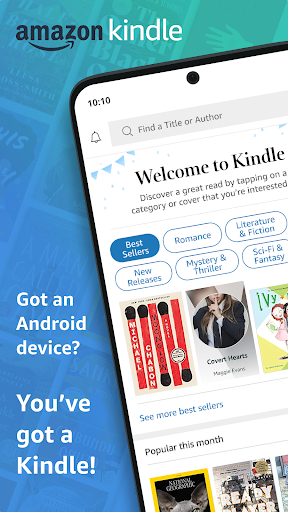
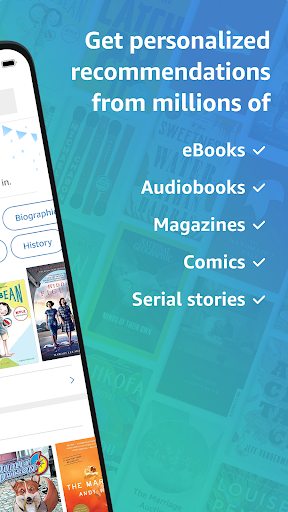
Amazon Kindle is a free reading app that turns a phone or tablet into an e-reader for Kindle books, magazines, comics, manga, and audiobooks (through Audible integration). It’s aimed at anyone who wants to read on the device they already carry, without buying a dedicated Kindle e-reader. With hundreds of millions of installs and millions of reviews, it’s clearly the default reading app for a huge share of Amazon customers, and it works across phones, tablets, and syncs with actual Kindle hardware.
Where It Genuinely Shines
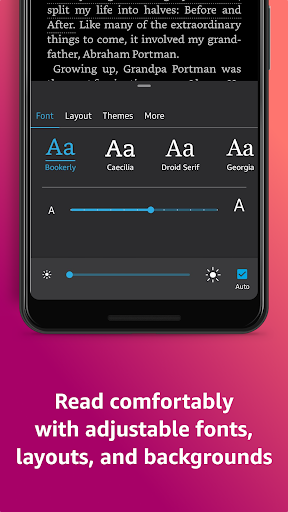
The core reading experience still holds up well for most users. Reviewers note it’s ‘easy to use most of the time,’ and the customization options—font size, margins, background color, page-turn style—give readers real control over comfort. Syncing your place across devices via Whispersync is the feature people miss most when it breaks, which tells you how valuable it is when working correctly. Users also appreciate being able to buy books directly in the app again after Amazon had restricted in-app purchases for a period, calling the old workaround of buying online ‘ridiculous.’
The Glitches That Keep Coming Up
The most common complaint in recent reviews is instability. Multiple users describe the app crashing or freezing, requiring a full restart, re-download of books, or even a full reset where their entire library had to be re-added to the phone. One reviewer said the app ‘used to be amazing with whisper sync’ but now ‘constantly glitches,’ with audiobooks reverting to the beginning instead of resuming where they left off. Another described losing all downloads outright a few weeks after an update. These aren’t isolated one-star rants—they show up across multiple detailed reviews with high helpful-vote counts, suggesting the syncing and stability issues are widespread rather than device-specific.
Smaller Annoyances Worth Knowing About
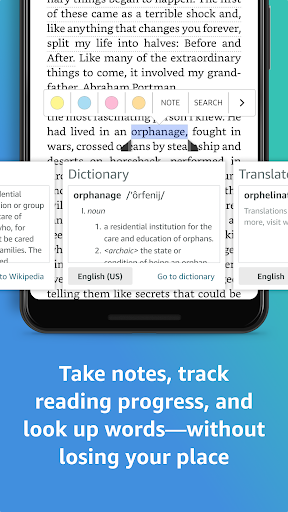
Beyond crashes, users flag specific interface problems: the ‘tap to download audible’ link sometimes doesn’t respond at all, requiring a cache clear or restart to get audiobook options to even appear. The highlight tool has been called ‘a disaster’ for triggering the dictionary popup instead of highlighting text. Library organization is also limited—there’s no way to sort by genre, only by author or title alphabetically, which is frustrating for readers with large, varied libraries. One reviewer also raised concerns about the Kindle Rewards redemption process not working as advertised.
Who Should Actually Download This
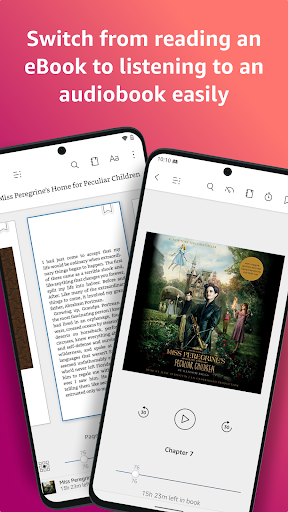
If you buy Kindle books or use Kindle Unlimited or Audible and want to read or listen on your phone, this app is still essentially mandatory—there’s no real alternative for accessing that library. The reading customization and cross-device sync, when functional, are genuinely useful. But go in expecting occasional instability: intermittent crashes, audiobooks losing their place, and the odd need to re-download your library. Heavy audiobook listeners who rely on seamless Whispersync switching seem to be hit hardest by recent bugs, so if that’s your primary use case, be prepared for some frustration alongside the convenience.