
What This App Actually Does
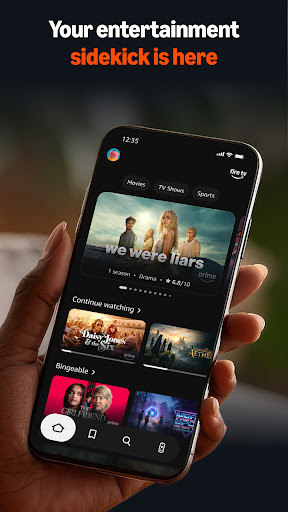
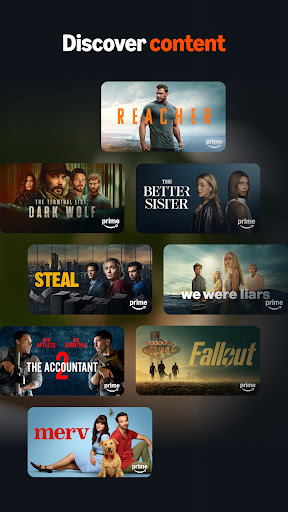
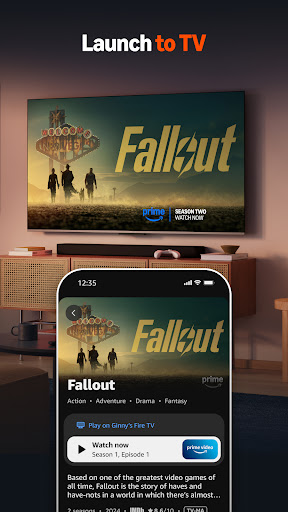
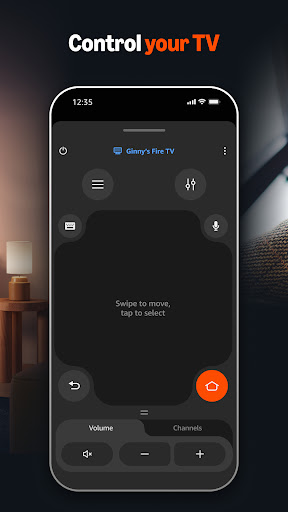
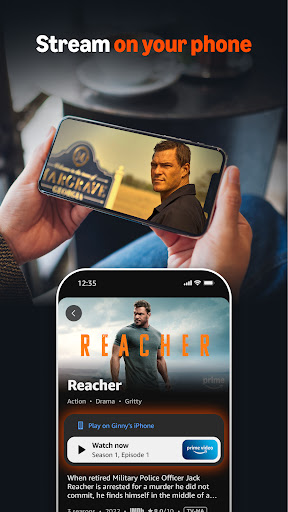
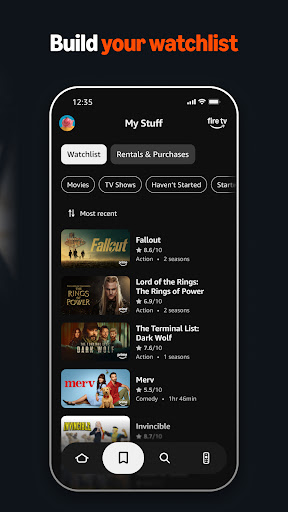
Amazon Fire TV is the companion app for controlling Fire TV devices from a phone. It works as a remote control, a keyboard for typing searches, a setup tool for new Fire TV hardware, and a discovery hub where you can browse titles and build a watchlist before sending something to the big screen. It’s aimed squarely at people who already own a Fire TV stick or Fire TV Edition smart TV and want a backup remote or an easier way to type in search terms than clicking through an on-screen keyboard with a physical clicker.
Where It Genuinely Helps
The most-cited reason people install this app is simple: they lost the physical remote. As one reviewer put it, having the remote ‘right there on your phone at your fingertips’ is a real convenience for households where the actual clicker constantly goes missing between couch cushions. Typing with a phone keyboard is also faster than hunting and pecking with directional arrows, and the shortcuts to jump directly into specific apps save time compared to scrolling through the home screen menu. When the connection is stable, users consistently describe the experience as smooth and genuinely useful as a second remote.
Connection Problems Are the App’s Biggest Weakness
The single most repeated complaint across reviews is unreliable connectivity. Multiple users describe the app refusing to connect even after restarting the router, uninstalling and reinstalling, and toggling airplane mode. Others report having to re-enter a PIN every time they leave and come back, or the app dropping the connection every few seconds. One reviewer summed up the overall experience well: ‘It works great, when it works. However, when it doesn’t work, it is USELESS.’ This isn’t a rare edge case in the feedback — it shows up again and again as the defining frustration with the app.
Smaller Annoyances That Add Up
Beyond outright connection failures, some users report the touchpad or directional controls behaving erratically, scrolling at high speed on their own when nothing is being touched. A December 2024 update also shrank the directional pad significantly, which one long-time user said made it harder to click accurately without looking at the screen, since the old larger pad allowed for more confident blind navigation. There’s also no volume control for the TV itself through the app, which one reviewer flagged as a missing basic feature for a remote replacement.
Who Should Actually Download This
If you own a Fire TV device and frequently misplace the physical remote, this app is worth having installed as a backup option — when it connects properly, it does the job and then some with faster typing and app shortcuts. But go in with realistic expectations: connectivity issues are common enough in the feedback that you shouldn’t rely on this as your only remote, especially for anything time-sensitive like pausing during a shared viewing session. Keep the physical remote as your primary tool and treat this app as a convenient, if occasionally flaky, secondary option rather than a full replacement.



